
A new study from Avast reveals a growing need for Kiwi families to have open and honest conversations with older ones about staying safe online. With cybercrime targeting older adults at alarming rates, the report exposes just how wide the generational Cyber Safety gap has become, and how family members often struggle to bridge it.
According to the Avast Safe Tech Report, nearly 1 in 2 (45%) Kiwis with older loved ones have helped them avoid falling victim to a scam, and 84% of Kiwis with older loved ones have tried to warn them about risky online behavior or scams. But just like that first awkward talk years ago, not everyone’s listening. Only 53% changed their habits, while others didn’t understand the advice they were given (16%). Some older people even said their younger family members were overreacting (10%) or lied and said they’d change but didn’t (9%).
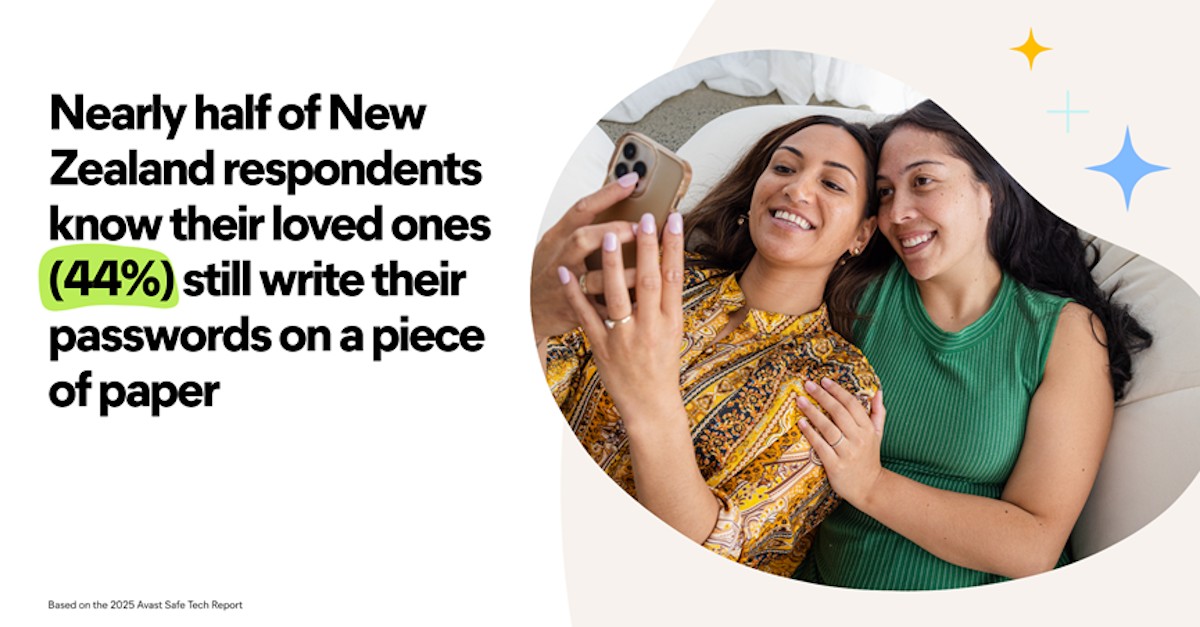
When warning their older loved ones about risky online behaviour, New Zealanders raised concerns about six key behaviours: clicking on suspicious links (91%), oversharing personal information (78%), answering unknown calls (83%), responding to texts from strangers (84%), downloading unfamiliar apps (78%), and using weak passwords (70%). Shockingly, 44% report that their older loved ones still write their passwords on a piece of paper, a habit that might feel harmless, but creates an open invitation for criminal activity.
Talking about online safety isn’t always comfortable, but it’s critical. And just like the original “talk,” it’s better to start early, speak clearly and repeat as needed.
According to the Avast Safe Tech Report, almost half (46%) of New Zealanders in the research say their aging loved ones have already fallen victim to an online threat. Among those affected, 26% have fallen victim to scams, 17% experienced financial fraud, 10% suffered malware infections, and 7% were victims of identity theft. These aren’t just statistics – they represent real families facing serious, sometimes devastating, consequences.
The most common scams targeting older adults:
• Tech Support Scams: Pop-up calls claiming a virus is on the device.
• Phishing: Emails or texts pretending to be from banks, police or family.
• Fake Invoice Scams: Fake payment requests, often imitating legitimate companies or service providers.
“We see that many older adults genuinely want to stay safe online but weren’t raised with this technology where the rules are constantly changing,” says Mark Gorrie, APAC Managing Director for Avast. “The Avast Safe Tech Report shows that small behaviors – like jotting down passwords or trusting unsolicited calls – can open the door to massive fraud. That’s why families need to talk about it, openly and often.”
To take control of your Cyber Safety together with your loved ones, Avast experts encourage having the Safe Tech Talk and focusing on these top five best practices:
• Learn Cyber Safety best practices and share them with your loved ones.
• If you receive scam messages, texts, or calls, warn friends and family and share examples to spark a conversation about safety.
• Offer support and help with safeguarding their devices, personal information and finances.
• You can put up this printable flyer with more safety tips in the home office or wherever your loved ones are sure to see the reminders.
In addition, people should practice Safe Tech:
1. Strengthen Password Habits: Use long, unique passwords for each account – at least 15-20 characters with a mix of lowercase and uppercase letters, numbers and symbols. Avoid personal information and consider using a password manager.
2. Spot the Red Flags: Be cautious with unsolicited emails, texts or calls claiming to be from banks, NZ Police or tech support. Scams often create a false sense of urgency to trigger quick action.
3. Know the Common Scams: Become familiar with the top scams targeting older adults, such as phishing, tech support hoaxes, romance scams, fake invoice scams, fake software updates and fake NZ Police scams.
4. Set Up Smart Safety Tools: Protect phones, computers and tablets with security software that includes scam protection, and use a secure browser. Keep devices and apps updated.
5. Make Cyber Safety a Team Effort: Create a “phone-a-friend” plan and run things by someone you trust if you’re in doubt about whether a message or request is legitimate.
“You can’t hide your head in the sand and leave the people you care for at the mercy of cybercriminals. Nearly a fifth (18%) of Kiwis with older loved ones said they’d prefer to go to the dentist over helping them navigate the internet, and over a quarter (26%) have never taught an older loved one about staying safe online. The stress from an identity breach or the loss of money can really affect older people. It’s time we all took ‘the talk’ with those we care for more seriously,” says Gorrie.


