
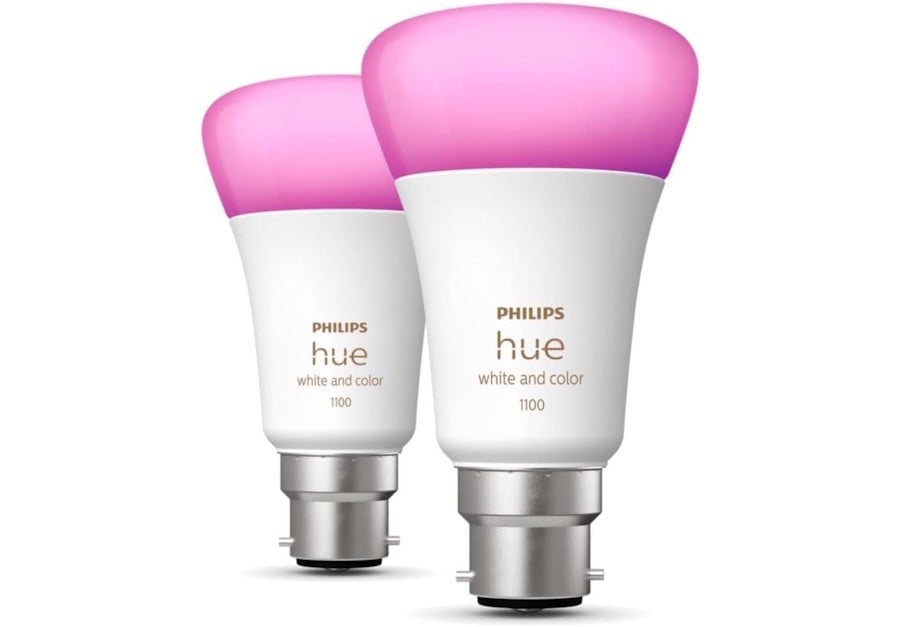
When I was approached for this review, the proposition was simple: check the Philips Hue 11W B22 A60 White and Colour Ambiance lightbulbs.
Having a house with an established Philips Hue platform meant I didn't expect to find much to talk about. With 1100 Lumens capacity, these lights are brighter than the previous models I had already installed. They work with both Bluetooth and the Philips Bridge, for more control. And by extension, they can easily be added to Apple HomeKit, Alexa, Google and other home automation platforms based on the Zigbee standard.
I decided that the review couldn't be limited to how easy it is to add these lights to an existing home setup.
So, I decided that it was time to have a good look at how those smart lights were distributed around the house, and if they were being used to their best.
I started by creating a list of rooms and lights assigned to each of these. Some rooms had a single light e.g. laundry, and others had lights with different use – as an example the bedrooms with either a ceiling light and wall lights or a ceiling light and bedside light.
I then updated the bulb model and socket type. You can easily find the bulb model from the Hue app if you look at the info for each light.
I found out we had a mix of different models: LWA010, WB006, LCA001, LCA006 and LCT007. These models include white-only and white-and-colour lights, as well as 600-, 800-, 1100-, and 1600-capable lumen devices.
I then started thinking about rules: where brighter lights are needed, where we want colours and so on.
For example: placing high-lumen lights in the dining area would be a waste because we had a three-light feature there. On the other hand, we needed stronger lights in the living area, where a couple of floor lamps are used in the evening for some arts and crafts. And the wall and bedside lights didn't need to be as bright as the ceiling lights.
I also wanted to ensure the best use of electricity was a consideration.
Once I had these rules in a list, I thought of manually rearranging the lights. It worked, but I wanted confirmation that I had reached the best location.
I did what many do these days: enlist the help of an LLM chatbot.
I fed it our existing light configuration; plus, the rules we came up with.
The chatbot thought for a few seconds (a lot less than my manual process), but the end result was the same as my human-made conclusion. A new map with about two-thirds of the lights in new positions, for the most efficient power use, decoration and illumination potential.
My next step was to physically swap the lights, rename them in the Hue app and update the linked Alexa account. Then test.
Moving the lights around was not a problem. But the integration between the Hue system and Alexa did not reflect the room distribution; however, it automatically renamed the lights as I updated them with new names, making it easier to move these to their respective groups in the Alexa app.
The resulting distribution reflects our family's needs and wants. It makes better use of the lights we had and the couple of new additions. It provides confidence that we are using the lights in a way that is effective and does not cost more than what we need to pay. A good result.
So next time you are looking around for new lights, stop and take a bit of time to think if you are making the most of your investment.


