Geekzone: technology news, blogs, forums
Guest
Welcome Guest.
You haven't logged in yet. If you don't have an account you can register now.


View this topic in a long page with up to 500 replies per page Create new topic
1 | 2 | 3 | 4 | 5 | 6 | 7 | ... | 8
Fo0L
54 posts

Master Geek
+1 received by user: 22


  #1094273 23-Jul-2014 15:26
Send private message

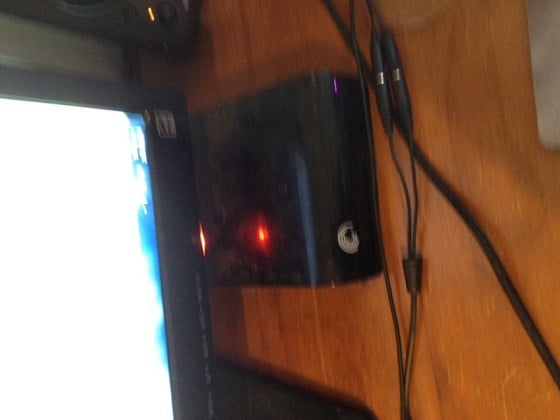
My un-worthy attempt at storage / backing up our systems resulted in the purchase of an external HDD some years ago.  Its at its limits now and is horribly disorganised.
That said, I did get it before the old PC turned its toes up and it was backing up automatically on a regular basis.  So we lost very little, if anything, when that machine died.
Sadly, since moving, its not been employed in the same manner.
I'd like to have a better solution for serving the myriad of smarty devices on the network, and for storing things in a more organised fashion. 
Perhaps this beastie would motivate me to put the time into sorting it out!


KrazyKid
1247 posts

Uber Geek
+1 received by user: 616


  #1094285 23-Jul-2014 15:43
Send private message

I too am using a extenal HDD - connect by USB to my router (Fritz-box)
I'd love to be able to do some proper nextwork back-ups and have some real space/ options.
It would also be nice to have diect access to the files and not use the supplied web browser only!!

DarthKermit
5346 posts

Uber Geek
+1 received by user: 3317

Trusted

  #1094313 23-Jul-2014 16:20
Send private message

Only got this. One internal hard drive with the above capacity and space left. No external HDD or any other goodies. *cries*


Why can't I paste a print screen into this reply? It says it contains three bad words: f***, c**t and s**t.


HDD capacity is 69.2 GB with 28.1 GB free.


Whatifthespacekeyhadneverbeeninvented?


mentalinc
3384 posts

Uber Geek
+1 received by user: 1023

Trusted

  #1094314 23-Jul-2014 16:22
Send private message

Currently I run a backup to a USB drive kept off site and a USB drive plugged into my router.

Really keen to move to a NAS to separate the data physically and get some Windows 8 File History working outside my case (instead of onto a separate physical drive in the same case).


CPU: AMD 5900x | RAM: GSKILL Trident Z Neo RGB F4-3600C16D-32GTZNC-32-GB | MB:  Asus X570-E | GFX: EVGA FTW3 Ultra RTX 3080Ti| Monitor: LG 27GL850-B 2560x1440


Quic: https://account.quic.nz/refer/473833 R473833EQKIBX 


hsvhel
1273 posts

Uber Geek
+1 received by user: 596

ID Verified

  #1094316 23-Jul-2014 16:23
Send private message

I currently don't have a solution, looking around.  My Old Dell crapbox blew the motherboard and is not worth replacing. This would be prefect!!


Referral Link Quic


Free Setup use R502152EQH6OK on check out


mrgsm021
1538 posts

Uber Geek
+1 received by user: 310

ID Verified
Trusted

  #1094317 23-Jul-2014 16:24
Send private message

Nothing fancy with current set up at home, just using couple of desktop HDD (a WD 1TB & a HP 2TB) plus a Hitachi portable HDD. The WD 1TB HDD is currently connected to my AudioCodes MP264 media server, still try to figure out how to use the server.


Move to New Zealand's best fibre broadband service (affiliate link). Free setup code: R587125ERQ6VE. Note that to use Quic Broadband you must be comfortable with configuring your own router.
hairy1
3352 posts

Uber Geek
+1 received by user: 644

ID Verified
Trusted
Lifetime subscriber

  #1094320 23-Jul-2014 16:29
Send private message

A headless server setup in the junk cupboard currently. A NAS would be a little more wife freindly!

Server


My views (except when I am looking out their windows) are not those of my employer.


l43a2
1784 posts

Uber Geek
+1 received by user: 591

ID Verified
Trusted

  #1094322 23-Jul-2014 16:30
Send private message

i currently use my desktop as my main storage device, i've always wanted to have a stand alone device for storage but the costs seem high. This nas could offer me the chance to have raid protected storage and lower the risks of loosing my important data and saving some power in the process :)


Hammerer
2480 posts

Uber Geek
+1 received by user: 802

Lifetime subscriber

  #1094362 23-Jul-2014 16:42
Send private message

I have a big old server which I was using as a NAS. It's noisy so it sits out in the garage but I've had to use the powerline adapter in the garage to replace one that failed in my sons' bedroom. So I don't have any way to access the NAS without spending money which I can't do right now because of many worthy causes like dentists, orthodontists, panel beaters, etc.

Sideface
9649 posts

Uber Geek
+1 received by user: 15598

Trusted
DR
Lifetime subscriber

  #1094370 23-Jul-2014 17:00
Send private message

I already have an excellent NAS solution for SOHO use - a Synology Diskstation DS1813+ 8-bay with 8 x 4TB WD Red HDDs using RAID5.
This unit is excellent in all respects but it is large, heavy, and is definitely not portable.


I need a second semi-portable 2-bay NAS for transporting very large backups (several TB) to another office location to give me triple redundancy.
I hope to use 2 x 6TB WD Red HDDs in the Thecus.


Sideface


tripp
3848 posts

Uber Geek
+1 received by user: 1220

Trusted
Lifetime subscriber

  #1094374 23-Jul-2014 17:15
Send private message

This is what both the flatmate and I have


We have a few hard drives in our machines and have to use media servers on each machine to be able to stream it to xbox and other devices, we also need to keep the machines on 24/7.
A NAS would be good as we can store things in 1 place and not have to go looking over a number of different drives and would not matter if the flatmate turned his machine off :)


Shop now on AliExpress (affiliate link).
GJones
41 posts

Geek
+1 received by user: 5


  #1094384 23-Jul-2014 17:47
Send private message

External HDD, just here as a paper weight really, as it's dead as a door nail... :-(  The HDD in the home PC also died (fortunately able to recover info when intermittently it would boot)

So for data security would love to have something NAS based that is accessible to all in the family i.e photos, media, music as with teenage kids and the wife on the ipad etc there are always demands for simple access.


littleninjaman
104 posts

Master Geek
+1 received by user: 2


#1094393 23-Jul-2014 18:07
Send private message

I currently have my computer with a couple of drives with a plex server on it. this streams to my raspberry pi on the tv. I also use bittorrent sync on the raspberry pi so If I had this I could mount a share on the raspberry pi from the nas so I could access my all files/media anytime needed. Would also have a mirror for a bit more redundancy and all my very important files will be backed up to other clients with bit torrent sync so I would have a triple+ data copy :) Also would be handy so I can take it somewhere since my computer isn't really portable. Ive got a laptop in the mail so I can be a bit portable and im learning javascript and node.js atm (im a noob still :P ) so will be able to have 24/7 network storage since its only got 256gb ssd in it.

PhantomNVD
2619 posts

Uber Geek
+1 received by user: 759
Inactive user


  #1094396 23-Jul-2014 18:19
Send private message

I would love a NAS but haven't ever had the money or WAF to spend on one.

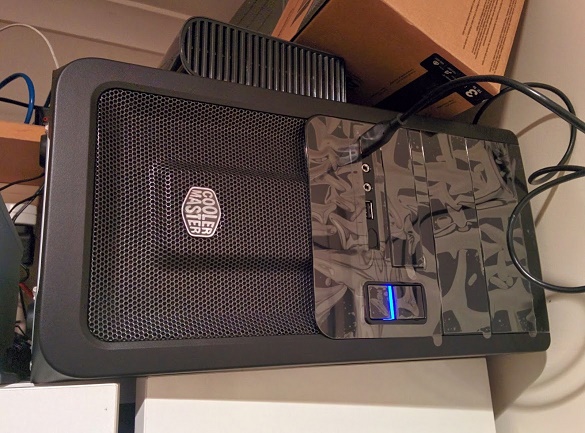
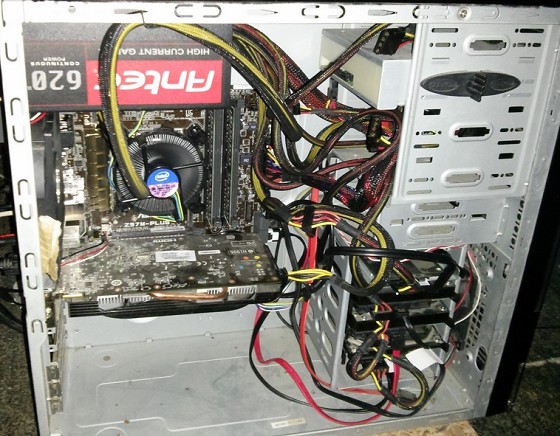
I also run a backup monthly to a USB drive kept off site at work and all storage is housed in my computer case.

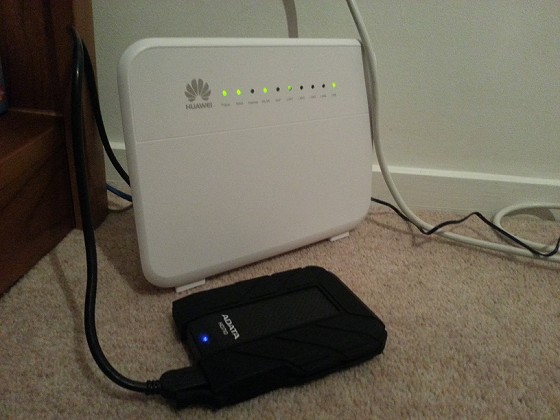
I'm very keen to move to a network share that doesn't need my main machine to be running just so my 'smart' TV can stream my media, especially as I tried hooking the USB to the old Huwai router and it couldn't even access it at a speed to avoid buffering, even hard wired :(

loceff13
1089 posts

Uber Geek
+1 received by user: 340


  #1094397 23-Jul-2014 18:33
Send private message

My existing storage solution consists of a 2TB SATA HDD in an enclosure with essential files+non essential files and also 1x64GB USB3.0 stick with all the important documents/photos. Photos are also backed up on flickr

1 | 2 | 3 | 4 | 5 | 6 | 7 | ... | 8
View this topic in a long page with up to 500 replies per page Create new topic


Geekzone Live »

Try automatic live updates from Geekzone directly in your browser, without refreshing the page, with Geekzone Live now.


Are you subscribed to our RSS feed? You can download the latest headlines and summaries from our stories directly to your computer or smartphone by using a feed reader.