Geekzone: technology news, blogs, forums
Guest
Welcome Guest.
You haven't logged in yet. If you don't have an account you can register now.


View this topic in a long page with up to 500 replies per page Create new topic
1 | 2 
snowfly
552 posts

Ultimate Geek
+1 received by user: 115


  #3214827 5-Apr-2024 22:04
Send private message

I also have the GWN7003, two of them, my setup:


  • Primary GWN7003 at home - 2degrees gigabit fibre, PPPoE, static IPv4 (approx 920/550 with hardware acceleration on - see manual)
  • Secondary GWN7003 at remote property - Skinny 4G wireless broadband (permanently connected via OpenVPN link)
  • I use OpenVPN clients on phone (Android) & laptop when out and about to connect back to home GWN7003 (and also access secondary GWN7003)
  • Both GWN7003's powered by PoE
  • Use DNAT to forward some ports for servers
  • Have also tested a 2.5G SFP RJ45 module, successfully connected & routed 2.5G to a QNAP Nas with 2.5G port

I haven't played with IPv6, the WAN page in router shows IPv6 status connected, with a local and global IPv6 (not sure if my 2D static IPv4 comes with static IPv6, had my static IPv4 since Snap days)
Little digging into settings I can see I could relay IPv6 from WAN to clients on VLAN, but haven't gone any further, so can't say what does or doesn't work.


If you want to know anything else, just ask.


User manual can be found here: https://documentation.grandstream.com/knowledge-base/gwn700x-user-guide/ 


odrusso
3 posts

Wannabe Geek
+1 received by user: 1


  #3215081 6-Apr-2024 14:49
Send private message

AndrewTG:


You might want to check one of these.


I bought one with 4x i226-V and an N100 cpu (can't find it listed for some reason) and it has been perfect. Running OpenWRT which has plugins for most things you would want to do (VPN, NAS, etc). I also run home assistant on it under docker. Has been working with IPv6 on both IPoE and PPPoE no problem.


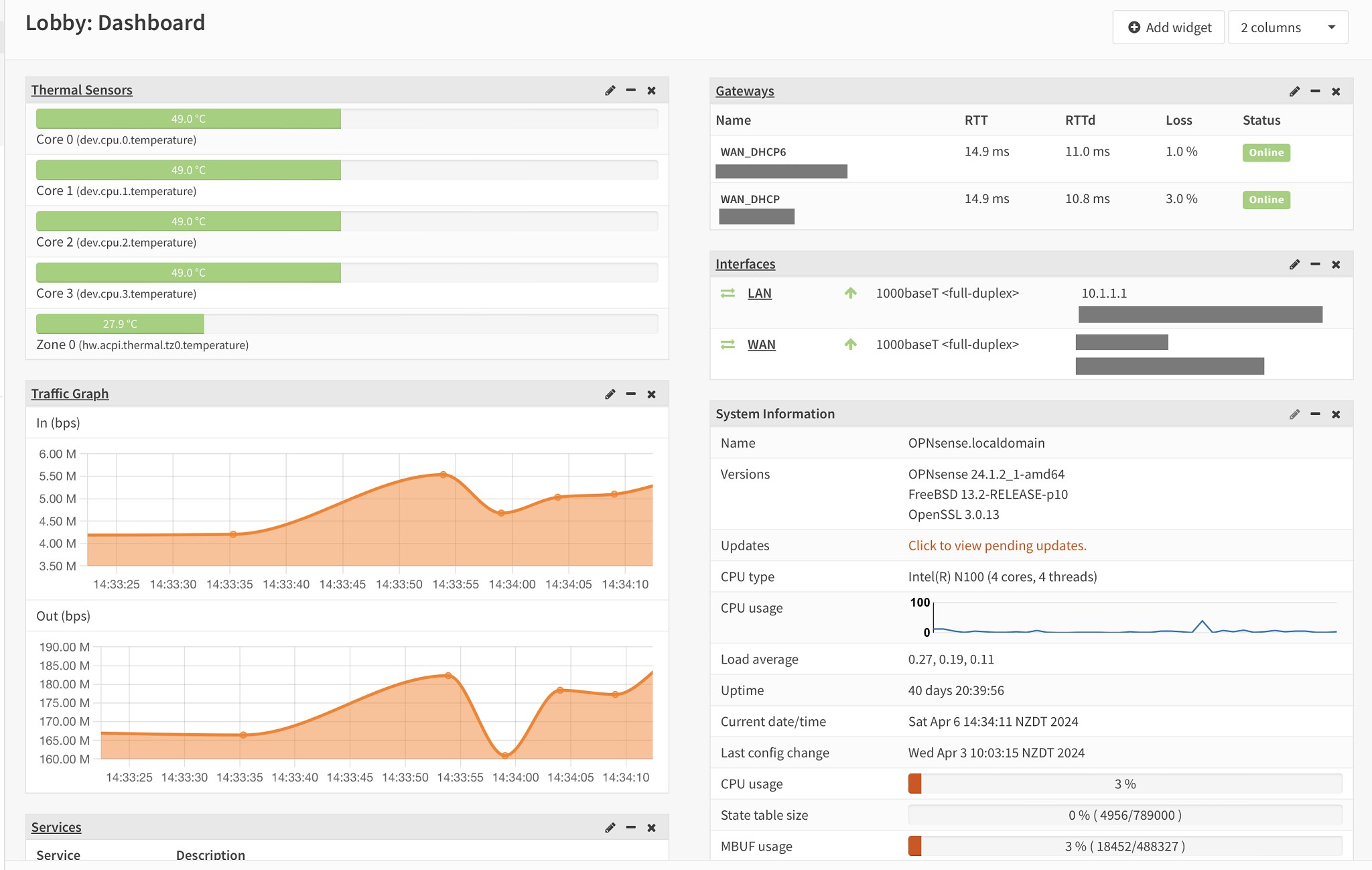
I've been running one of these for ~8 months since moving to Quic too. From AliExpress was $300 + $65 for RAM and a 16gb SSD from PBTech. Mine runs OPNSense which had a bit of a learning curve as I've never gone the DIY route for networking before, but I'm stoked with the extensibility and performance. Much less CPU usage for me since switch to DHCP, but could still do full speed with PPPoE. I have no need for hyperfiber but I'm sure it could handle 2g/2g.


I initially ran Wireguard for a VPN on a NAS, but I've recently shifted to hosting it on the router and it's been working perfectly.


I wonder if the new (haven't seen stock in NZ yet) Unifi UCG-Ultra could also be a good option for ~$250, especially if you want to use other Unifi gear. Potentially an easy option with few compromises, I'm in half-a-mind to pick one up and see how well it works.


lxsw20
3689 posts

Uber Geek
+1 received by user: 2175

Subscriber

  #3215139 6-Apr-2024 18:13
Send private message

theviper:
lxsw20:


Also have  GWN7003 and like it. Will meet your requirements well.


$150 from go wireless that's insane value.

Just confirming IPV6 works on it for you? (PPoE is fine. I'm not wanting or needing DHCP)


I'm with Skinny, so Spark network, no IPV6, but no reason why it wouldn't, the router supports it.


eonsim
403 posts

Ultimate Geek
+1 received by user: 192

Trusted

  #3215240 7-Apr-2024 08:04
Send private message

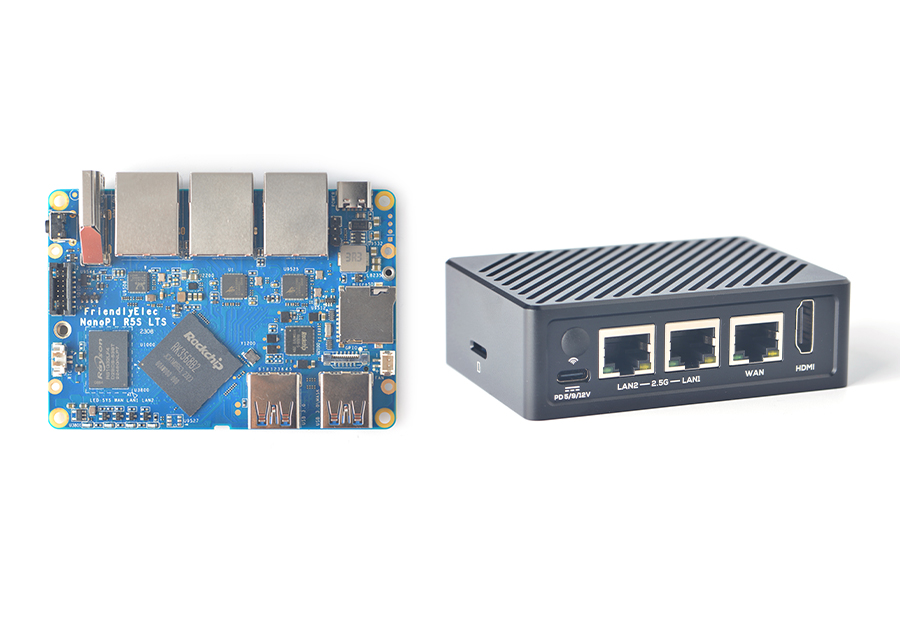
Another option is a NanoPi (R4, R5 or R6) they have either 2x 1Gb or 2x 2.5Gb + 1x 1Gb ethernet ports and multicore (4-8cores) ARM chips with 2-8GB of RAM. The R4 and R6 can easily manage a full gigabit network connection when running OpenWRT and use about 6W of power, they tend to be very nice little boxes about the size of a 5port switch.


I use a nanopi R4S with Quic and it happily does Gigabit with both PPPOE or DHCP. It also has docker so you can install various other software packages on it and they go for $100-200NZ. The R5 I think has low power cores only 4xA55, R4 2xA72 + 4xA53, R6 4xA76 + 4xA55 with a NPU.


1 | 2 
View this topic in a long page with up to 500 replies per page Create new topic


Geekzone Live »

Try automatic live updates from Geekzone directly in your browser, without refreshing the page, with Geekzone Live now.


Are you subscribed to our RSS feed? You can download the latest headlines and summaries from our stories directly to your computer or smartphone by using a feed reader.