Geekzone: technology news, blogs, forums
Guest
Welcome Guest.
You haven't logged in yet. If you don't have an account you can register now.


View this topic in a long page with up to 500 replies per page Create new topic
1 | 2 
maxeon

1279 posts

Uber Geek
+1 received by user: 106

ID Verified
Lifetime subscriber

  #3307928 12-Nov-2024 09:34
Send private message

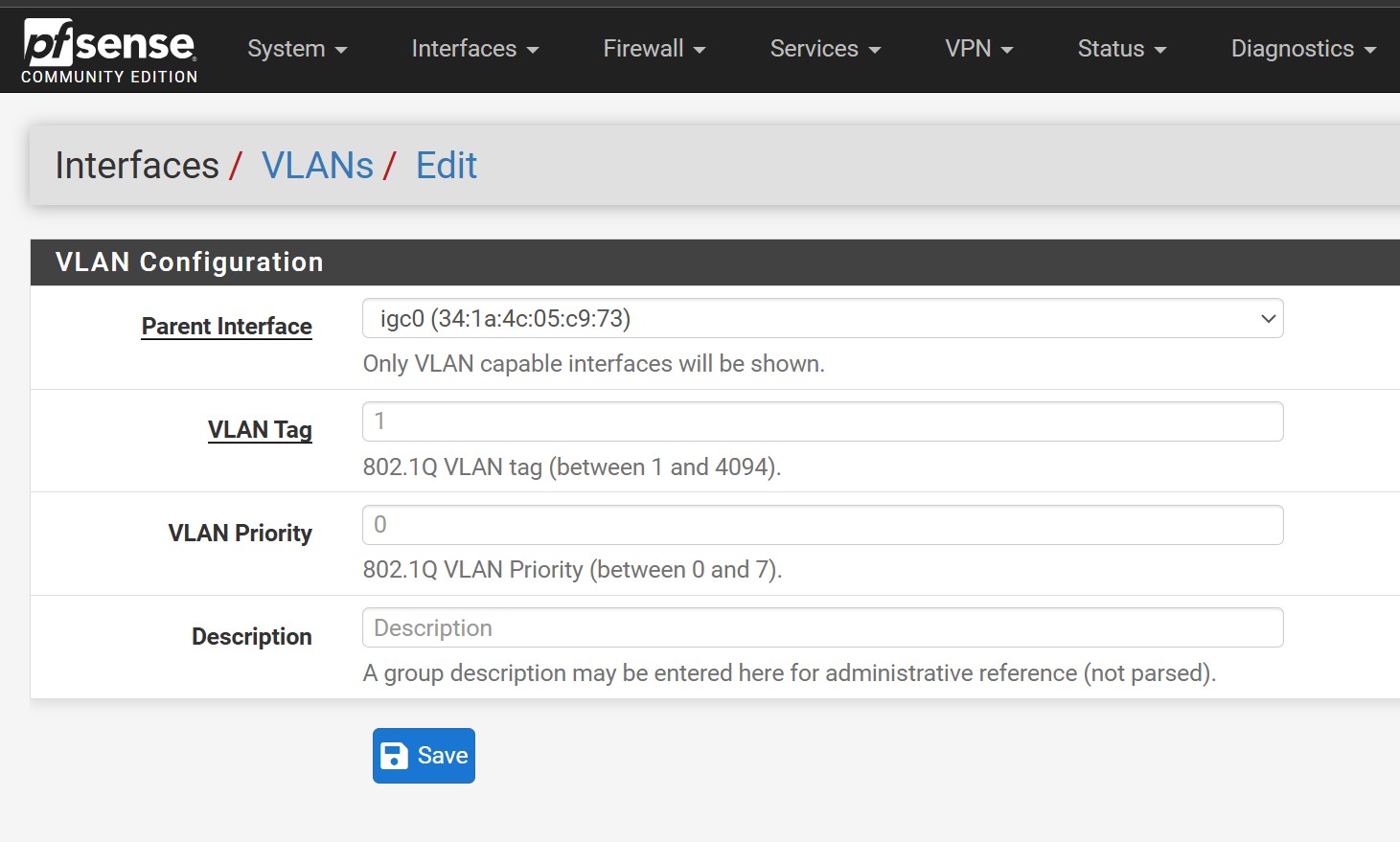
Ok, changing it to DHCP broke the internet, perhaps I am not doing it right. 


There are no VLAN setups and onboarding email had untagged vlan with pfsense asking for a minimum 1 value. 


I might need to change this too? 


michaelmurfy
meow
13579 posts

Uber Geek
+1 received by user: 10910

Moderator
ID Verified
Trusted
Lifetime subscriber

  #3307965 12-Nov-2024 10:50
Send private message

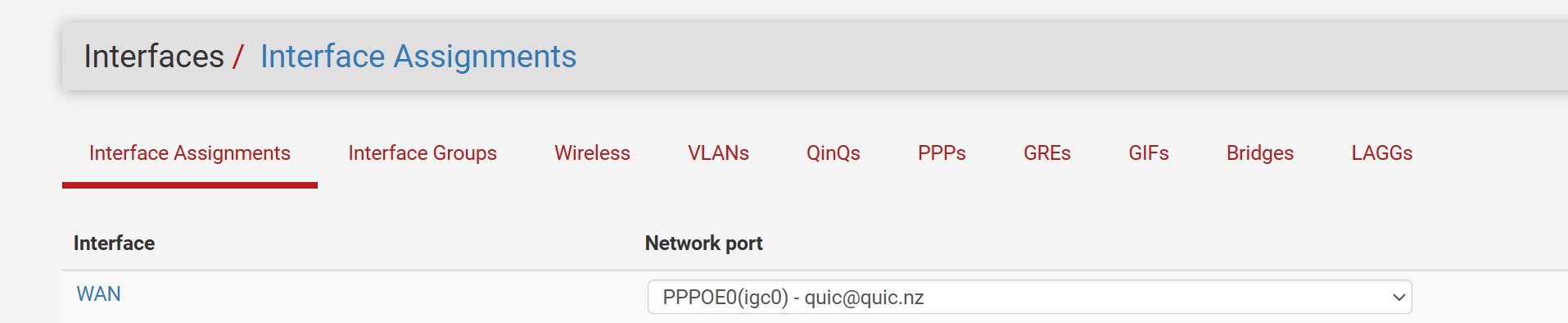
You won't need to set a VLAN or anything. I'm not too familiar with PFSense but looking up it appears your WAN port is still set to your PPPoE port.


Does your router get an IP on the WAN interface?


Michael Murphy | https://murfy.nz
Referral Links: Quic Broadband (use R122101E7CV7Q for free setup)

Are you happy with what you get from Geekzone? Please consider supporting us by subscribing.
Opinions are my own and not the views of my employer.


maxeon

1279 posts

Uber Geek
+1 received by user: 106

ID Verified
Lifetime subscriber

  #3307968 12-Nov-2024 10:55
Send private message

I think the interface was still set to ppoe
I will give it a go again during off peak when no one is working from home.

1 | 2 
View this topic in a long page with up to 500 replies per page Create new topic


Geekzone Live »

Try automatic live updates from Geekzone directly in your browser, without refreshing the page, with Geekzone Live now.


Are you subscribed to our RSS feed? You can download the latest headlines and summaries from our stories directly to your computer or smartphone by using a feed reader.