
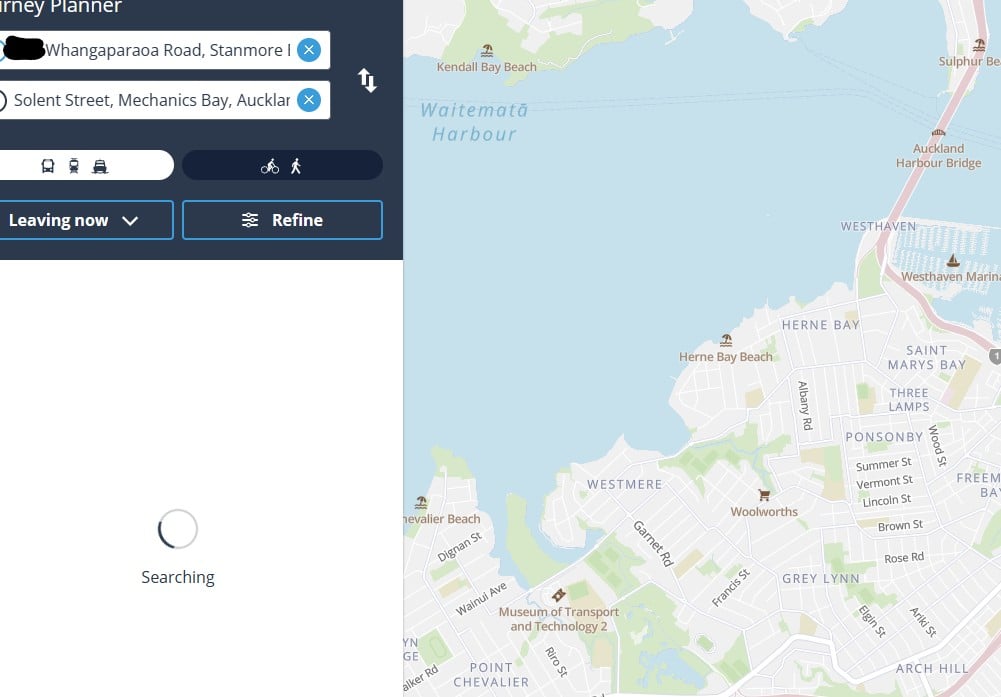
Been trying to sort out my bus for this week, but cant get at.govt.nz to display the timetables. Yet on my work VPN it shows straight away, no issues.
Can someone else on Quic give it a shot please ? :) I just get the searching circle.


 Retired Mod
 ID Verified
 Trusted Lifetime subscriber


|

 ID Verified Trusted Lifetime subscriber
Dunedin, NZ
Quic Broadband | Rocket 1G/1G Hyperfibre (Yes, you read that right!)
Dunedin Live Webcam (4K) | Quic Smokepings
Referral Links:
Quic (use R282731EPGJMG on checkout for free setup, and to help me pay for my fast internet addiction)
Contact Energy (use FRTDD2R for $100 credit)
 ID Verified Trusted
 Moderator ID Verified Trusted Lifetime subscriber
Michael Murphy | https://murfy.nz
Referral Links: Quic Broadband (use R122101E7CV7Q for free setup)
Are you happy with what you get from Geekzone? Please consider supporting us by subscribing.
Opinions are my own and not the views of my employer.
 ID Verified
Retired Mod ID Verified Trusted Lifetime subscriber
ID Verified
Retired Mod ID Verified Trusted Lifetime subscriber
 ID Verified Trusted
Opinions are my own and not the views of my employer.
 Trusted Lifetime subscriber
Please keep this GZ community vibrant by contributing in a constructive & respectful manner.
|
|


