Geekzone: technology news, blogs, forums
Guest
Welcome Guest.
You haven't logged in yet. If you don't have an account you can register now.


NightStalker

327 posts

Ultimate Geek
+1 received by user: 159


#320391 8-Aug-2025 09:43
Send private message

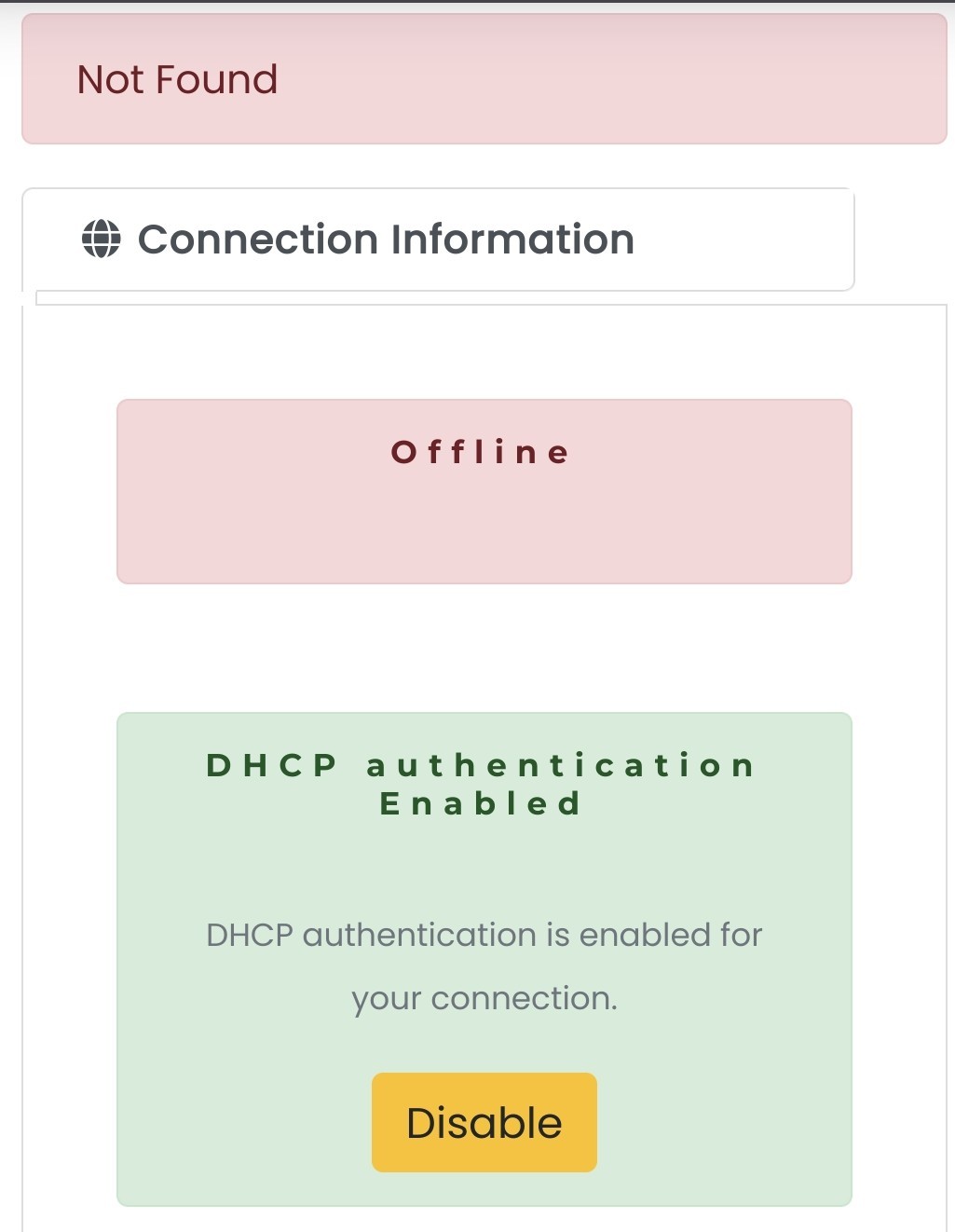
Is anyone able to confirm when the customer portal product details for the connection get populated (ONT serial, connection plan etc) under the service info heading and below.  


Does this happened when the connection is provisioned/setup or after first connection (connecting router etc).


Having some isses with a new connection and that info has not been populated as yet.


Create new topic
michaelmurfy
meow
13579 posts

Uber Geek
+1 received by user: 10910

Moderator
ID Verified
Trusted
Lifetime subscriber

  #3400959 8-Aug-2025 09:48
Send private message

After your connection is provisioned stuff will start showing :)


Edit - if stuff isn't showing yet, and you're "connected" then log a problem ticket in the portal.


Michael Murphy | https://murfy.nz
Referral Links: Quic Broadband (use R122101E7CV7Q for free setup)

Are you happy with what you get from Geekzone? Please consider supporting us by subscribing.
Opinions are my own and not the views of my employer.


mentalinc
3384 posts

Uber Geek
+1 received by user: 1023

Trusted

  #3400960 8-Aug-2025 09:48
Send private message

What do you see?


I'd expect it to be visable once your connection is live.


Are you on Chorus or somewhere else in the country?


CPU: AMD 5900x | RAM: GSKILL Trident Z Neo RGB F4-3600C16D-32GTZNC-32-GB | MB:  Asus X570-E | GFX: EVGA FTW3 Ultra RTX 3080Ti| Monitor: LG 27GL850-B 2560x1440


Quic: https://account.quic.nz/refer/473833 R473833EQKIBX 


NightStalker

327 posts

Ultimate Geek
+1 received by user: 159


  #3400970 8-Aug-2025 10:48
Send private message

.


This is on TFF (Whanganui).


Billing info is at the top but where the connection info should be there's nothing.


Im just double checking things at my end before risking a no fault found fee.  Provisioning have advised to log a fault but with things to date I'm not confident its been setup right.


Port 2 was made active (go live) on the 4th.  Port 1 is still active with spark and works.  The sm3 router should just be moved over and vlan disabled.  In theory the routers fine hence my original question in case it was a weird  router vlan bug but if the portal details are populated independently then the router shouldn't matter


saf

saf
221 posts

Master Geek
+1 received by user: 533

ID Verified
Trusted
Vetta Group
Subscriber

  #3400995 8-Aug-2025 11:32
Send private message

Hey @NightStalker


I think I've found your connection, and despite us being told port 2, and port 2 being vacant, looks like you're actually on port 3 for some reason.


Could you try port 3 on your ONT please?


My views are as unique as a unicorn riding a unicycle. They do not reflect the opinions of my employer, my cat, or the sentient coffee machine in the break room.


NightStalker

327 posts

Ultimate Geek
+1 received by user: 159


  #3401034 8-Aug-2025 13:34
Send private message

@saf


At provisionings request we tried port 3 (and 4) on Tuesday with no luck.
Via email I provided the serial to provisioning.  Not sure if its worth double checking it matches the address.


saf

saf
221 posts

Master Geek
+1 received by user: 533

ID Verified
Trusted
Vetta Group
Subscriber

  #3401037 8-Aug-2025 13:39
Send private message

Have PM'd you


My views are as unique as a unicorn riding a unicycle. They do not reflect the opinions of my employer, my cat, or the sentient coffee machine in the break room.


Create new topic


Geekzone Live »

Try automatic live updates from Geekzone directly in your browser, without refreshing the page, with Geekzone Live now.


Are you subscribed to our RSS feed? You can download the latest headlines and summaries from our stories directly to your computer or smartphone by using a feed reader.