Administrator
 ID Verified
 Trusted
 Geekzone

Hi folks
Unlike other organisations who like to say "we take our customers' privacy very seriously" after a breach happens, we do actually care here. Please familiarise yourself with our Privacy Policy for a start.
One thing I have constantly monitored is security. From using firewall configurations to allow only specific IP addresses to access our services, to web application firewall blocking or challenging suspicious requests and enforcing access to users' data via login levels, we ensure the platform is protected. We also run monthly application scans to ensure our code is secure against most threats, automated or not.
All of our moderators have 2FA enabled, which is something I recommend other users to do too (check on your profile page).
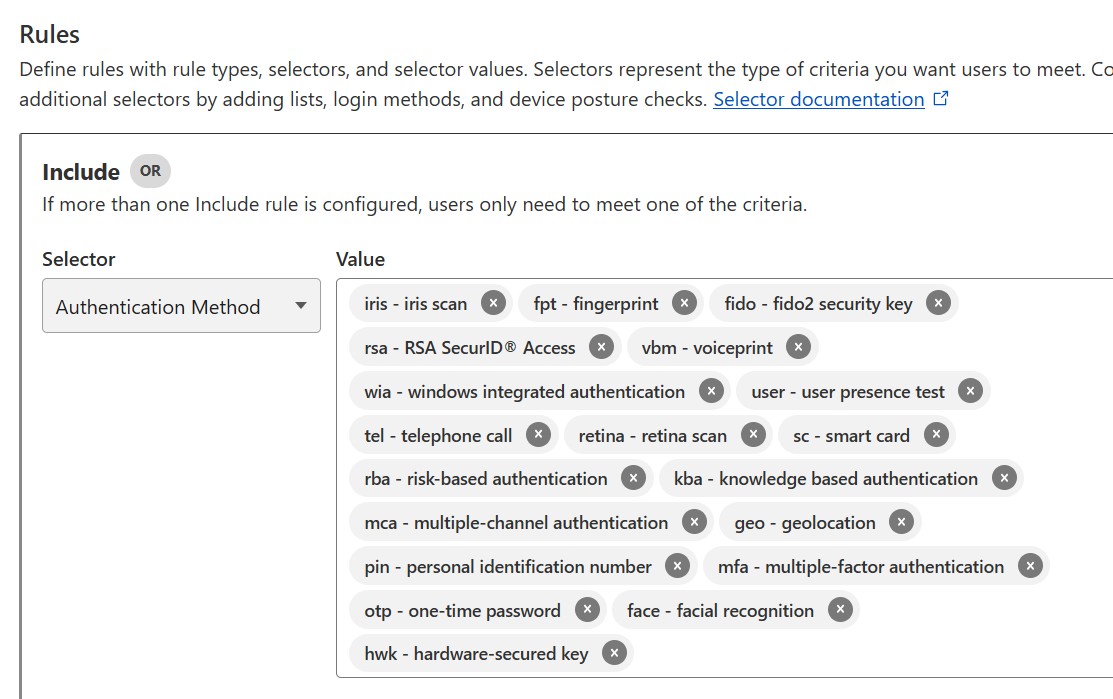
On top of that I have recently enabled a Zero Trust approach to accessing our internal admin pages. This means moderators now need a third form of authentication, on top of the usual password plus 2FA.
Since access requests are tested before landing on our server, this will help us prevent any coding error that could happen, allowing non-mod users access to private information we hold. This is an additional layer over the application firewall and authentication rules already in place.
Another thing we do is test your username and password against a list of leaked credentials, at login time. By doing this we can ensure users who re-use passwords, and had their credentials leaked somewhere else, are warned about it.
We use a secure API, so your password is never disclosed during this check. If you try to login but receive a page blocking your access to Geekzone until you change your password, it means you need to check if this password was used somewhere else and if it needs to be reset there too. Seeing the block page doesn't mean we leaked your password. It just means we see it was leaked somewhere else.
This is a good reminder to keep your email up-to-date too.
Our stats show we catch one or two leaked passwords a day. I know some people see forum accounts as low value, and not worth the effort to use unique passwords. I recommend you consider using a password manager and do use unique passwords, regardless of the service.
Safe browsing everyone.