Geekzone: technology news, blogs, forums
Guest
Welcome Guest.
You haven't logged in yet. If you don't have an account you can register now.


View this topic in a long page with up to 500 replies per page Create new topic
1 | 2 | 3 | 4 | 5 | 6 | 7 | 8
danepak

1124 posts

Uber Geek
+1 received by user: 85


  #2745481 16-Jul-2021 22:48
Send private message

Should I ask the iStore for a refund or do they have a point?


I mean, I can't install MacOS...but Windows works fine (which obviously is an OS that they don't support).


danepak

1124 posts

Uber Geek
+1 received by user: 85


  #2745488 16-Jul-2021 23:54
Send private message

Couple more things:
I can’t seem to right click in Windows. I hold down the CTRL and then click, but doesn’t respond.
I’ve solved it by using a mouse though, which works well.

Also. When Windows 11 comes out, how do I install this? Will it be a not-so-straight forward experience like today?

baabits
56 posts

Master Geek
+1 received by user: 31

ID Verified
Lifetime subscriber

  #2745492 17-Jul-2021 03:41
Send private message

Never hurts to try and ask for a refund.. Did you have no luck with Catalina either?


In the Bootcamp Control Panel (right click the Bootcamp icon in the taskbar) you should be able to enable two finger taps.


Your Macbook would be too old to run Windows 11- It needs an 8th gen (possibly 7th gen) CPU to work.


If you have no specific application requirements you could try Linux- Ubuntu 20.04 works out of the box with everything, including switchable graphics, on this model of Macbook and is fast and fluid :)


danepak

1124 posts

Uber Geek
+1 received by user: 85


  #2745516 17-Jul-2021 09:29
Send private message

Hmm, this morning it started up just fine, but then it wanted to upload a couple of drivers.
After doing that, it won’t start.

You know what?
I’m going to try the Linux thing. Never used it before and would be cool to try.

Just started downloading it.
Following these instructions:
https://youtu.be/pEJdkbNCDgA


baabits
56 posts

Master Geek
+1 received by user: 31

ID Verified
Lifetime subscriber

  #2745517 17-Jul-2021 09:31
Send private message

danepak: Hmm, this morning it started up just fine, but then it wanted to upload a couple of drivers.
After doing that, it won’t start.

You know what?
I’m going to try the Linux thing. Never used it before and would be cool to try.

Just started downloading it.
Following these instructions:
https://youtu.be/pEJdkbNCDgA


Sure thing, feel free to buzz if you need any help :)

Yeah windows update sometimes auto installs drivers, if you can get to the boot menu and choose last good known configuration it should let you in

danepak

1124 posts

Uber Geek
+1 received by user: 85


  #2745520 17-Jul-2021 09:34
Send private message

baabits:
danepak: Hmm, this morning it started up just fine, but then it wanted to upload a couple of drivers.
After doing that, it won’t start.

You know what?
I’m going to try the Linux thing. Never used it before and would be cool to try.

Just started downloading it.
Following these instructions:
https://youtu.be/pEJdkbNCDgA


Sure thing, feel free to buzz if you need any help :)

Yeah windows update sometimes auto installs drivers, if you can get to the boot menu and choose last good known configuration it should let you in


Thanks mate.
LibreOffice looks interesting.
Never tried Linux before, so this should be fun!

HP


Shop now for HP laptops and other devices (affiliate link).
baabits
56 posts

Master Geek
+1 received by user: 31

ID Verified
Lifetime subscriber

  #2745533 17-Jul-2021 09:44
Send private message

danepak:
Thanks mate.
LibreOffice looks interesting.
Never tried Linux before, so this should be fun!


LibreOffice is a fantastic Office alternative. If you prefer something similar to current Office, there's also WPS Office and it has builds for Linux.


Once you get the basics everything works quite nicely, and it's a good feeling using open source. Your machine has a fair bit of grunt as well, so you can run Windows inside a Virtualbox VM if you need access to any special apps.


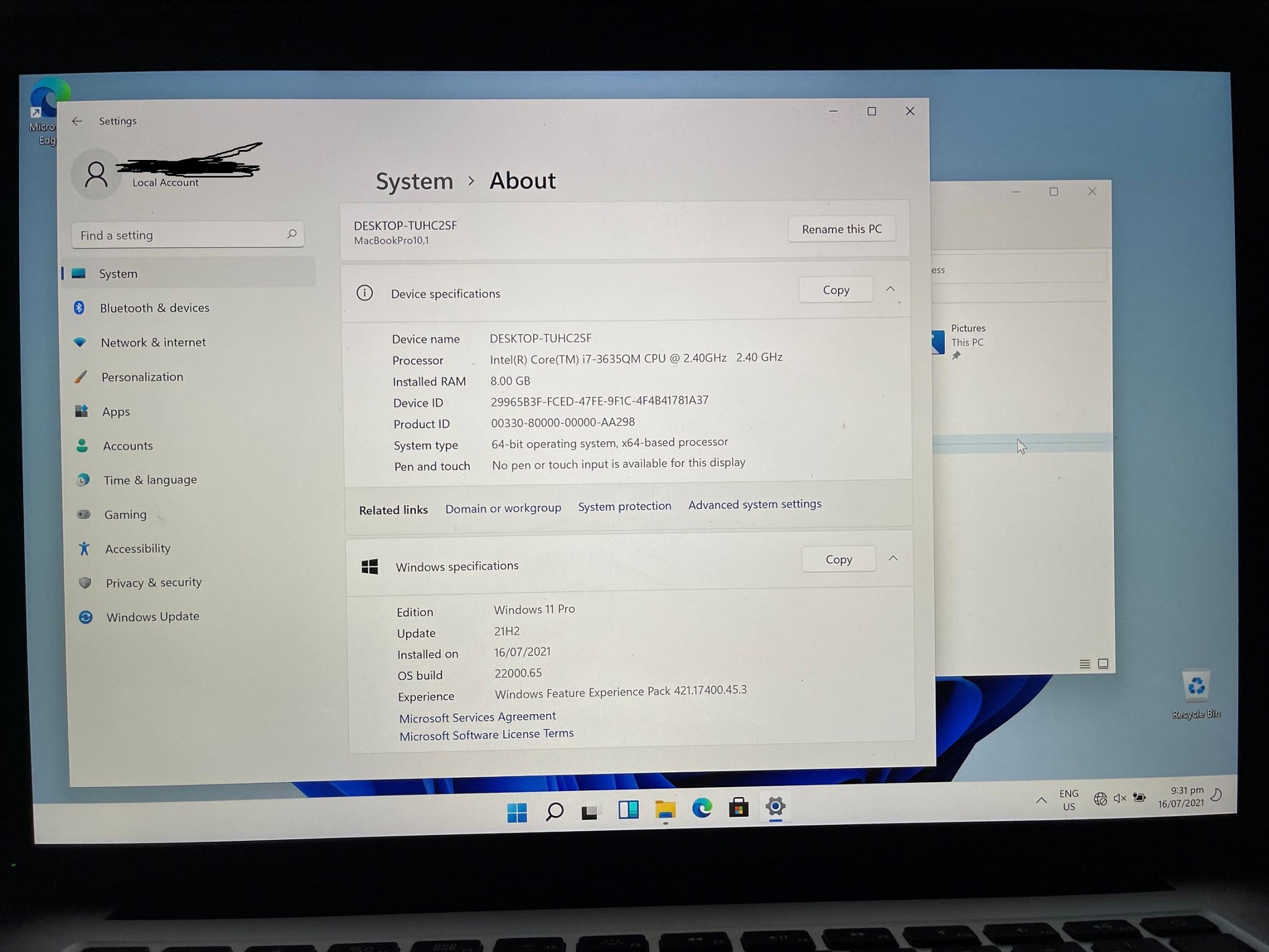
You got me interested in reviving old tech last night when I pulled that old MacBook out, decided to do the bypass trick and install Win 11. Still runs very well, what a shame Microsoft won't be supporting a lot of old hardware. This one is about 5 CPU generations behind the oldest supported processors but runs with no issues.


Edited coz I forgot to redact name from picture


danepak

1124 posts

Uber Geek
+1 received by user: 85


  #2745534 17-Jul-2021 09:46
Send private message

baabits:

danepak:
Thanks mate.
LibreOffice looks interesting.
Never tried Linux before, so this should be fun!


LibreOffice is a fantastic Office alternative. If you prefer something similar to current Office, there's also WPS Office and it has builds for Linux.


Once you get the basics everything works quite nicely, and it's a good feeling using open source. Your machine has a fair bit of grunt as well, so you can run Windows inside a Virtualbox VM if you need access to any special apps.


You got me interested in reviving old tech last night when I pulled that old MacBook out, decided to do the bypass trick and install Win 11. Still runs very well, what a shame Microsoft won't be supporting a lot of old hardware. This one is about 5 CPU generations behind the oldest supported processors but runs with no issues.


/


Thanks for all your input. Will be playing around with this over the weekend.

danepak

1124 posts

Uber Geek
+1 received by user: 85


  #2745707 17-Jul-2021 13:11
Send private message

Nah,

Linux not working.
It installs it, but when it restarts the screen is black with a flashing cursor up the top left corner.
I’ve tried with both Kubuntu and Ubuntu.

Newtown
141 posts

Master Geek
+1 received by user: 60

ID Verified

  #2745712 17-Jul-2021 13:18
Send private message

Our MBP 2013 showed similar symptoms as yours. The tech shop told us it was the logic board and quoted $$$. Fortunately they had a working board from a MBP 2014 lying around, so they replaced the faulty one with that at a fraction of the cost of a brand new one.


Starlith
210 posts

Master Geek
+1 received by user: 82

Trusted

  #2745776 17-Jul-2021 14:56
Send private message

If you are using windows on your mac you should try these touchpad drivers - https://github.com/imbushuo/mac-precision-touchpad


It will give you much better gesture controls and clicks than the bootcamp ones


Shop on-line at New World now for your groceries (affiliate link).
danepak

1124 posts

Uber Geek
+1 received by user: 85


  #2789286 4-Oct-2021 18:58
Send private message

baabits:


danepak: OK, I’m sort of stuck here.
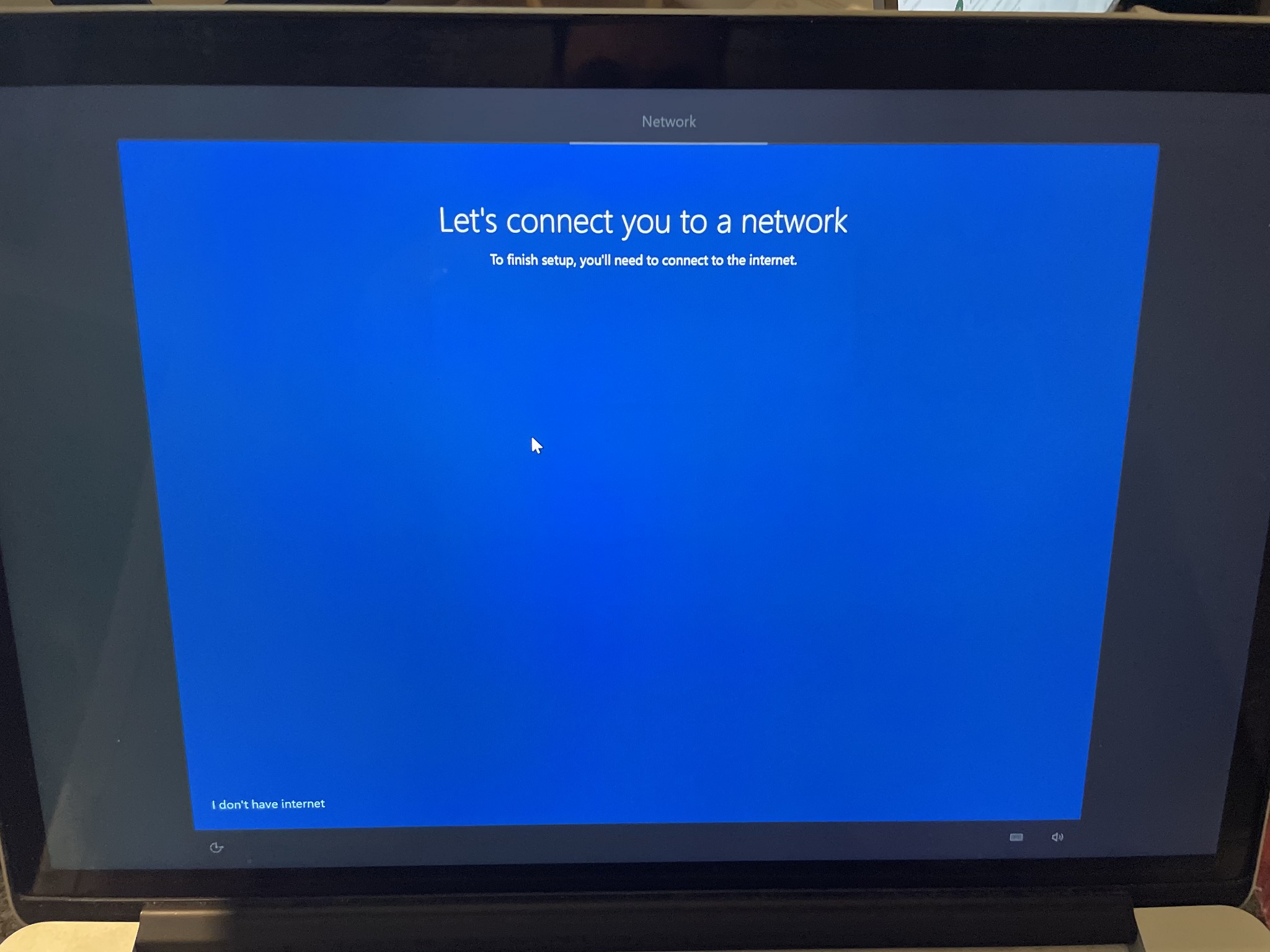
Doesn’t display any networks (although I certainly do have WiFi here).


Win 10 probably doesn't have your Wi-Fi drivers- you'll need to either download them on another PC and install them or plug in through an ethernet adapter.


There's a tool for grabbing bootcamp drivers here: https://github.com/timsutton/brigadier


I've gone back and want to install Windows. It's up and running, but I'm missing the WiFi drivers etc.


For some reason, I can't get it to work with the brigadier link.


When I try to open it, the command window closes down immediately.


Is there another way to download the correct drivers?


So basically:


I've completely wiped OSX and only running Windows 10 on a Macbook Pro Retina 15 inch (late 2013).


1024kb
1197 posts

Uber Geek
+1 received by user: 519

ID Verified
Lifetime subscriber

  #2789334 4-Oct-2021 20:39
Send private message

You can get the correct BootCamp drivers for your Mac from here: https://www.123myit.com/boot-camp-drivers. The latest version on that page, 5.1.5640 is the package you need.


Megabyte - so geek it megahertz

danepak

1124 posts

Uber Geek
+1 received by user: 85


  #2789440 4-Oct-2021 21:13
Send private message

Thanks, downloaded the driver and installed it.
Didn’t seem to make the laptop happy. Won’t start now.
Tries to load, but then crashes.
Sometimes the Windows load screen comes up, but then the screen goes black.

1024kb
1197 posts

Uber Geek
+1 received by user: 519

ID Verified
Lifetime subscriber

  #2789457 4-Oct-2021 22:55
Send private message

I think you should try installing a Win 10 v1809, that’s before they removed the drivers that worked with MacBooks. You’ll still need the Bootcamp drivers for your camera & maybe one or two other small components but Ethernet, WiFi, Graphics & all the other major drivers are installed with Windows.

From there, you can use your current iso to upgrade Windows without having to use Windows Update to download each & every version until you catch up to the present.

To find & download the older versions of Windows 10 iso files, I use the Heidoc Microsoft Windows and Office ISO Download Tool, available from https://heidoc.net. That tool finds any & every Microsoft iso release - Windows 7 thru 11, Office, XBox & more, then downloads it for you.


Megabyte - so geek it megahertz

1 | 2 | 3 | 4 | 5 | 6 | 7 | 8
View this topic in a long page with up to 500 replies per page Create new topic


Geekzone Live »

Try automatic live updates from Geekzone directly in your browser, without refreshing the page, with Geekzone Live now.


Are you subscribed to our RSS feed? You can download the latest headlines and summaries from our stories directly to your computer or smartphone by using a feed reader.