Trusted
 #
#
Have been banging head against wall for a few days with this now.
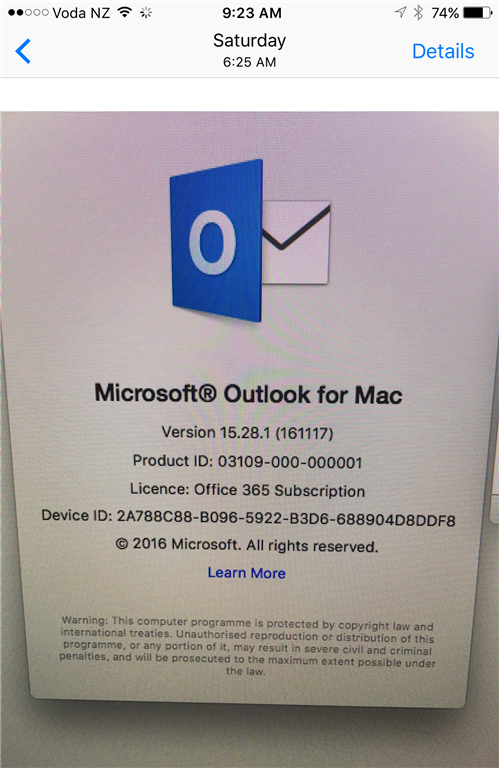
Outlook 2016 for Mac V15.28, configure with Exchange account (EXCH 2010 SP3), Outlook connects and syncs the milabox wihtout error but give the following error when trying to send a new message.
Unexpected Data was Encountered Error -17997
The message then just sits in the outbox unsent.
I've formatted and reinstalled Sierra, then freshly installed Office 2016 for MAC from Office 365 site.
Tried configuring the account with the base version of office - same error
Tried configuring the account after completing updates to Office and Outlook using autoupdate - same error
I did find an older version of the Office 2016 for MAC installed which installs Outlook for MAC V15.16 and that does work ok.
So it would seem that the problme is related to the specific Outlook version available form Office 365.
There are plenty of instances around that mention Outlook 2011 for Mac but the solutions for those (rebuild profile, configure the account twice then remove the first account, check autodiscover info and finally rebuild the exchange EWS virtual directories) dont fix the problem.
Anyone else encountered this problem?