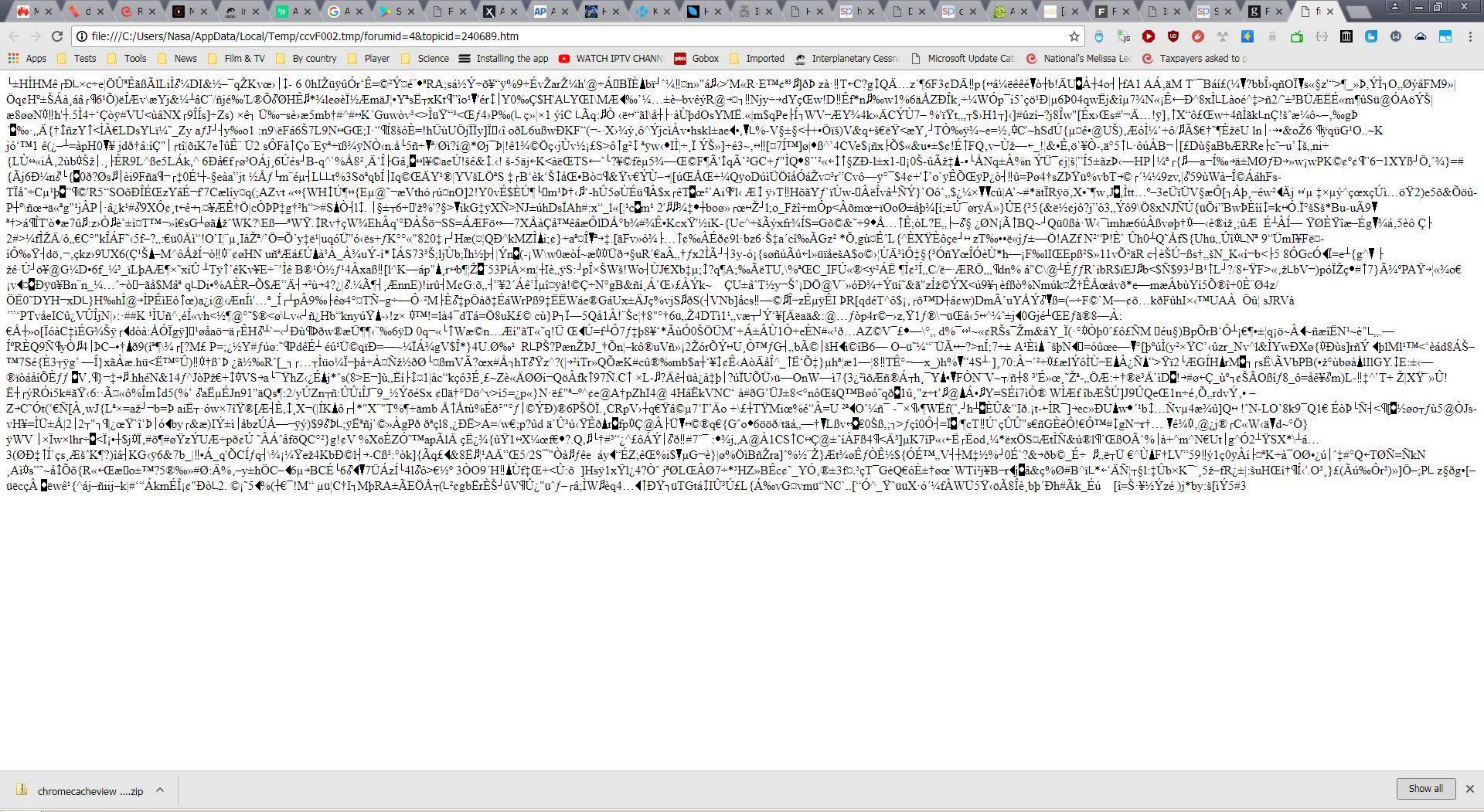
I have been playing around with the Chrome cache to see if I could recover some old page views but the text/html links all yield garble instead of readable text. Is this because of HTTPS? Is there any way to restore the original page?
Plesse igmore amd axxept applogies in adbance fir anu typos

|
|
Not if it's https zero chance
John
I don't think it'll be SSL/TLS unless you're looking at below the socket layer, if it was video that could be encrypted with DRM, for text maybe just compressed.
I put up a post about this earlier but I deleted it again because I misread your original post - I thought you were looking to recover images from your Chrome cache.
But perhaps it might help anyway? I don't know. Anyway, I will leave it here again.
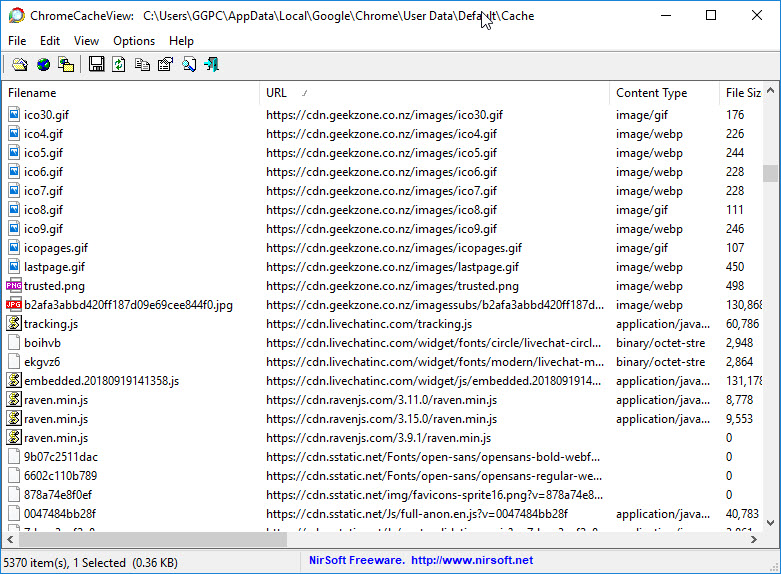
It's about a small program called Chrome Cache View. You don't have to install it - it's just a single .exe that runs.
It seems to work for me, you can see a list of everything in your cache (including image files, .css, html etc) and you can open the files in your browser, or the image files in your default image viewer.
It's a good idea to change 'Options' > 'Double Click Action' to 'Open Selected Cache File' which will open the listed file in it's default program.
It can be downloaded from -
https://nirsoft.net/utils/chrome_cache_view.html
It seems to work for me fine in Windows 10, 64 bit. It located the cache on first run without me having to point the program to it.

I have been working with Cache View. When I try to view text on a page, I get the following:

Plesse igmore amd axxept applogies in adbance fir anu typos
^^ I'm afraid that I am no web wizard, and the above is as far as my knowledge goes ![]()
Perhaps another reader more knowledgeable might know more?
I am wondering if it might pay to click on "URL" at the top to group them all together and then save ALL the files from that URL to an empty folder?
Like, if you have a website that you're looking at www.hello.com - and you click on "URL" at the top of the Chrome Cache View window so that all the associated files from hello.com are grouped together, then select them and click the 'Copy Selected Cache Files To..' button at the top?
So you copy them all to a blank folder?
I'm not sure. Perhaps it won't work if they are not on a server and the address is relative or something. I'm not a web guru unfortunately.
I don't think you can run these things right from the cache though, as they are all garbled and encoded which is why I suggested saving them to a blank folder.
|
|