I have a pension plan with a UK company.
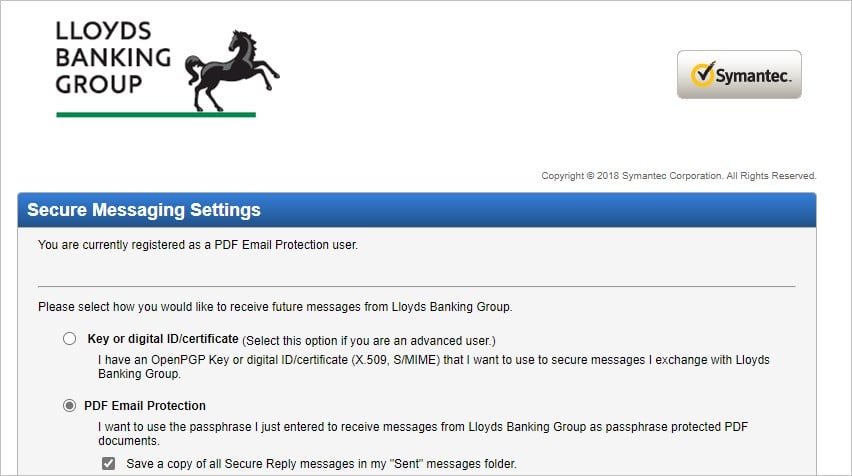
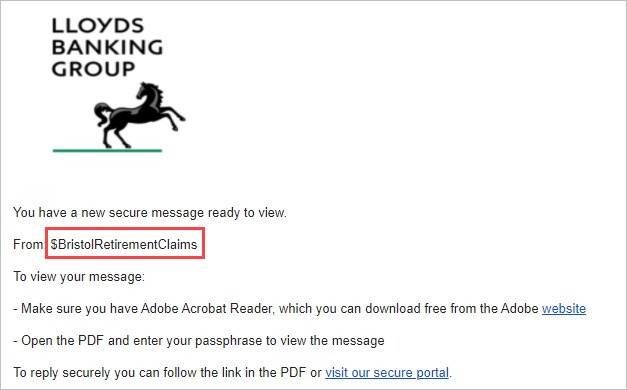
As part of determining my options, they are using Lloyds Banking Group to send and receive secure messages to/from the UK Company.
After setting up a passphrase I could read the intended email.
Now I have received another email from what looks like the same sender and it has 2 attachments. There is no message in the body of the email.
One has .txt file called version.txt which simply has the contents 'Version: 1'.
The second has a .pgp file called message.pgp.
Opening the pgp file in notepad it starts:
-----BEGIN PGP MESSAGE-----
Version: PGP Universal 3.4.2 (Build 10531)
Then presumably the coded message (949 characters) and finally
-----END PGP MESSAGE-----
I have downloaded gpg4win and it wants me to follow these instructions:
Get started – your next steps:
- Check integrity of the downloaded Gpg4win installer!
- Install Gpg4win.
- Create an OpenPGP key pair with Kleopatra. Sign/encrypt a file and email to yourself for testing.
- Read more about the public key method (see chapter 1-5 in Gpg4win Compendium).
- Ask your questions and report your problems to Gpg4win Community.
I need to do Step 3.
But before I continue.
Would the message contents be embedded in the .pgp file or is the .pgp file to be used for another purpose?



 Trusted

 Administrator
 ID Verified
 Geekzone