Geekzone: technology news, blogs, forums
Guest
Welcome Guest.
You haven't logged in yet. If you don't have an account you can register now.


JCD

JCD

3 posts

Wannabe Geek


#272962 27-Jul-2020 16:00
Send private message

Hi Geekzone.


I'm a little overwhelmed. Just moved into a new house and this is what we're dealing with.


The blue wire is connected to the router which is located in the living room. 
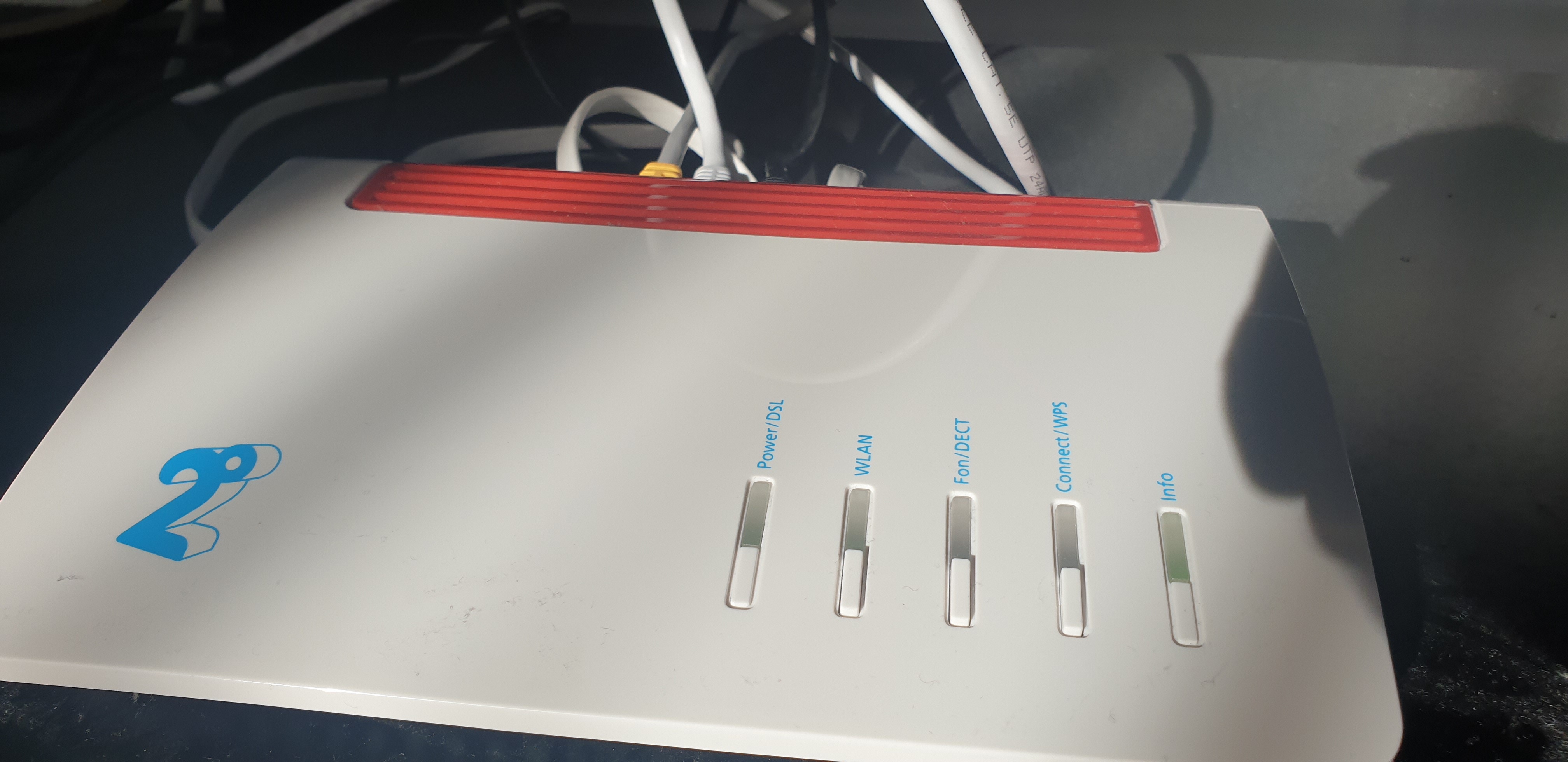


What I'm trying to figure and don't really know how to phrase it in google, is how do I share the internet (and maybe in the future network all computers) with each other. My current understanding of each component is that the white chorus box is the fiber signal box, which provides the information to the router, and the black board is like a network switch. All the rooms have network outlets, which is redundant until I figure this out.


I've tried connecting a Ethernet cable from PORT 2 of the Fiber box to PORT 1 of the Network board with the idea of it automatically bridging itself, but nothing. Any ideas would be great. My network knowledge isn't a lot, but I can understand the basics.


Thank you in advance.


Create new topic
cyril7
9075 posts

Uber Geek
+1 received by user: 2499

ID Verified
Trusted
Subscriber

  #2529666 27-Jul-2020 16:12
Send private message

Hi, the black box is just a phone module, its useless to you for ethernet.


The blue cables currently plugging into the phone module go off to each room, so to achieve the network you want you need to either place the router in the cabinet with the ONT and distribute to various rooms, or if there is more than two of the ethernet cables going to the lounge you can return a lan port from the router to the cabinet and use a switch to distribute to the other blue cables in the cabinet.


If there is only a single ethernet run to the lounge then there are other options to distribute traffic over a single run, but let us know if that make sense so far.


Edit, also you can only use port1 of the Chorus ONT, you can not connect to the other ports, they are not bridged.


Cyril


JCD

JCD

3 posts

Wannabe Geek


  #2529674 27-Jul-2020 16:24
Send private message

That makes a whole lot of sense. Thank you.


There are 3 ports in the lounge and as you've previously suggested, I did try returning a port into the black board thinking it was a network switch. I'll buy an actual switch and try that, thanks again. 


Also, could my current configuration be impacting internet speeds? When I check Speedtest.net I often get 180-200mb download and 400-500mb upload or is that normal?


nztim
4013 posts

Uber Geek
+1 received by user: 2710

ID Verified
Trusted
TEAMnetwork
Subscriber

  #2529713 27-Jul-2020 17:04
Send private message

those cables plugged into the telco distribution box just plug into the lan ports or the fritz, just bear in mind that that if all 8 pins aren’t through you will be limited to 100mbps


Any views expressed on these forums are my own and don't necessarily reflect those of my employer. 


JCD

JCD

3 posts

Wannabe Geek


  #2529735 27-Jul-2020 17:40
Send private message

The blue wires I think are the outlets for all the room. Nothing is plugged into them.


cyril7
9075 posts

Uber Geek
+1 received by user: 2499

ID Verified
Trusted
Subscriber

  #2529741 27-Jul-2020 17:45
Send private message

Hi, no the cabling should not limit speeds, are you testing via wifi or wired? As you are getting over 100Mb/s then that would imply the cables are wired fully and correctly. If you still have speed issues when directy connected to the Fritz via a cable then I suggest your device or speed test app is probably an issue, try downloading the Win10 speedtest or even the CLI app from the Ookla site.


Cyril


Create new topic


Geekzone Live »

Try automatic live updates from Geekzone directly in your browser, without refreshing the page, with Geekzone Live now.


Are you subscribed to our RSS feed? You can download the latest headlines and summaries from our stories directly to your computer or smartphone by using a feed reader.