|
|
|
upgraded earlier today - all went smoothly (on a ck2+)
I've been running the v6.x releases on the Geekzone UniFi controller for some time and has been totally fine. The redesign does take a bit to get used to coming from the previous major versions.
Michael Murphy | https://murfy.nz
Referral Links: Quic Broadband (use R122101E7CV7Q for free setup)
Are you happy with what you get from Geekzone? Please consider supporting us by subscribing.
Opinions are my own and not the views of my employer.
michaelmurfy:
I've been running the v6.x releases on the Geekzone UniFi controller for some time and has been totally fine. The redesign does take a bit to get used to coming from the previous major versions.
Just upgraded - The front page is very intuitive if I was looking at it for the firs time, as a 5.x user some things are in a different place which will need some getting used to
Any views expressed on these forums are my own and don't necessarily reflect those of my employer.
Are there toggles in the GUI to turn off the analytics collection and sending that was introduced a while back?
Hi, upgraded a few days back before I saw the above YT report. Had no issues with all the sites i host, just went through all of them now I am aware of the vlan0 bug, none show it.
What does annoy me is the per AP override for WLAN/Vlan has been removed, didnt use it much but a couple of sites did.
Cyril
ssamjh:
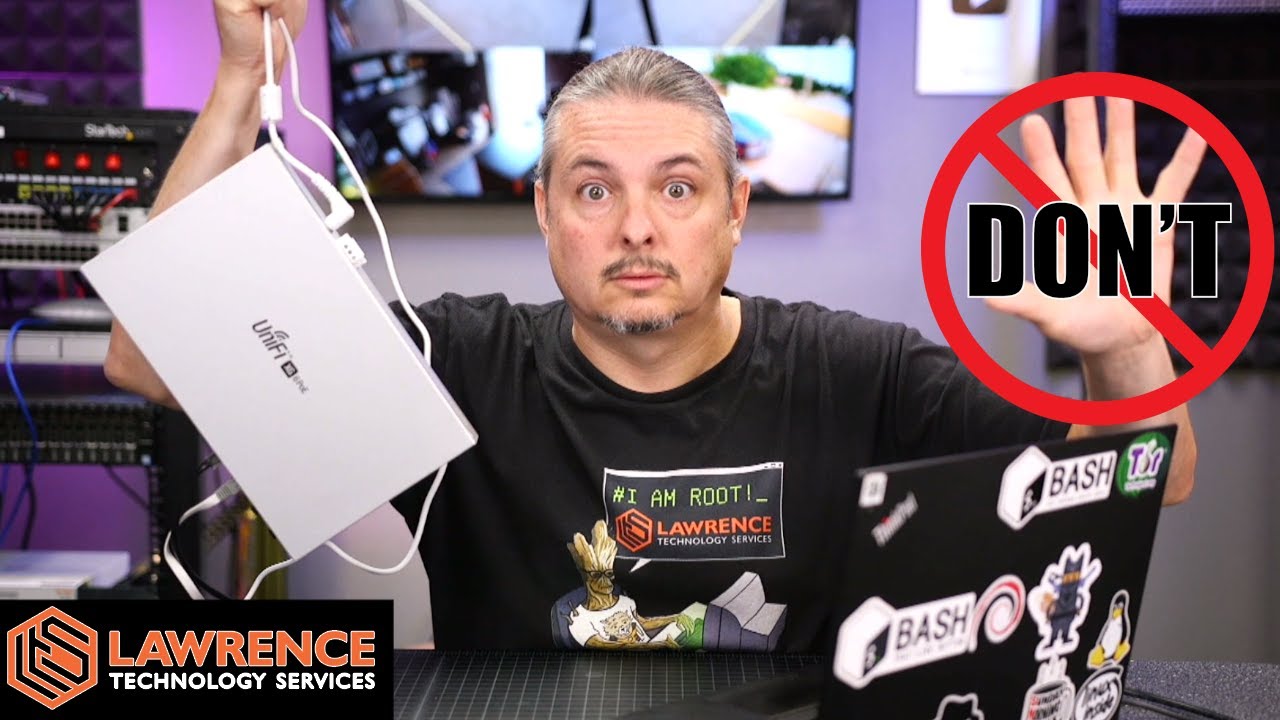
A YouTuber I watch say's DON'T upgrade:
I have just preempted the meshing issue they are talking about by disabling mesh
I have not had a broadcast storm yet but at the same time don't want one
Any views expressed on these forums are my own and don't necessarily reflect those of my employer.

RunningMan:
Are there toggles in the GUI to turn off the analytics collection and sending that was introduced a while back?
That was the first thing it asked me when I logged in after upgrading. I clicked No button.
michaelmurfy:
I've been running the v6.x releases on the Geekzone UniFi controller for some time and has been totally fine. The redesign does take a bit to get used to coming from the previous major versions.
What's changed? Went from 5.something to this 6.0.20 and it looks almost excatly the same across all the main pages. I think many of the tweaks were already implemented during the last few cycles of 5.x releases so this jump to 6.x hasn't changed much really. Only a few minor tweaks like the new icon for Map. Happy with that though! :)
Hoping this release doesn't keep breaking the Topology map view like 5.x.
All the networks with "Guest mode" enabled went missing.
Everything else worked ok
cyril7:
What does annoy me is the per AP override for WLAN/Vlan has been removed, didnt use it much but a couple of sites did.
What's the behaviour now? Do you have to have every WLAN on every AP?
Yep, thats seems to be the case, the WLAN tab in the AP setup is now gone, so no way to set what WLANs are advertised by an AP on an individual bases.
Cyril
Thanks, that's inconvenient though. There's certainly times where it's good to have every SSID on every AP.
Have a look under Settings > Wireless Networks > $YOURNETWORK [Edit] > Broadcasting APs section. Looks like they've moved to grouping APs so you can set which SSIDs you want to use for groups of APs (rather than setting it individually).
Had a look at the ui.com forum the other day and saw a lot of issues being posted, so will avoid for now
|
|
|