Geekzone: technology news, blogs, forums
Guest
Welcome Guest.
You haven't logged in yet. If you don't have an account you can register now.


xyeovillian

400 posts

Ultimate Geek
+1 received by user: 23

ID Verified

#298714 9-Jul-2022 16:00
Send private message

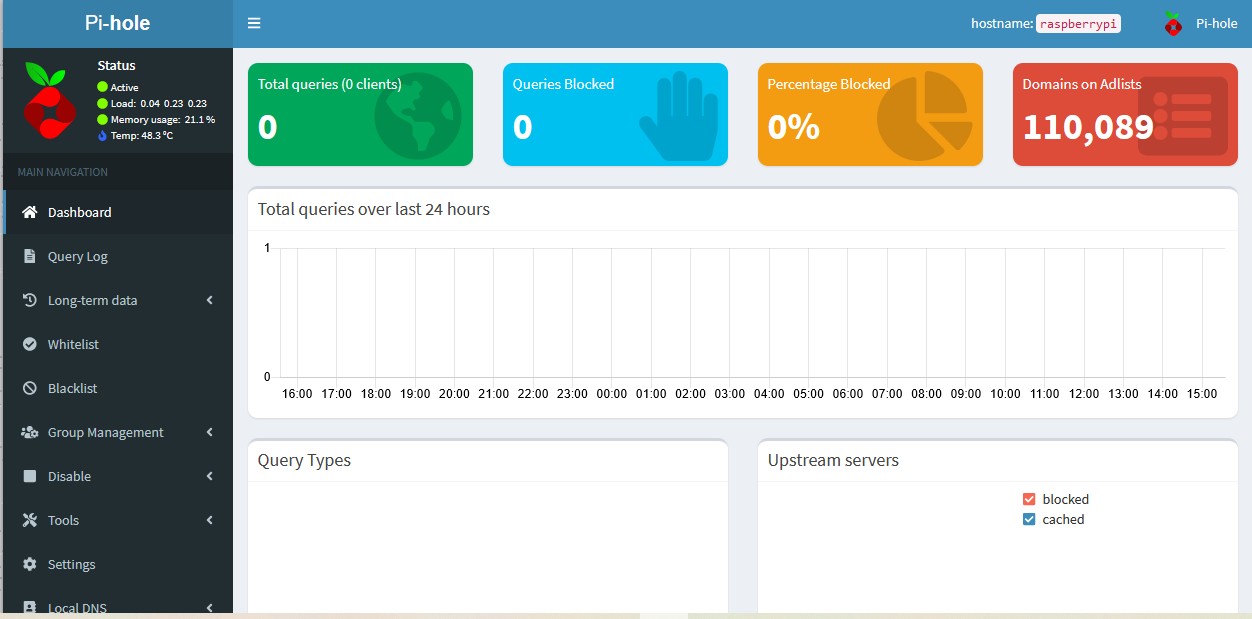
I am trying to set up pi hole,  I've installed to rasberry pi 3.
Can some one advise how adjust router settings I have static ip and I don't want lose my current settings for dns4me.

Create new topic
cyril7
9073 posts

Uber Geek
+1 received by user: 2499

ID Verified
Trusted
Subscriber

  #2940134 9-Jul-2022 16:09
Send private message

Hi, so just go into Settings > DNS > Upstream DNS Servers, and place in Custom1 and Custom2 the IP addresses that dns4me has advised to use, you only have to put Custom1 if they only offer 1, then Save


I trust that is the info you were after, or is it something else.


Cyril


gbwelly
1263 posts

Uber Geek
+1 received by user: 776


  #2940287 10-Jul-2022 08:27
Send private message

cyril7:


Hi, so just go into Settings > DNS > Upstream DNS Servers, and place in Custom1 and Custom2 the IP addresses that dns4me has advised to use, you only have to put Custom1 if they only offer 1, then Save


I trust that is the info you were after, or is it something else.


Cyril


Also change the dhcp scope on the router to give out the pi hole's IP rather than your dns4me addresses for DNS. Then name resolution will go: client->pi-Hole->dns4me


This way you retain geo-unblocking and also get ad blocking too.


shrub
790 posts

Ultimate Geek
+1 received by user: 272

ID Verified

  #2940308 10-Jul-2022 09:55
Send private message

You might also need to block Google DNS on the router for any smart devices.(Chromecast).

Create new topic


Geekzone Live »

Try automatic live updates from Geekzone directly in your browser, without refreshing the page, with Geekzone Live now.


Are you subscribed to our RSS feed? You can download the latest headlines and summaries from our stories directly to your computer or smartphone by using a feed reader.
