Geekzone: technology news, blogs, forums
Guest
Welcome Guest.
You haven't logged in yet. If you don't have an account you can register now.


rhinotago

10 posts

Wannabe Geek


#315523 23-Jul-2024 09:29
Send private message

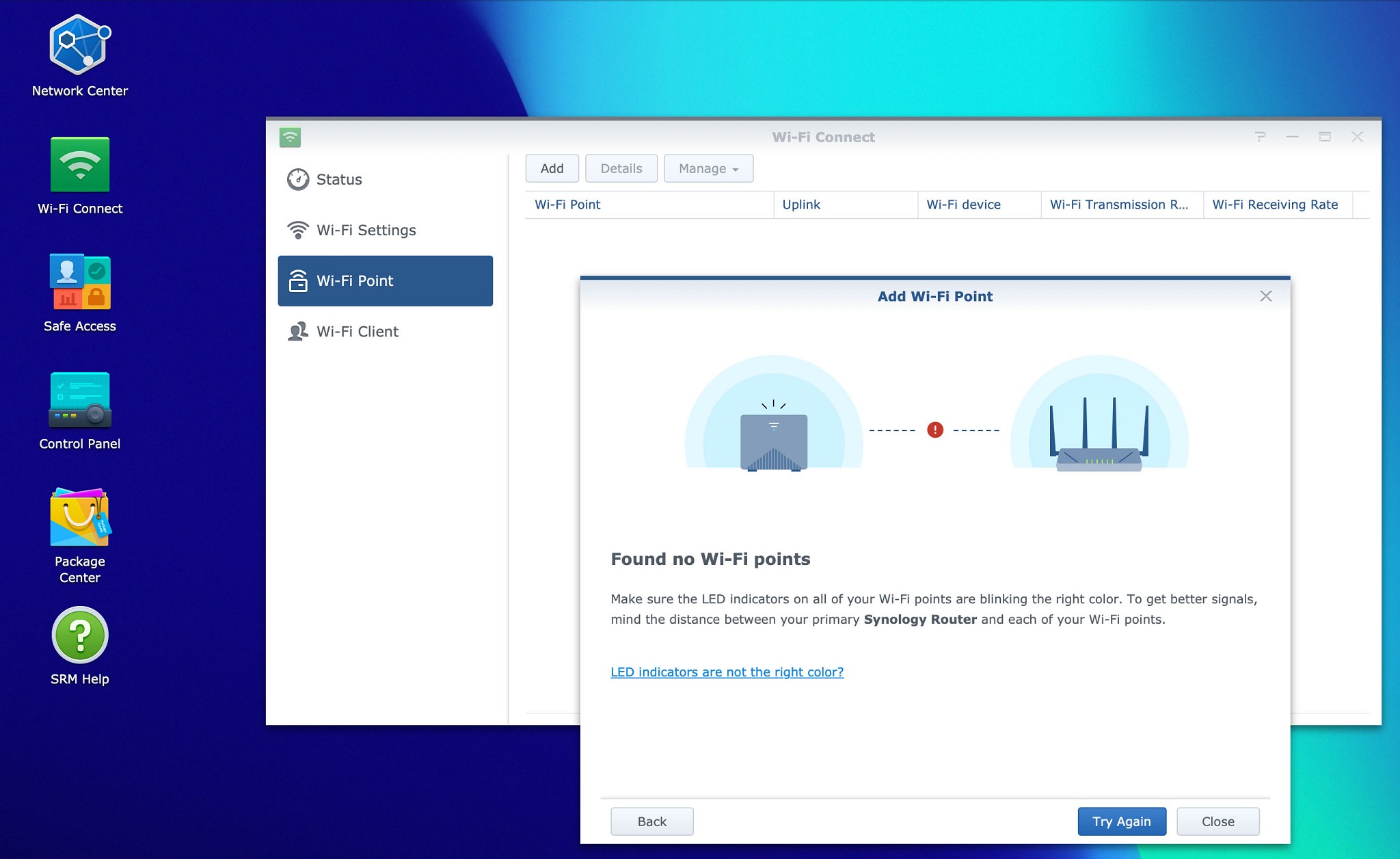
Hi there. I've upgraded my Synology RT2600ac router to the RT6600ax and am wanting to use the RT2600ac as a wifi point, but I can't get it to work. The SRMs on both are up to date but when I try to add the 2600ac (through the 6600ax SRM > Wi-Fi Connect > Wi-Fi Point > Add Wi-Fi Point) it says 'Found no Wi-Fi points'. I've tried connecting wirelessly and wired but both have the same outcome.


Any help would be greatly appreciated!


Cheers


Ryan


Create new topic

Stu

Stu
Hammered
8739 posts

Uber Geek
+1 received by user: 2390

Moderator
ID Verified
Trusted
Lifetime subscriber

  #3263399 23-Jul-2024 11:34
Send private message

Have you done a full factory reset of the RT2600ac before trying to add it? If the firmware is up to date that's the only thing that comes to mind.


People often mistake me for an adult because of my age.


Keep calm, and carry on posting.


Referral Links: Sharesies


Are you happy with what you get from Geekzone? If so, please consider supporting us by subscribing.


No matter where you go, there you are.


freitasm
BDFL - Memuneh
80646 posts

Uber Geek
+1 received by user: 41030

Administrator
ID Verified
Trusted
Geekzone
Lifetime subscriber

  #3263406 23-Jul-2024 11:49
Send private message

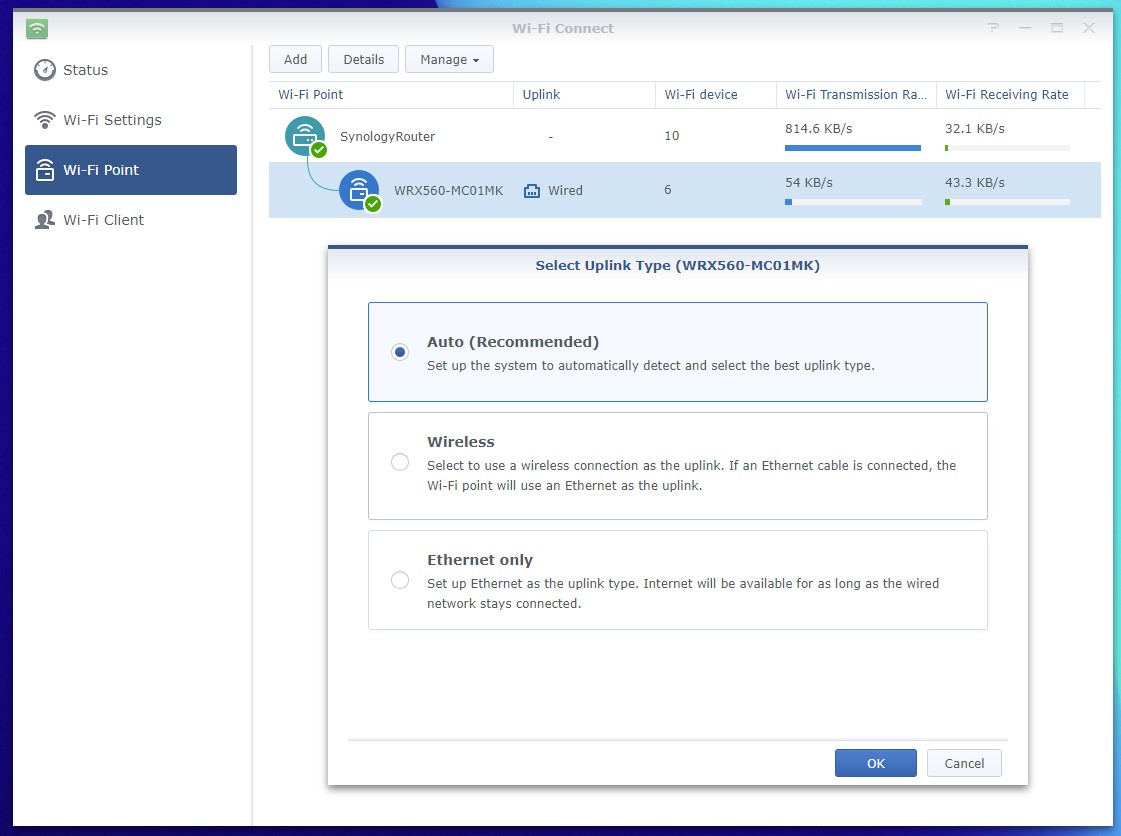
As above, perform a full factory reset. The best way to add it is over Ethernet.


You can have them both side-by-side, plug the RT2600ac WAN port to any LAN port on the RT6600ax, and then from the RT6600ax configure the link. It will guide you through the options to configure a Wi-Fi link if wanted.


Referral links: Quic Broadband (free setup code: R587125ERQ6VE) | Samsung | AliExpress | Wise | Sharesies 


Support Geekzone by subscribing (browse ads-free), or making a one-off or recurring donation through PressPatron.


Create new topic


Geekzone Live »

Try automatic live updates from Geekzone directly in your browser, without refreshing the page, with Geekzone Live now.


Are you subscribed to our RSS feed? You can download the latest headlines and summaries from our stories directly to your computer or smartphone by using a feed reader.