I have a 2Degrees basic 5G wireless router, this one: https://www.tp-link.com/us/support/download/nx620v/#FAQs
It has three wired ports: LAN1, LAN2 (both 1Gbit) and WAN/LAN3 (2.5Gbit).
I've been pouring over the docs trying to work out why I lose connectivity if I connect a 10Gbit card/cat-8 cable to the 2.5Gbit WAN/LAN port. It negotiates at 2500, but there's no connectivity beyond that.
If I swap LAN2 and LAN3 so that a 1Gbit device is on LAN3 and the 2.5Gbit device is on LAN2, everything negotiates to 1Gbit and it all works fine. But not the reverse.
I'm worried that it assumes a 2.5Gbit connection is only ever WAN, but according to the docs it only assumes that in wireless AP mode. I'm also connected to its wifi network and the internet continues to be available over that while LAN3 isn't working.
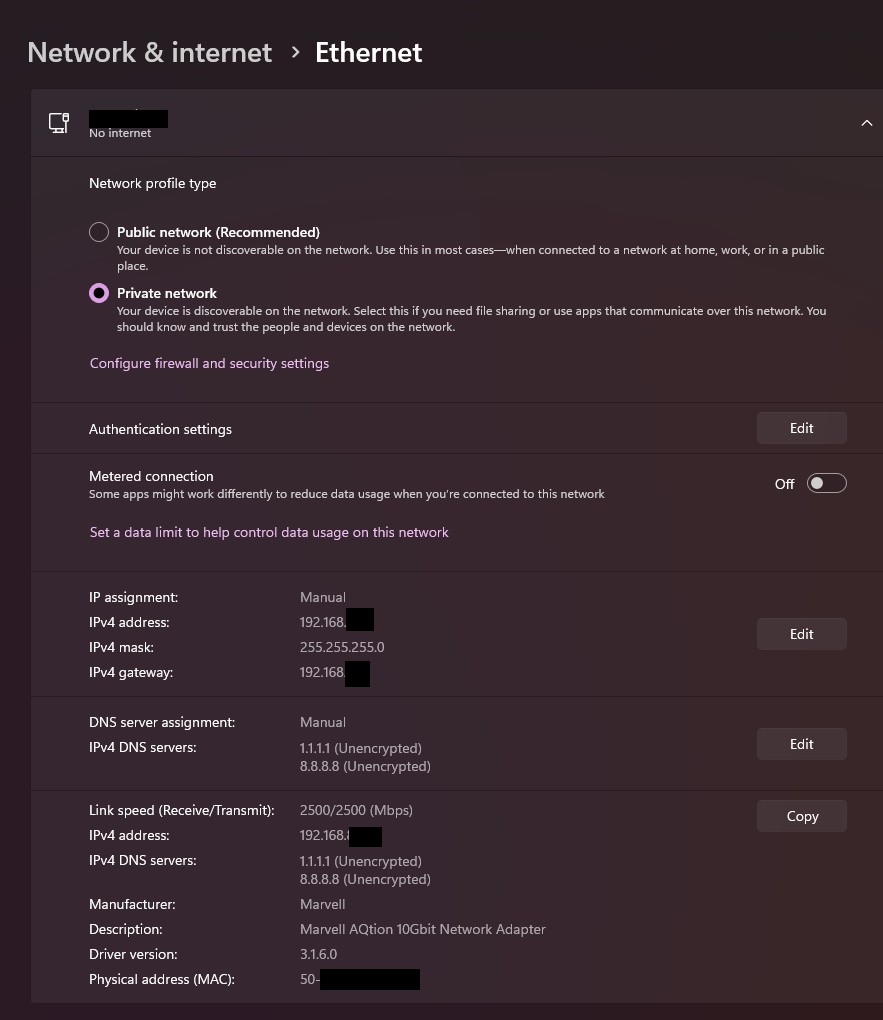
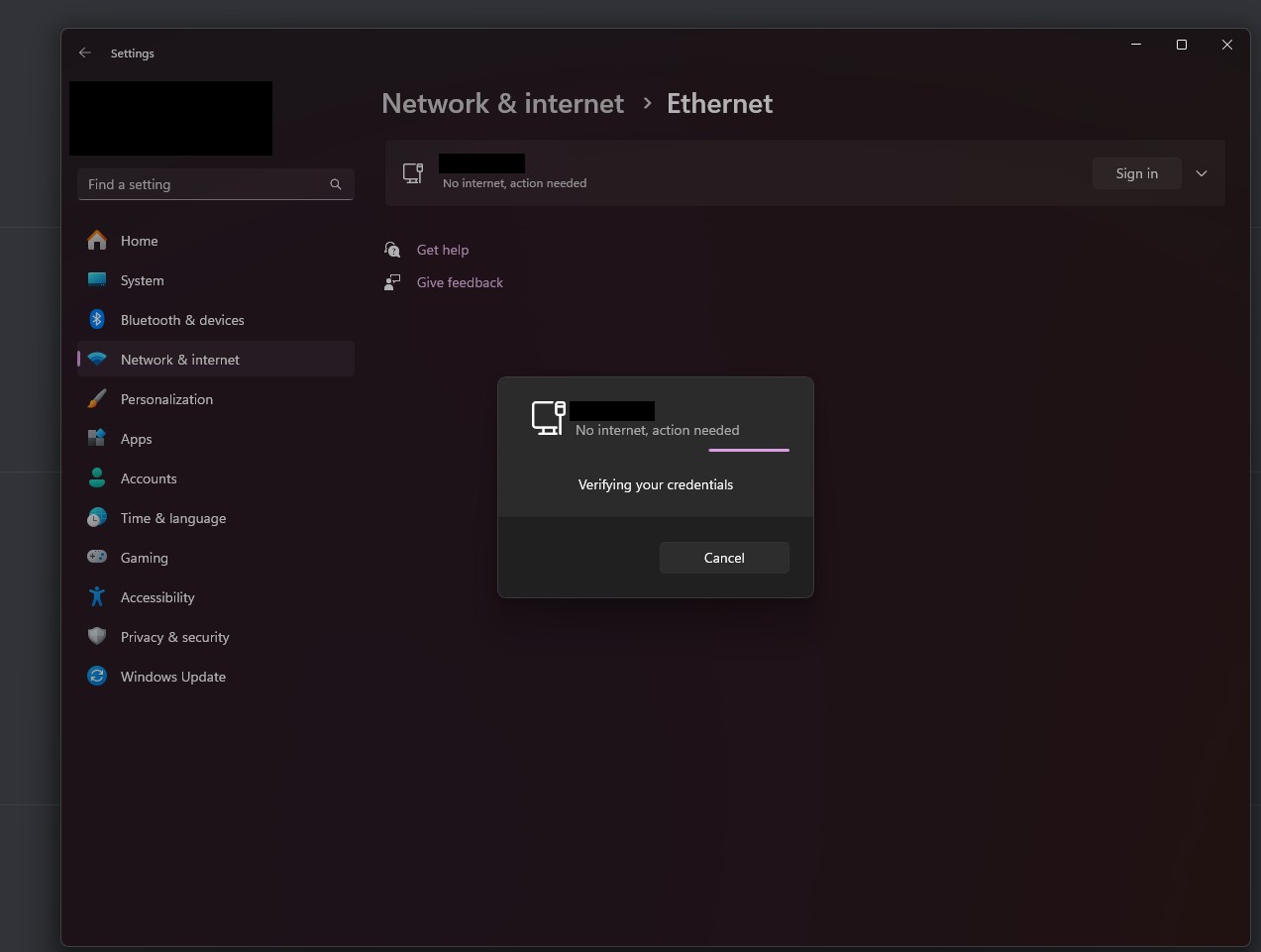
Screenshot of the adaptor on the other wide while it's plugged in. Oddly enough, The network name is actually my hidden wifi network, which is odd. It asked me to authenticate for it the first time I opened this page, and I clicked "OK" but there was no password option. It just progress-barred for a bit then that disappeared.
I've also gone and edited some of the settings for the card to turn off flow control and other options the internet recommended not be on. Hasn't made a difference.