Geekzone: technology news, blogs, forums
Guest
Welcome Guest.
You haven't logged in yet. If you don't have an account you can register now.
To post in this sub-forum you must have made 100 posts or have Trust status or have completed our ID Verification


GoranZ

415 posts

Ultimate Geek
+1 received by user: 57

ID Verified
Trusted

#300763 3-Oct-2022 10:33
Send private message

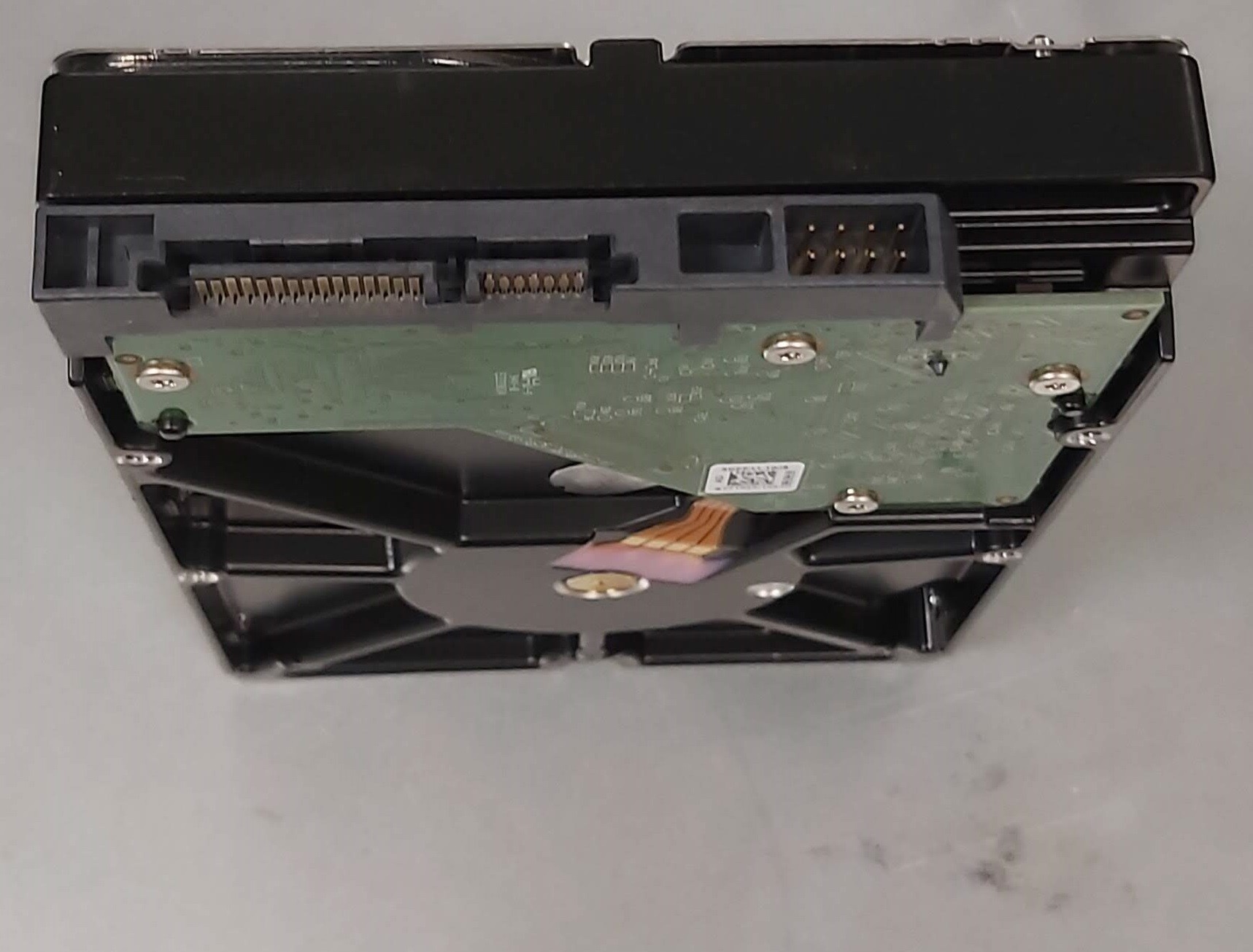
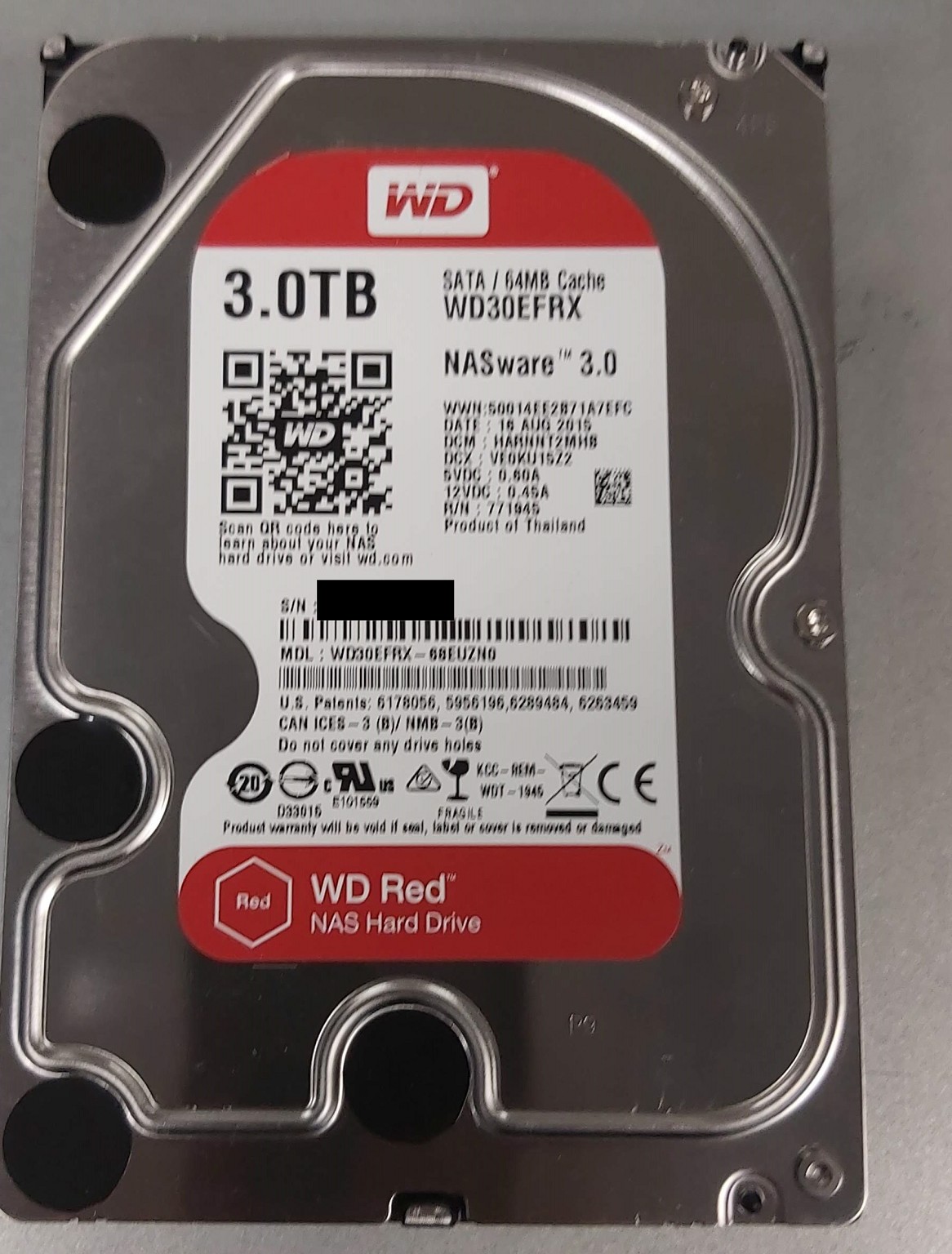
Hi, we are having a big clean up at the office and have decommisioned a couple of our HPE NAS units. 


They have been run in our airconditioned Tier3 DC and although they have a solid number of hours, the read and writes have been very low.


All have been tested and professionally data wiped. 


$90 each
$80 each for 5 or more 


Make an offer if you want all 40 😃 


Pickup is Albany, Auckland (Mon to Fri business hours) or could arrange shipping at your own cost 


See my other post for some HP Microservers if you would like to put these into a decent box for home NAS/Server 


Create new topic
Geektastic
18009 posts

Uber Geek
+1 received by user: 8465

Trusted
Lifetime subscriber

  #2976733 3-Oct-2022 11:49
Send private message

I have a 4 bay NAS with 4 x2 TB drives.

It’s getting a bit full and so installing 4 x 3 would be useful.

However being not a tech professional, is it a straight swap to upgrade all four?


GoranZ

415 posts

Ultimate Geek
+1 received by user: 57

ID Verified
Trusted

  #2976734 3-Oct-2022 11:52
Send private message

Depending on the model, it should be very easy to swap the drives in, however all of the data on the old drives will need to be copied off and back on so you need somewhere to stage the move. 


SirHumphreyAppleby
2939 posts

Uber Geek
+1 received by user: 1860


  #2976742 3-Oct-2022 12:42
Send private message

GoranZ:


Depending on the model, it should be very easy to swap the drives in, however all of the data on the old drives will need to be copied off and back on so you need somewhere to stage the move. 


Assuming it's RAID 5, you would normally swap one drive, resilver, and repeat until all drives are upgraded.


GoranZ

415 posts

Ultimate Geek
+1 received by user: 57

ID Verified
Trusted

  #2976750 3-Oct-2022 13:06
Send private message

yeah, although some machines are not happy to do that and will make the larger drive the same capacity as the pulled drive. I would not suggest this method. 


Geektastic
18009 posts

Uber Geek
+1 received by user: 8465

Trusted
Lifetime subscriber

  #2976849 3-Oct-2022 15:21
Send private message

Hmm. I don’t have anything big enough to put the entire NAS contents on except the NAS!


richms
29098 posts

Uber Geek
+1 received by user: 10209

Trusted
Lifetime subscriber

  #2976860 3-Oct-2022 15:52
Send private message

GoranZ:


yeah, although some machines are not happy to do that and will make the larger drive the same capacity as the pulled drive. I would not suggest this method. 


I would not suggest it as you will find out about any errors the hard way while its doing its thing on the new drive and be stuffed.


IMO its inexcusable for nas vendors to not have a way to use a USB drive as a tempory drive while expanding, or to use the USB to add the new drive into the array when its then pulled and put into the raid. I use a storage upgrade as a reason to get another nas and then demote the others down the chain till the crappest nas is retired.


Richard rich.ms

Create new topic


Geekzone Live »

Try automatic live updates from Geekzone directly in your browser, without refreshing the page, with Geekzone Live now.


Are you subscribed to our RSS feed? You can download the latest headlines and summaries from our stories directly to your computer or smartphone by using a feed reader.