
Geekzone: technology news, blogs, forums
Guest
Welcome Guest.
You haven't logged in yet. If you don't have an account you can register now.


View this topic in a long page with up to 500 replies per page Create new topic
1 | 2 
BlakJak
1330 posts

Uber Geek
+1 received by user: 735

Trusted

  #3036618 14-Feb-2023 20:09
Send private message

I don't know if it's related or not but over the last week or so I had a persistent problem where i'd get notified that apps need updating, i'd select the notification and i'd get told there were no updates waiting.
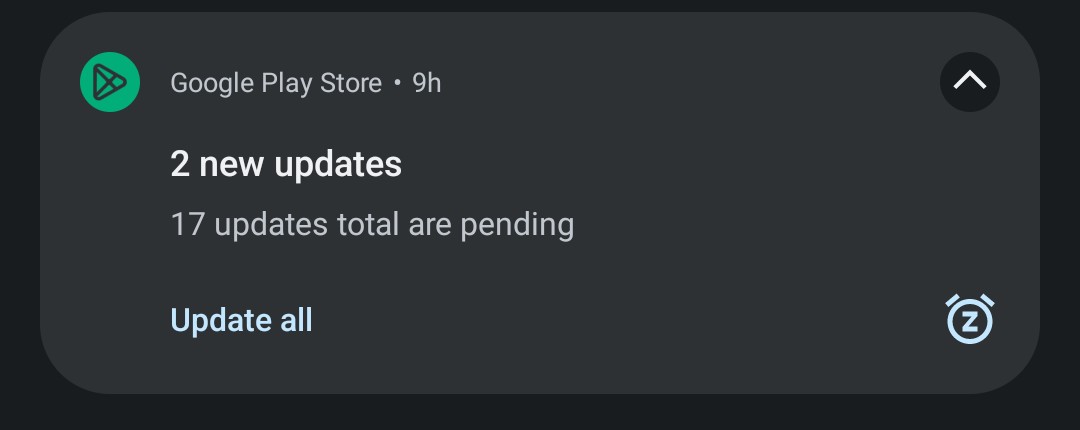
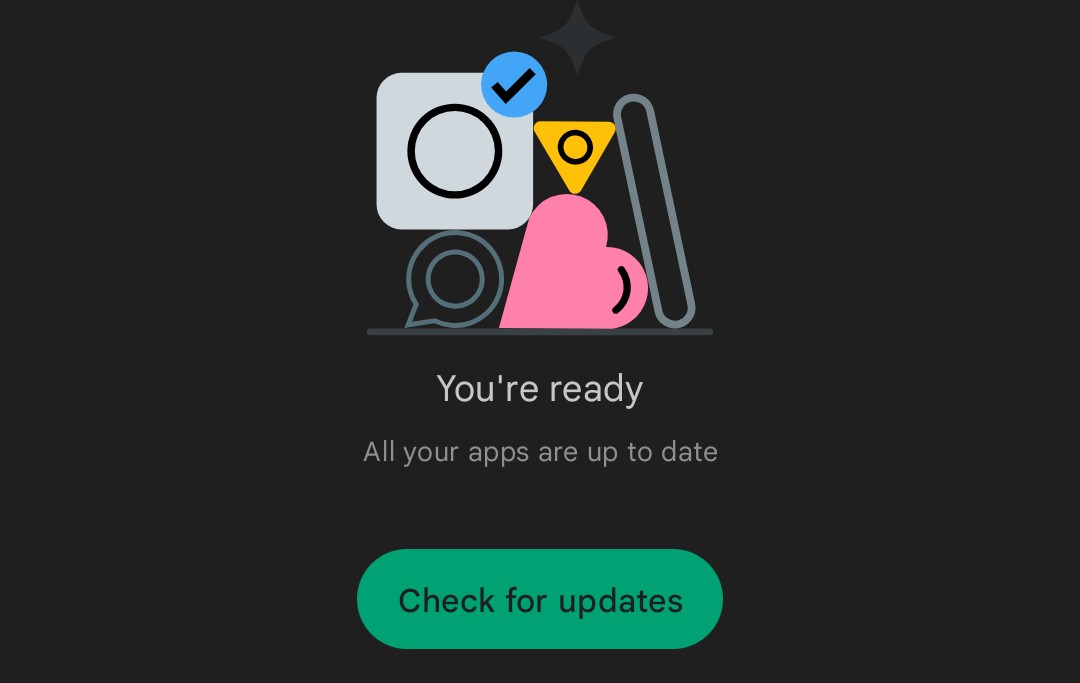


If I looked up an app that I knew needed updating, it'd give me the 'update' button on the app itself.  But I couldn't get a list of apps requiring update.


Reboot no fixy. Nor did hard-stopping the app.


I ended up having to clear the full app cache for the Google Play app to make it work properly again.


I realise this is slightly different to that described in this thread but the timing and the fact it also involves Google Play, seems too coincidental to me.


No signature to see here, move along...


paulchinnz
Circumspice
796 posts

Ultimate Geek
+1 received by user: 223

Trusted
Lifetime subscriber

  #3036695 14-Feb-2023 21:04
Send private message

Had this problem since the weekend, tried clearing cache, re-syncing account, unsuccessful and set the problem aside. Spontaneously started working again this evening. Next it happens I'll let time (and Google) do its thing.


timmmay
20858 posts

Uber Geek
+1 received by user: 5350

Trusted
Lifetime subscriber

  #3036739 15-Feb-2023 08:59
Send private message

It seems to be working fine now on my Pixel 4a.


ech3lon
386 posts

Ultimate Geek
+1 received by user: 123


  #3036745 15-Feb-2023 09:13
Send private message

Wish I saw this thread, this has been bugging me for days.


freitasm
BDFL - Memuneh
80652 posts

Uber Geek
+1 received by user: 41036

Administrator
ID Verified
Trusted
Geekzone
Lifetime subscriber

  #3036752 15-Feb-2023 09:28
Send private message

It started working again on my Samsung Fold3.


Referral links: Quic Broadband (free setup code: R587125ERQ6VE) | Samsung | AliExpress | Wise | Sharesies 


Support Geekzone by subscribing (browse ads-free), or making a one-off or recurring donation through PressPatron.


Poll
346 posts

Ultimate Geek
+1 received by user: 59


  #3036862 15-Feb-2023 10:06
Send private message

Working for me again, had to factory reset my watch to sync it back up after clearing cache on play store and services again.


Move to New Zealand's best fibre broadband service (affiliate link). Free setup code: R587125ERQ6VE. Note that to use Quic Broadband you must be comfortable with configuring your own router.
invisibleman18

1420 posts

Uber Geek
+1 received by user: 427


  #3036945 15-Feb-2023 10:43
Send private message

Working for me now. 


1 | 2 
View this topic in a long page with up to 500 replies per page Create new topic


Geekzone Live »

Try automatic live updates from Geekzone directly in your browser, without refreshing the page, with Geekzone Live now.


Are you subscribed to our RSS feed? You can download the latest headlines and summaries from our stories directly to your computer or smartphone by using a feed reader.
