Putting this here for myself and others. I don't know how well this will work in the long-term, and I'm still in the process of updating the firmware to the latest version, so will find out if it sticks or not.
To start, I changed firmware from the SM-G986U to the SM-G986U1 using this guide:
https://xdaforums.com/t/g986u-and-g986u1-firmware-links-and-flashing-discussion-here.4054629/
and this guide (for Odin):
https://xdaforums.com/t/tutorial-how-to-use-odin-and-all-its-functions-explained-noob-friendly.4540331/
using "Odin3 v3.14.1_3B_PatcheD" found here:
https://xdaforums.com/t/patched-odin-3-13-1.3762572/
Then I installed "Fossify Phone" from F-Droid:
https://f-droid.org/en/packages/org.fossify.phone/
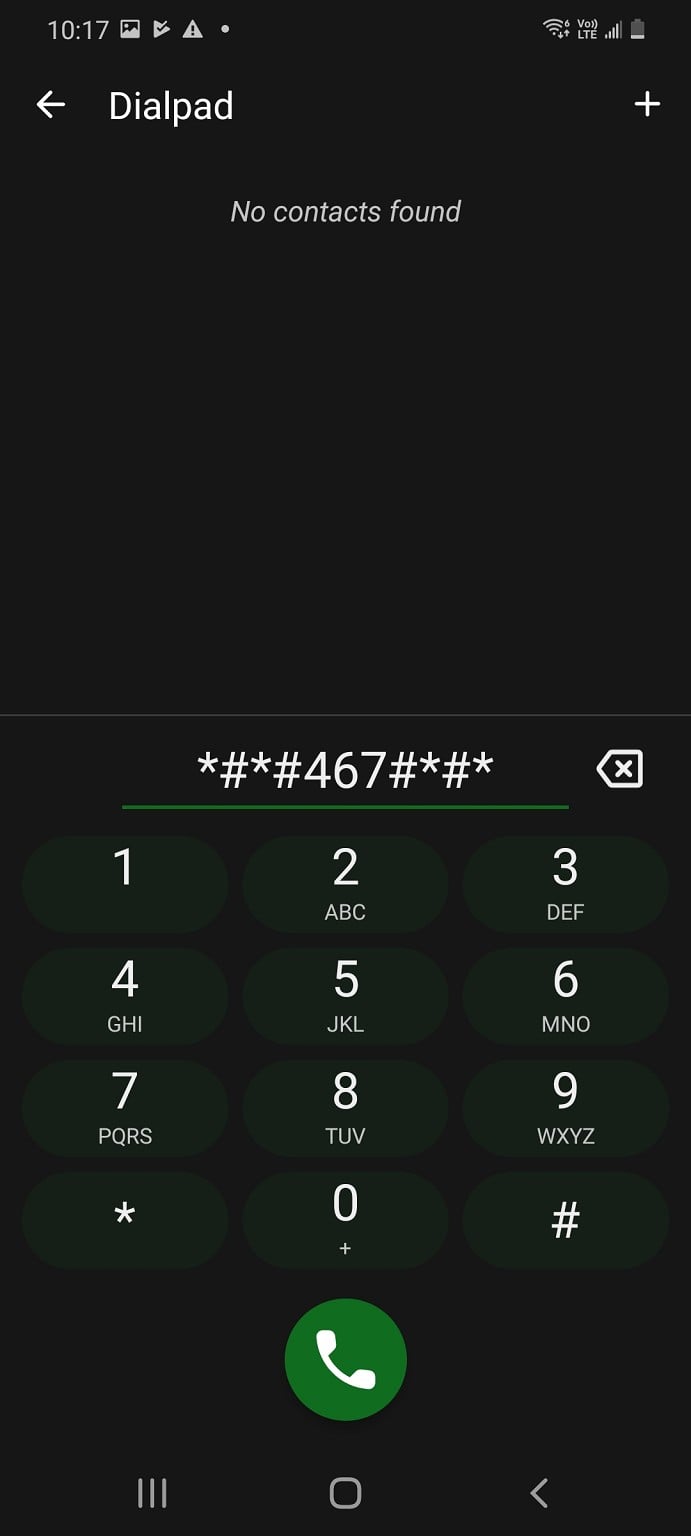
I typed in *#*#467#*#* into Fossify Phone (it won't work in the native Phone app).
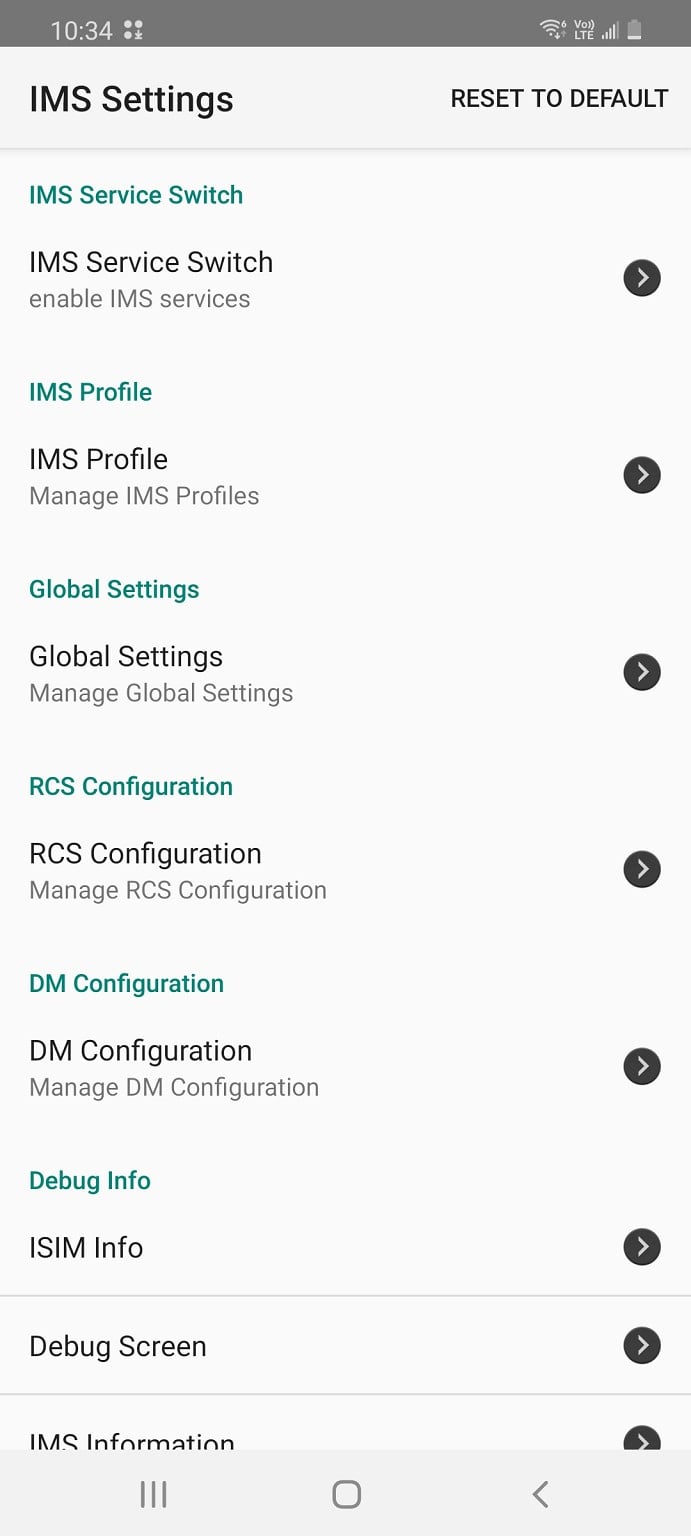
I navigate to "ÏMS Profile", click the three dots at the top right, click "Enable ALL profiles".
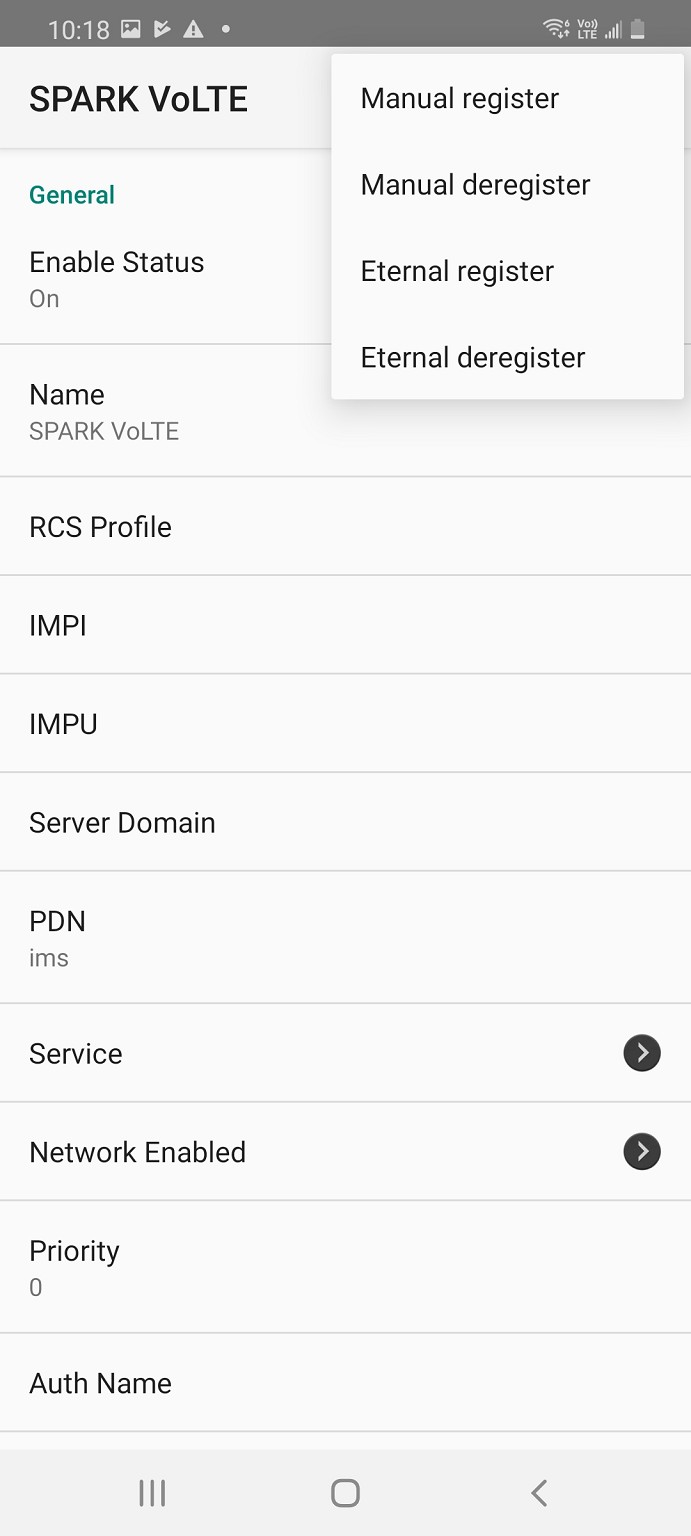
Then click into my network providers VoLTE profile (for me it's "SPARK VoLTE"), click the three dots at the top right, click "Eternal register".
NOTE: I have only tried this on the Skinny Network. Also, I don't know if both these steps are necessary.
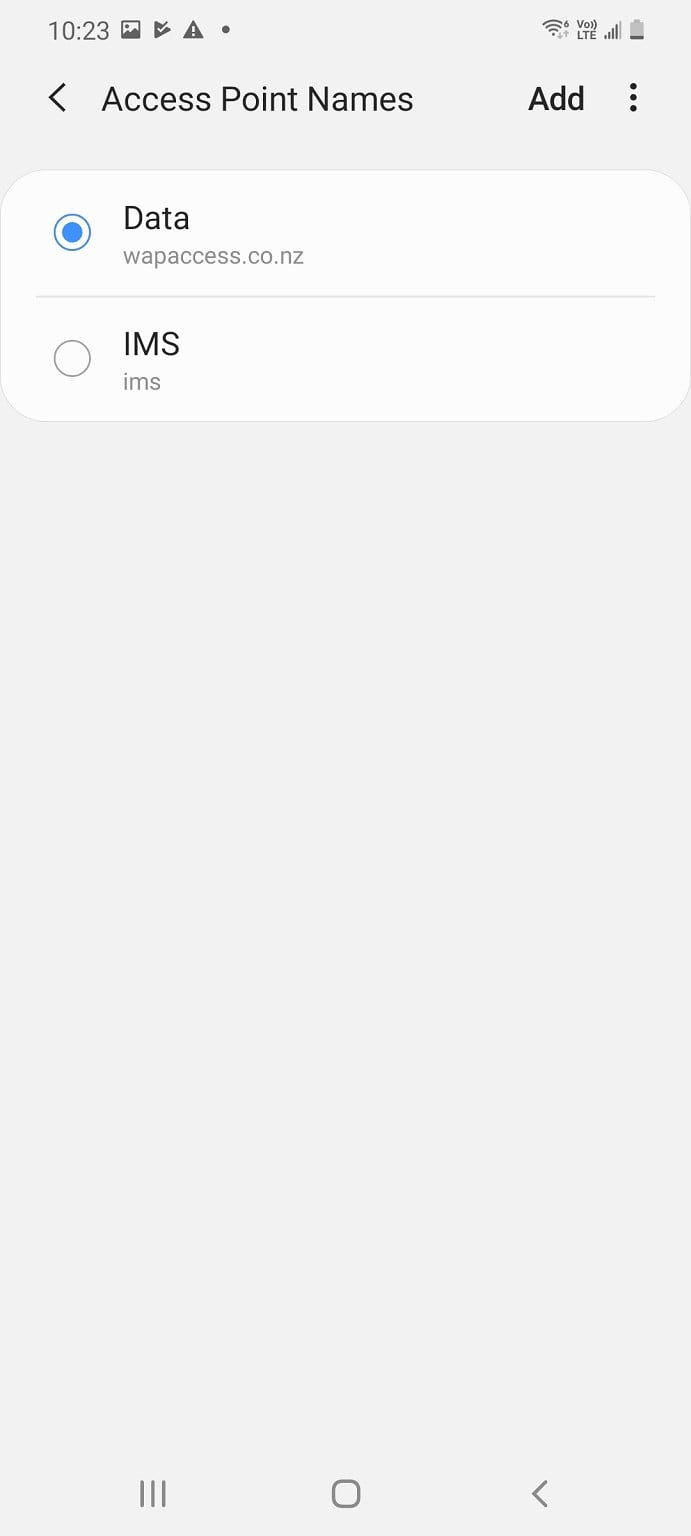
I leave that page and go into the phones Settings, from there - Connections - Mobile Networks - Access Point Names, click "Add" and use the following settings (it's case sensitive from what I understand):
Name: IMS
APN: ims
APN Type: ims
APN Protocol: IPv6
Other Parameters: Leave as default
Click the three dots at the top right and press Save.
From what I understand, that APN profile usually disappears, but for me it stays showing up and it's not selected. But for whatever reason VoLTE came up in the top bar and calls stayed on LTE (they didn't revert to 3G).
I might have also set Settings - Connections - Mobile Networks - Network mode to 5G/LTE/3G/2G (auto connect).
Please don't think that I know what I've done, because it was really a trial and error thing with random guides on the internet (that didn't actually show this guide).
Pictures for interest.
Fossify Phone *#*#467#*#*
IMS Profile
Enable ALL profiles, then SPARK VoLTE
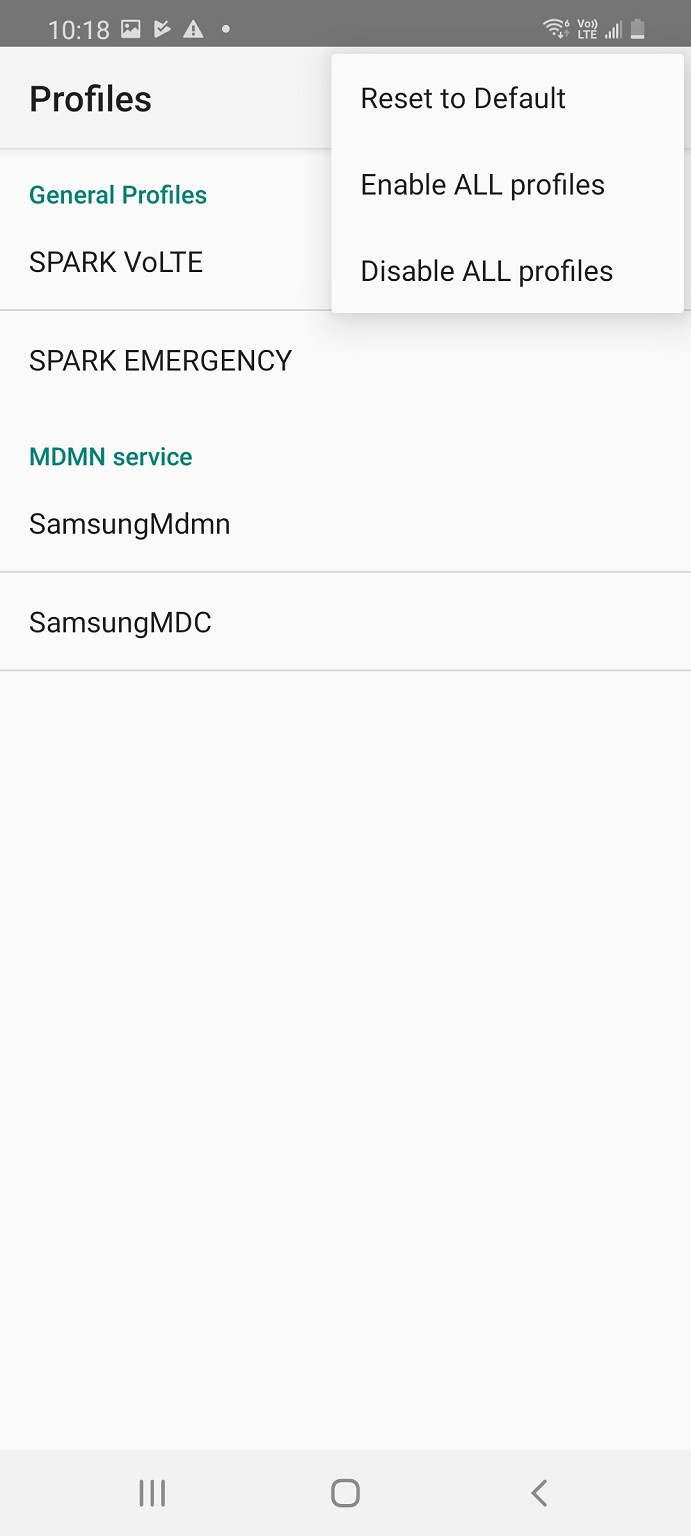
Eternal register
IMS APN