Geekzone: technology news, blogs, forums
Guest
Welcome Guest.
You haven't logged in yet. If you don't have an account you can register now.


View this topic in a long page with up to 500 replies per page Create new topic
1 | ... | 17 | 18 | 19 | 20 | 21 | 22 | 23 | 24 | 25 | 26
demeter23
163 posts

Master Geek
+1 received by user: 24

Trusted

  #2858691 30-Jan-2022 19:58
Send private message

I've been looking at refreshing my monitor setup recently so this thread has provided some great ideas.  I'm currently running an old philips 24" display (with huge bezels) and a more recent AOC 24".  I'm thinking of replacing the philips with a 27" display, with the AOC as screen 2.  Are there any 27" monitors out there at the moment that people recommend?  i've been looking at some of the Asus displays that extremePC have for around $300, which look like good value for money.  


Was thinking of the LG 29" ultrawide, just not sure if it'd be right for me.


AKLWestie
650 posts

Ultimate Geek
+1 received by user: 115

Trusted
Lifetime subscriber

  #2858698 30-Jan-2022 20:18
Send private message

demeter23:


I've been looking at refreshing my monitor setup recently so this thread has provided some great ideas.  I'm currently running an old philips 24" display (with huge bezels) and a more recent AOC 24".  I'm thinking of replacing the philips with a 27" display, with the AOC as screen 2.  Are there any 27" monitors out there at the moment that people recommend?  i've been looking at some of the Asus displays that extremePC have for around $300, which look like good value for money.  


Was thinking of the LG 29" ultrawide, just not sure if it'd be right for me.


@demeter23


I have been using an AOC Q27P1 (QHD, 2560x1440) for almost two years now. I am no monitor expert and I do not game, it works really well for me.  I used the monitor as my main screen, and my laptop screen as secondary.


If you go for a 27" screen or larger, I would recommend going for a minimum resolution of 2560 x 1440 (i.e. QHD).  I used to use a 24" Full HD (1920x1080) screen as the main screen, but found the resolution is too low (the pixels seem to be too big).


demeter23
163 posts

Master Geek
+1 received by user: 24

Trusted

  #2858749 30-Jan-2022 20:31
Send private message

Nice one, thank you.  I still think i'm tempted by the LG Ultrawide, might go and look tomorrow in PB Tech.  Or do I ship it from Amazon AU and save $50ish.


freitasm
BDFL - Memuneh
80655 posts

Uber Geek
+1 received by user: 41053

Administrator
ID Verified
Trusted
Geekzone
Lifetime subscriber

  #2858842 30-Jan-2022 20:37
Send private message

@demeter23:


Nice one, thank you.  I still think i'm tempted by the LG Ultrawide, might go and look tomorrow in PB Tech.  Or do I ship it from Amazon AU and save $50ish.


For $50 I would never risk a monitor breaking in transit and having to worry about dealing with overseas retailers.


Referral links: Quic Broadband (free setup code: R587125ERQ6VE) | Samsung | AliExpress | Wise | Sharesies 


Support Geekzone by subscribing (browse ads-free), or making a one-off or recurring donation through PressPatron.


demeter23
163 posts

Master Geek
+1 received by user: 24

Trusted

  #2858844 30-Jan-2022 20:40
Send private message

freitasm:


@demeter23:


Nice one, thank you.  I still think i'm tempted by the LG Ultrawide, might go and look tomorrow in PB Tech.  Or do I ship it from Amazon AU and save $50ish.


For $50 I would never risk a monitor breaking in transit and having to worry about dealing with overseas retailers.


Totally fair point, and completely agree.  


PolicyGuy
1821 posts

Uber Geek
+1 received by user: 1771

ID Verified
Lifetime subscriber

  #2858849 30-Jan-2022 21:01
Send private message

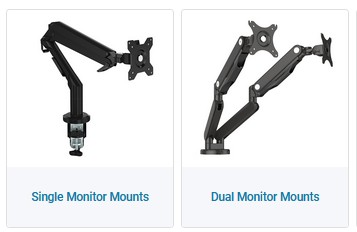
And make sure you mount your monitor on a monitor stand that is fixed to the desk and to the mounting screw holes on the back, something like one of these:


At a former workplace, the monitors were just on their built-in stands on good quality solid desks.
In the Kaikoura earthquake, a lot of monitors ended on the floor, and even though it was all carpeted, around 30% of monitors were cracked across or internally broken. It's not just the expense pot-quake of buying a new monitor, it's the insurance hassle and finding that you're way down the suppliers' priority order for a replacement and having to wait weeks for a replacement.


Shop now for Lenovo laptops and other devices (affiliate link).
everettpsycho
668 posts

Ultimate Geek
+1 received by user: 270


  #2858850 30-Jan-2022 21:09
Send private message

demeter23:

Nice one, thank you.  I still think i'm tempted by the LG Ultrawide, might go and look tomorrow in PB Tech.  Or do I ship it from Amazon AU and save $50ish.


I run an LG 29 inch ultrawide along with 2x 24 inch monitors. Height wise they are all similar so it almost lines up nicely but I've now turned one of them to be horizontal as I don't really use the third monitor so thmmfogured I'd try it and see how it goes.

Whilst I love the extra real estate the UW gives me for anything involving tables and graphical work it's a bit of a pain for emails and meetings as people always complain about width of stuff if I share it. Personally had I know how much I'd be working from home when I got the thing I would have stumped up the extra for a 34 inch 1440p one and got much more space. If you were coming from 22 inch or less I'd absolutely recommend it, but coming from a 24 it's not a good step up and the 34 is more like a 27 inch in height with much better width. Just feel like you'd want to keep one of the 24 inches as a secondary which you might not need with the bigger display.

insane
3324 posts

Uber Geek
+1 received by user: 1006

ID Verified
Trusted
2degrees
Subscriber

  #2858852 30-Jan-2022 21:26
Send private message

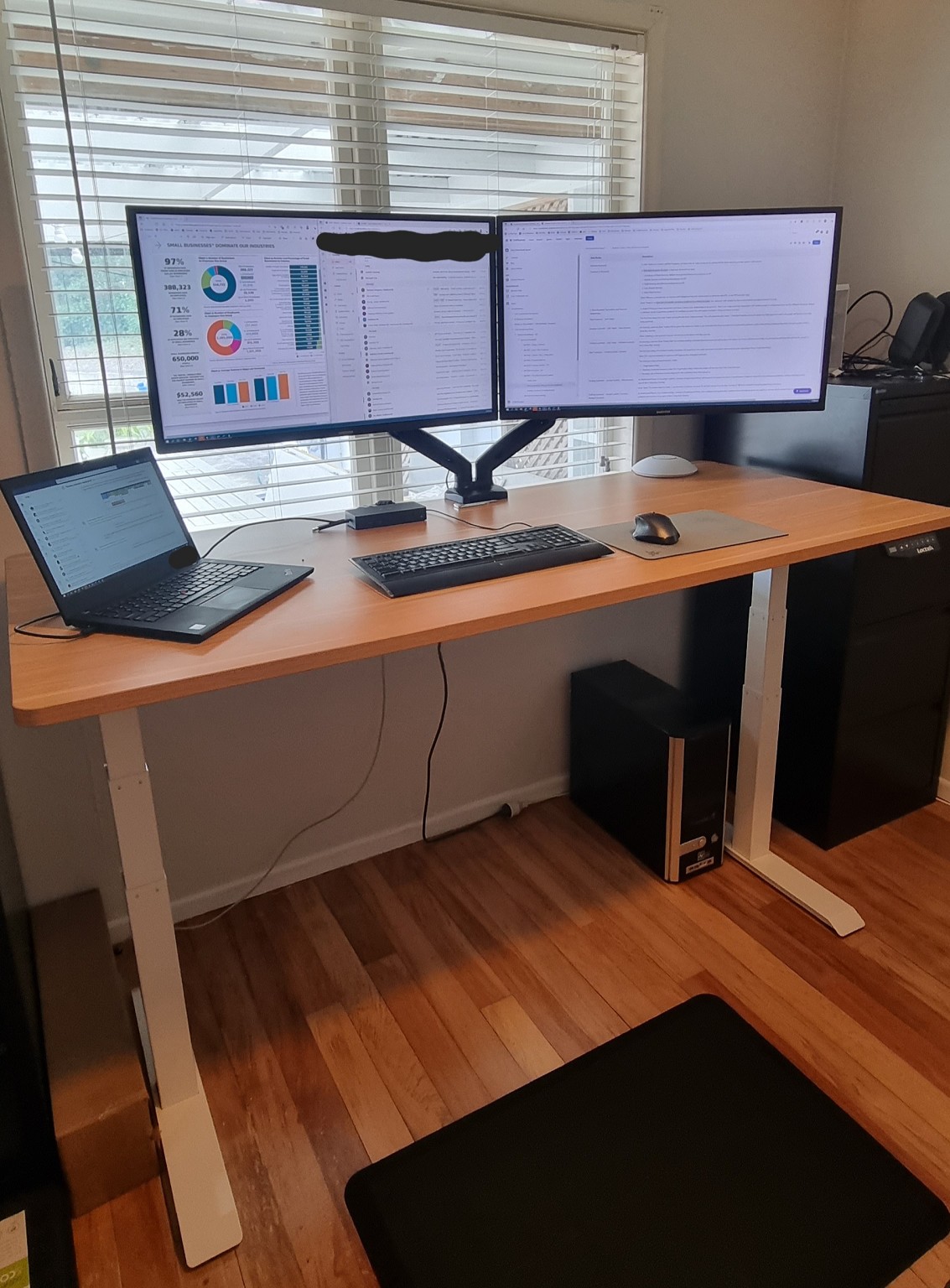
I went with dual Samsung 32" 4K monitors with arms as shown above. Loctek 1800*800 standing desk from PB tech. 


Almost got whiplash the first few days as it's about 1.6m of screen, then add my laptop via a Dell D6000 dock, almost takes up the full 1.8m :D


Love the setup, quite glad I didn't go curved or it would be even more head turning.


All cabling etc hidden underneath except for power and ethernet.


-


gehenna
8667 posts

Uber Geek
+1 received by user: 3883

Moderator
Trusted
Lifetime subscriber

  #2858965 31-Jan-2022 07:52
Send private message

Up to you how much you care about visible cables, everyone is different.  I think cables are the devil, in general I just want everything to be wireless all the time :)  But for a situation like yours I got some of this over the weekend, which can be cut to fit Buy the StarTech CBMOWD3220 6ft Cable Management Raceway w/Adhesive ( CBMOWD3220 ) online - PBTech.co.nz


gehenna
8667 posts

Uber Geek
+1 received by user: 3883

Moderator
Trusted
Lifetime subscriber

  #2858972 31-Jan-2022 08:18
Send private message

everettpsycho: 


I'll be the pain and ask if you know the actual name or product link for the cable tray?


Fleet Cable Management Tray 1200mm Grey | OfficeMax NZ


They have a 700 wide one too


fizzychicken
318 posts

Ultimate Geek
+1 received by user: 86


  #2859397 31-Jan-2022 15:51
Send private message

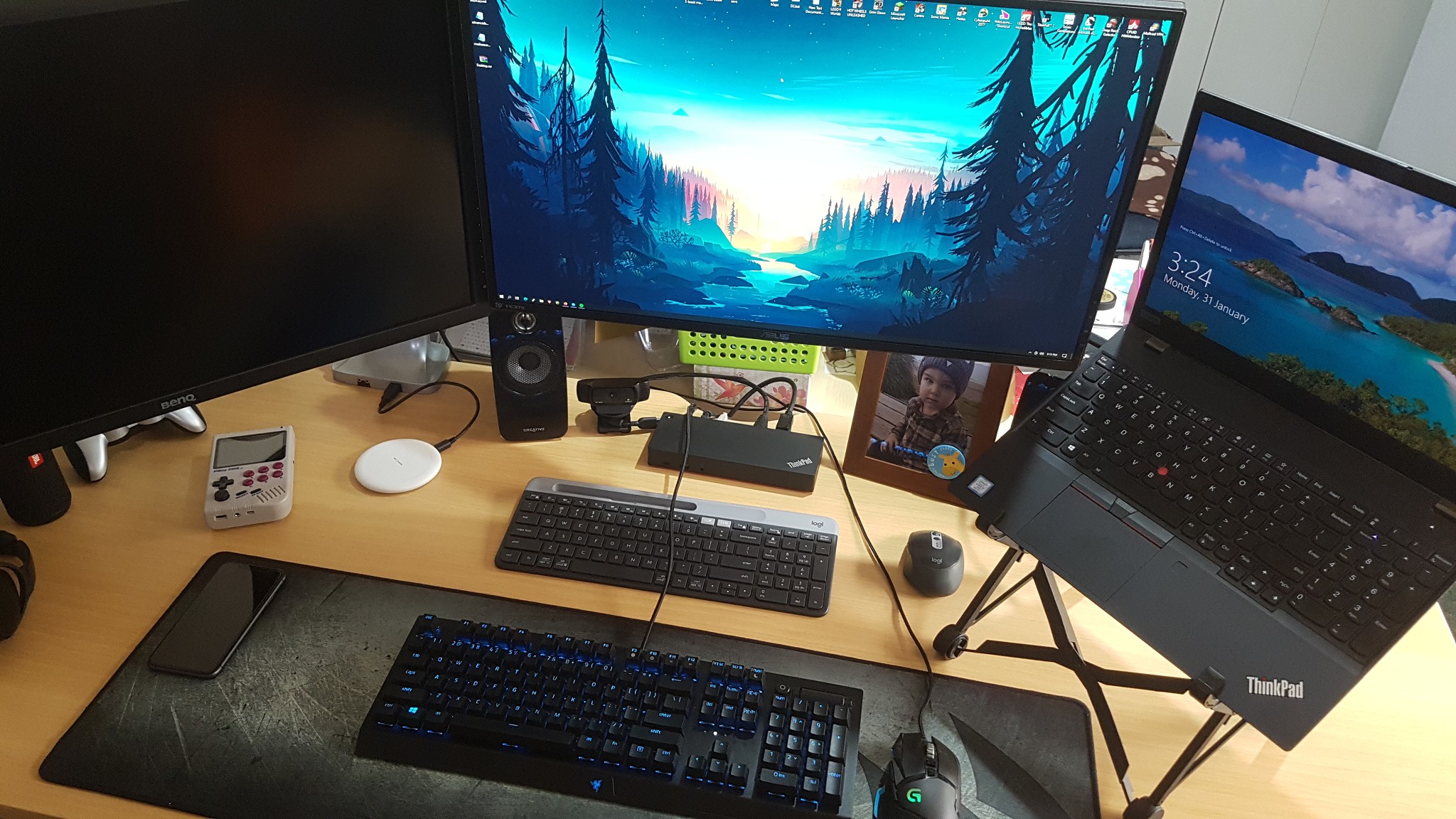
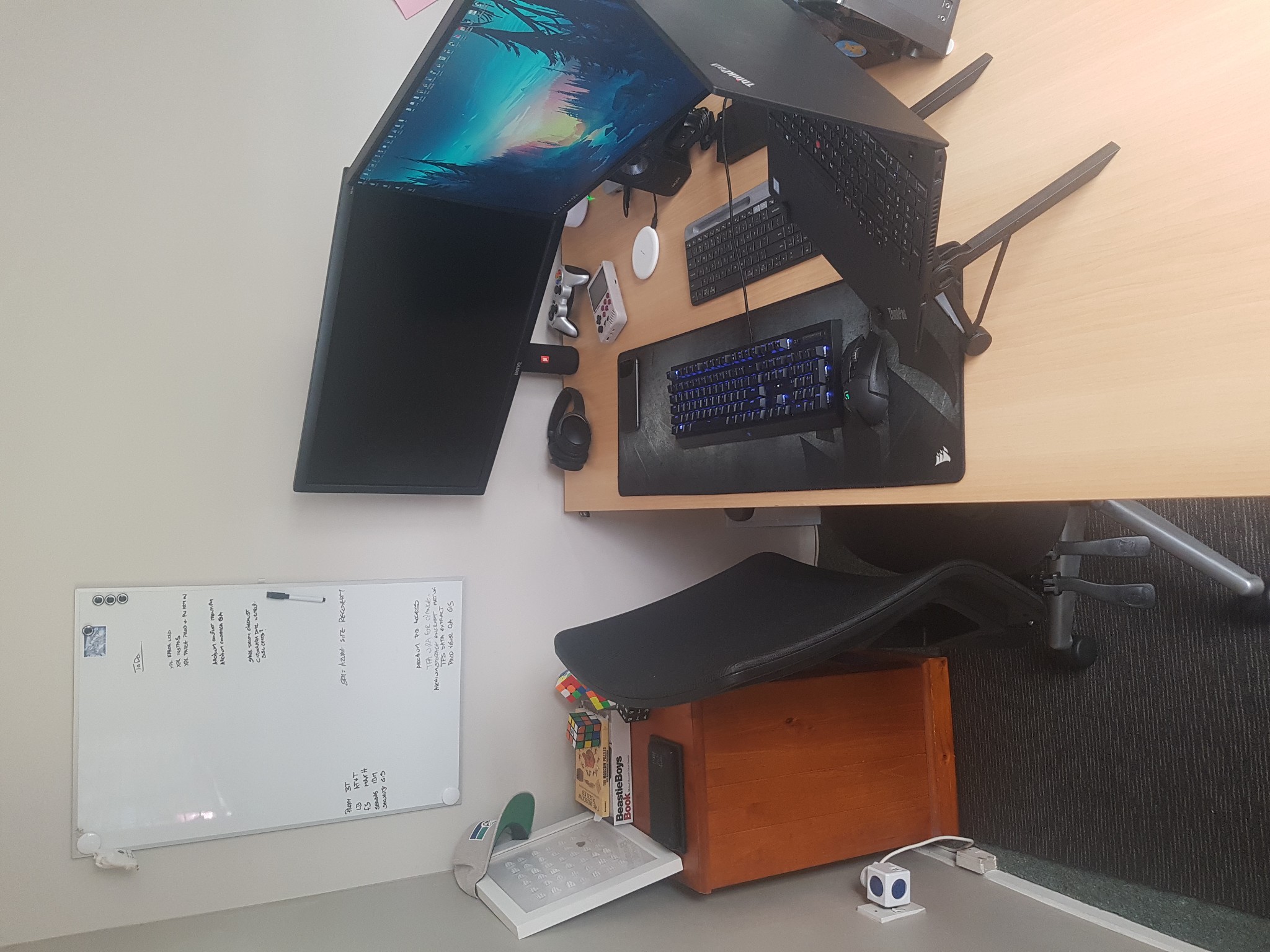
Thought Id update mine from back on page 4 of this thread as Ive changed some stuff over the previous year.


Main reason for change was so that I wasnt back-to-back with my wife, I wear headphones all the time and now she can just wave at me to get my attention rather than move to tap me on the shoulder.
I also needed a whiteboard but there was a window on all sides of the previous room.


Tech wise, changes/upgrades are


Upgraded monitor arms to Brateck gas lift arms with usb, allowed a better positioning experience than the previous arms.
Use Bose headset only now, after a fit of rage I smashed the logitech headset to bits....very childish...very satisfying....never buying logitech audio equipment again.
Replaced k800 keyboard with Razer blackwidow v3 (yellow keys) mechanical keyboard for gaming. While much better for gaming, I cant type very well on this keyboard so i still use the low profile keyboard for most things.
PiBoy DMG from experiemental pi because some work meetings are unnecessary, but if they cant see me, I can at least enjoy the time wasted.
What you probably cant see well is the top left corner of the desk....changed the home wifi to use a Deco x68 mesh system in the house, one of three hubs sits on my desk so I can use the builtin ethernet for my main pc.
Upgraded PC tower case, which is now on the floor thanks to longer monitor cables, to a Corsair 500D (white)
Laptop is now level with the other screens thanks to a NextStand, This thing was a 'Im not sure if it will be good' purchase....turns out its so good I got my wife one for her laptop too.
Changed mousepad to a Corsair MM300 to better fir with the new layout
Upgraded the chair to a Buro something-or-other provided by my employer.
Added Creative labs speakers for when I need a rest from wearing a headset, these also have velcro pads I added to the bottom so they can be attached to the underside of the desk if I needed more room.


Shop now for Dell laptops and other devices (affiliate link).
fizzychicken
318 posts

Ultimate Geek
+1 received by user: 86


  #2859400 31-Jan-2022 16:06
Send private message

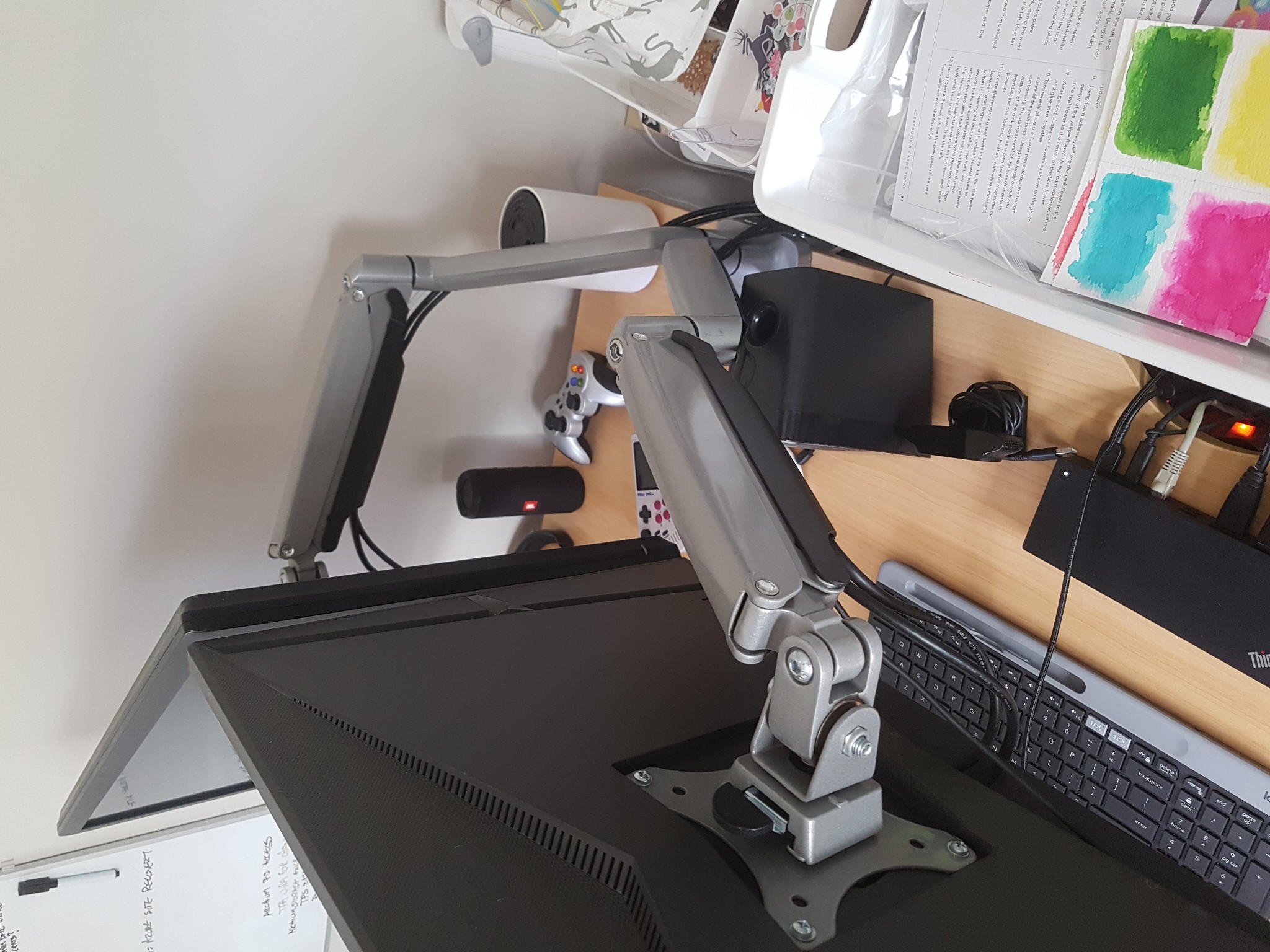
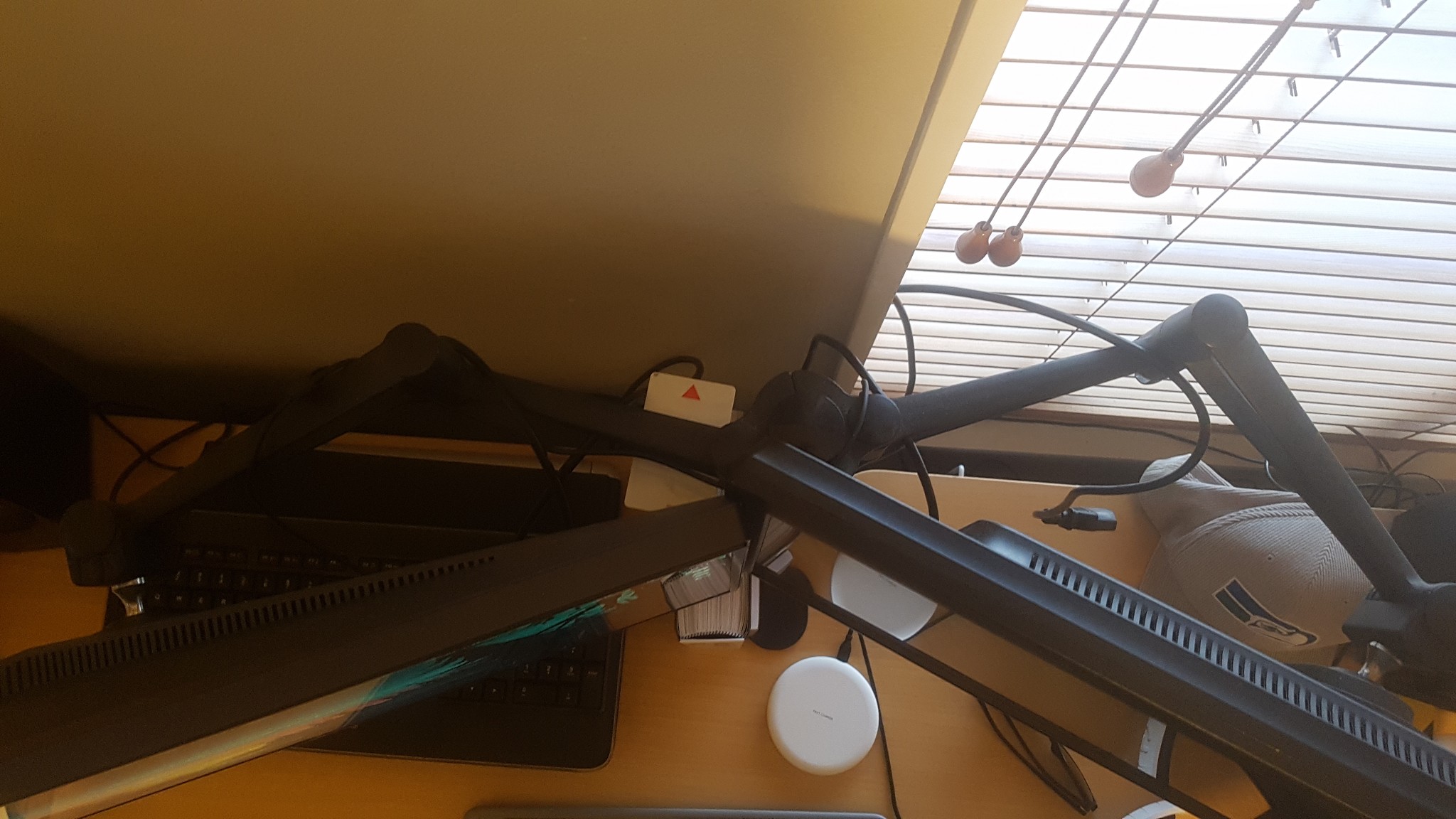
Also, if you want my old monitor arms as shown in page 4 of this post, and you can pick up from Auckland northshore, they are free to a good home, Best for up to 24" monitors, though they handled my 28s if one was at an angle.
One arm needs tightening, though i just shoved a plastic card in the joint to balance it out, and the cable tidy hooks under the arm snapped off (so I used cable ties). Youll need your own monitor mount screws as this didnt come with any.


https://brateck.com.au/product/mab-lcd-t9/


DamageInc
555 posts

Ultimate Geek
+1 received by user: 73

Lifetime subscriber

  #2859402 31-Jan-2022 16:09
Send private message

insane:

I went with dual Samsung 32" 4K monitors with arms as shown above. Loctek 1800*800 standing desk from PB tech. 


Almost got whiplash the first few days as it's about 1.6m of screen, then add my laptop via a Dell D6000 dock, almost takes up the full 1.8m :D


Love the setup, quite glad I didn't go curved or it would be even more head turning.


All cabling etc hidden underneath except for power and ethernet.


-


Would you recommend the desk?
Been looking at the smaller one.


Pop! OS


freitasm
BDFL - Memuneh
80655 posts

Uber Geek
+1 received by user: 41053

Administrator
ID Verified
Trusted
Geekzone
Lifetime subscriber

  #2871517 20-Feb-2022 10:00
Send private message

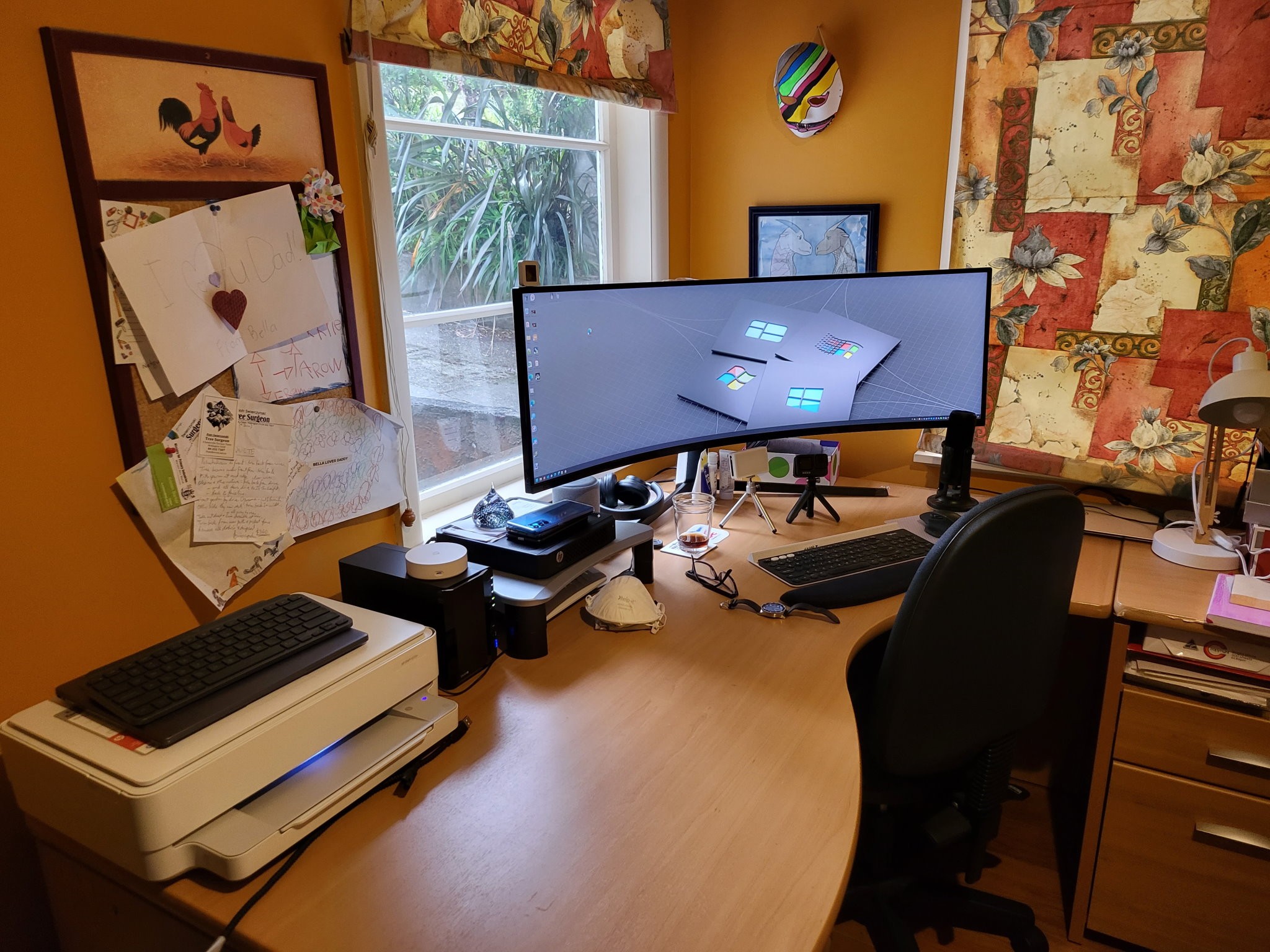
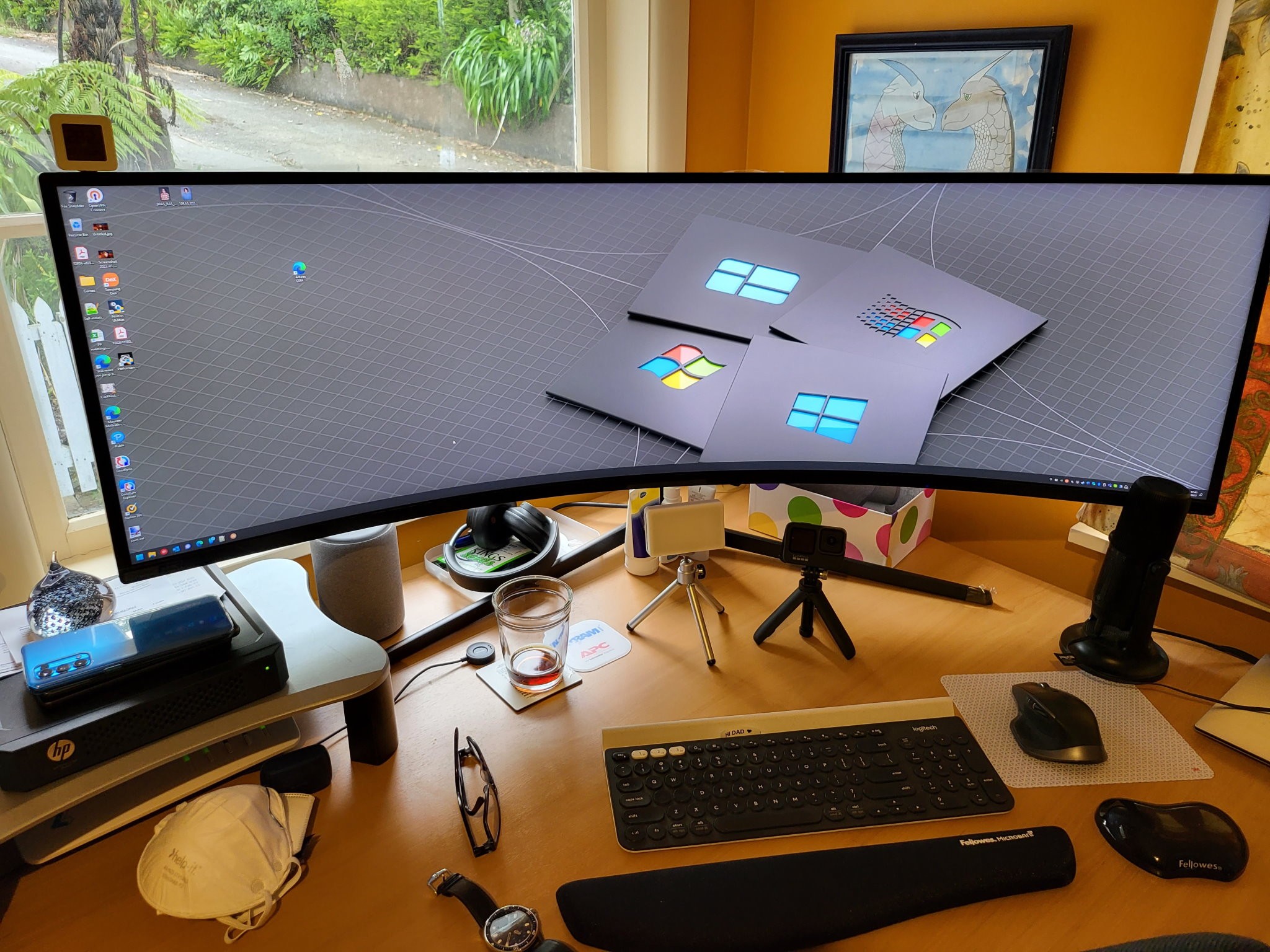
My usual is a 34" Xiaomi monitor - I am toying with the idea of placing a second one next to it. Also, I am finally back at the home office, after working in the lounge for a while (new puppy, had to be in the lounge so she wouldn't go around the house destroying things).


But this week I received a Samsung Odyssey Neo G9 for review. With 49" I don't think I have space for a second monitor while this is here.


Referral links: Quic Broadband (free setup code: R587125ERQ6VE) | Samsung | AliExpress | Wise | Sharesies 


Support Geekzone by subscribing (browse ads-free), or making a one-off or recurring donation through PressPatron.


DamageInc
555 posts

Ultimate Geek
+1 received by user: 73

Lifetime subscriber

  #2871522 20-Feb-2022 10:15
Send private message

That looks sensational, how is productivity?
Better?


Pop! OS


1 | ... | 17 | 18 | 19 | 20 | 21 | 22 | 23 | 24 | 25 | 26
View this topic in a long page with up to 500 replies per page Create new topic


Geekzone Live »

Try automatic live updates from Geekzone directly in your browser, without refreshing the page, with Geekzone Live now.


Are you subscribed to our RSS feed? You can download the latest headlines and summaries from our stories directly to your computer or smartphone by using a feed reader.