Geekzone: technology news, blogs, forums
Guest
Welcome Guest.
You haven't logged in yet. If you don't have an account you can register now.


ANglEAUT

altered-ego
2436 posts

Uber Geek
+1 received by user: 841

Trusted
Lifetime subscriber

#320011 25-Jun-2025 22:09
Send private message

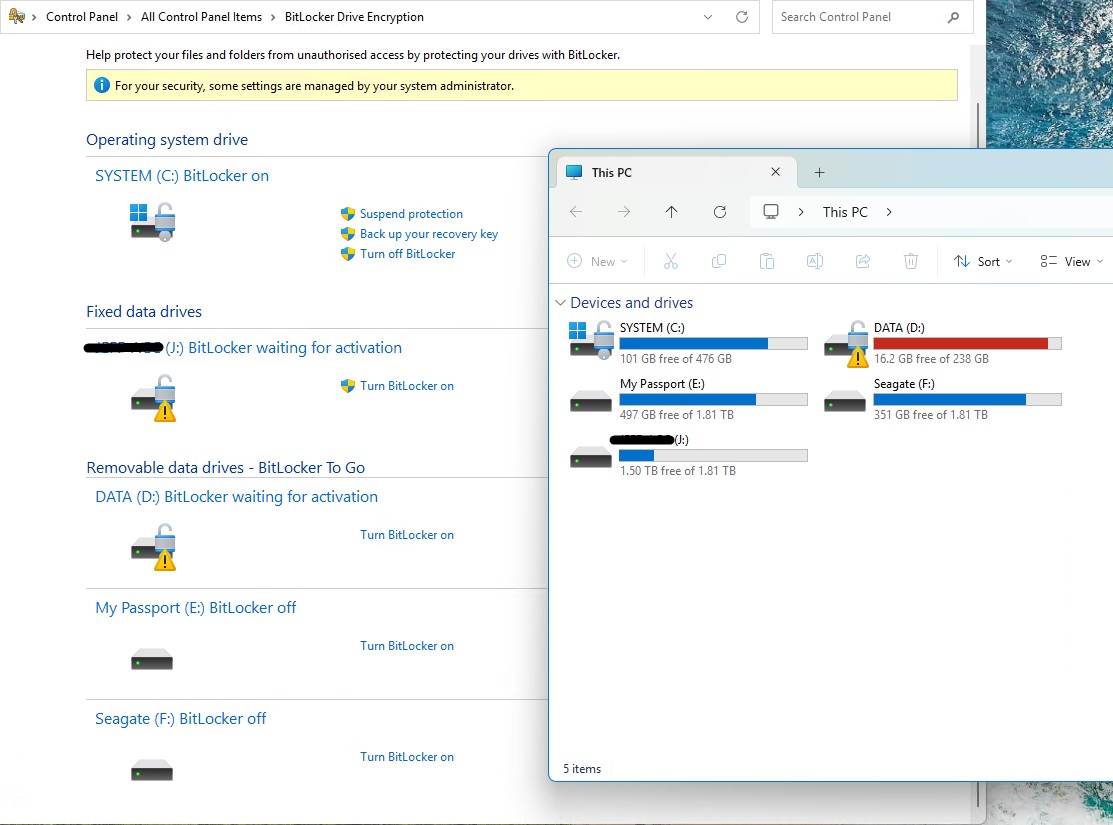
Hi. Anybody got an idea as to why these drives are displaying a warning (yellow triangle with exclamation mark)? Where else can I look?


Drive D: previously was internal to the PC, connected to the NVME slot. I've now moved it into an external USB enclosure & added drive J:
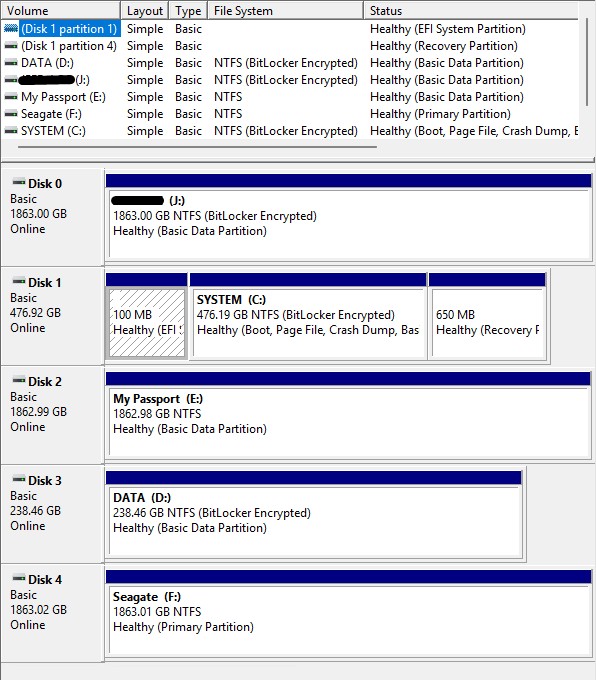


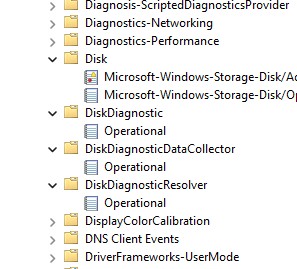
No errors in the drive properties & nothing specific in the Windows Event logs.


Please keep this GZ community vibrant by contributing in a constructive & respectful manner.


Create new topic

This is a filtered page: currently showing replies marked as answers. Click here to see full discussion.

Brumfondl
1198 posts

Uber Geek
+1 received by user: 524

Trusted
Subscriber

  #3387101 25-Jun-2025 22:27
Send private message

Just looking at those pictures, is it not to do with Bitlocker?


freitasm
BDFL - Memuneh
80647 posts

Uber Geek
+1 received by user: 41030

Administrator
ID Verified
Trusted
Geekzone
Lifetime subscriber

  #3387111 25-Jun-2025 23:02
Send private message

That means Bitlocker is suspended on that drive. You can resume it through Control Panel.


Referral links: Quic Broadband (free setup code: R587125ERQ6VE) | Samsung | AliExpress | Wise | Sharesies 


Support Geekzone by subscribing (browse ads-free), or making a one-off or recurring donation through PressPatron.


Create new topic


Geekzone Live »

Try automatic live updates from Geekzone directly in your browser, without refreshing the page, with Geekzone Live now.


Are you subscribed to our RSS feed? You can download the latest headlines and summaries from our stories directly to your computer or smartphone by using a feed reader.