|
|
|
Yep, redo the plugs at each end, but first, just confirm that the wires are twisted in the pairs as I've assumed (take a photo and post back here if you like of the pairs in the cable you have).
trig42:
Yep, redo the plugs at each end, but first, just confirm that the wires are twisted in the pairs as I've assumed (take a photo and post back here if you like of the pairs in the cable you have).
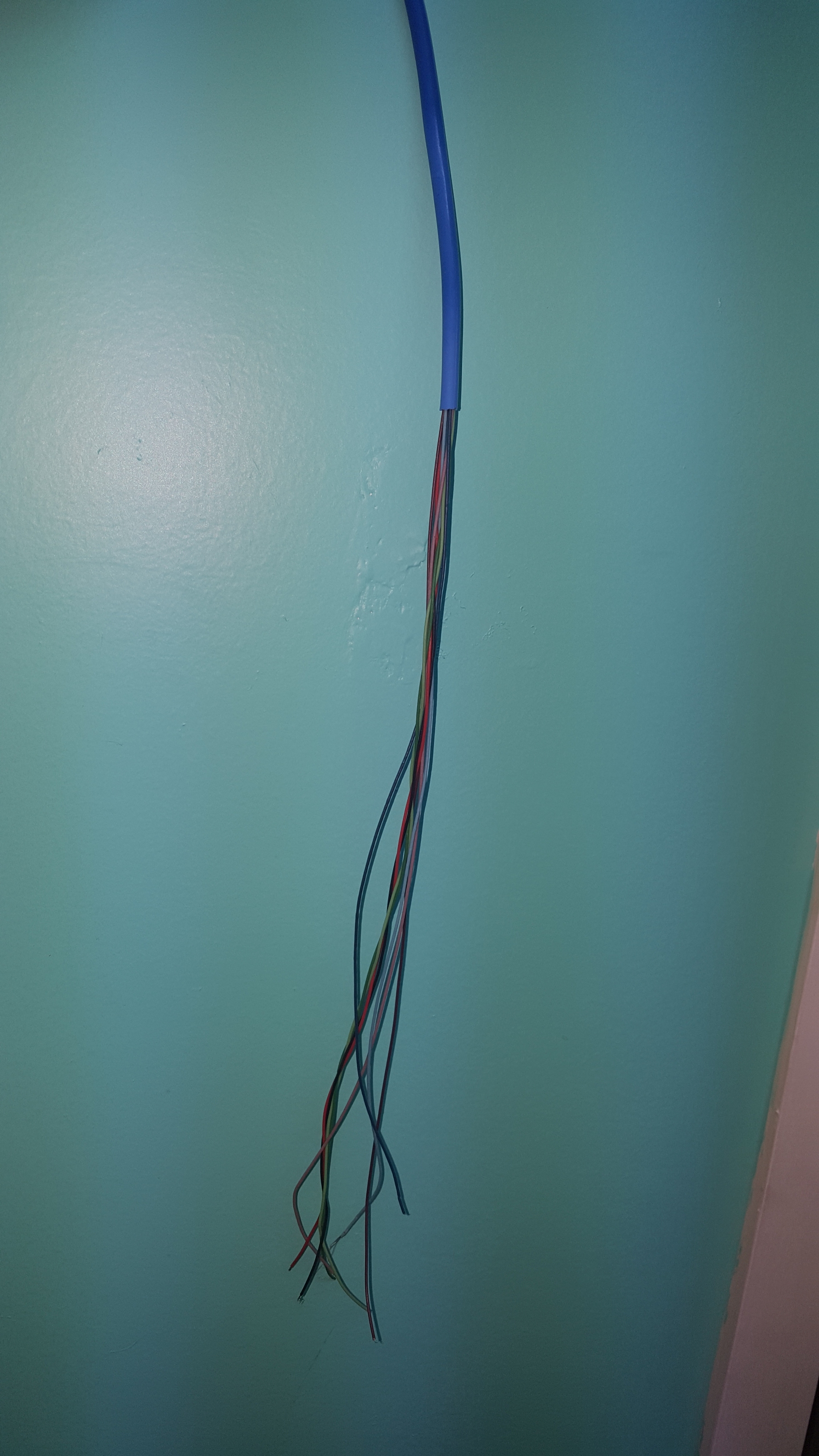
The wires arent really twisted together like I would imagine., but they are paired together (split by the X shapped plastic inner)
mdooher:
RyanDre:
Thanks for all the replies
I have tried multiple times crimping different leads, long and short, with plain clear plastic RJ45 hand crimped on fittings.
I have a basic cable tester and all the 8 lights light up with each other correctly.
When I tested, I used a short 1m pre made 5e cable I had lying around from my modem to my laptop and link speed was 1000Mbps, then when I switched to my home made cable it was 100Mbps.
So the problem is either with my home made cable or crimped fittings, not any devices.
One thing I noticed is the color of the wires in the cable, the colors are red, black, dark green, light green, dark blue, light blue, grey, purple - which seems different colors to what I see online. I have wired them straight through matching colors at each end.
There is no shielding or anything in the cable, just a centre clear plastic thing for strength.
Unfortunately its going to be a pain to replace the cable to my Shield, I will make sure to test the link speed before installing!
there is your problem the cable is not network cable, (is it security cable?) and in any-case you must follow the correct colour code when you get the right stuff or else you will end up with split pairs
Well I guess you must be right, it was bought at Cat6 ethernet cable. Unforuntely the piece I have with me at work doesnt have the writing on it. I do recall seeing 6e written on it (is that even a thing?)
trig42:
Yep, redo the plugs at each end, but first, just confirm that the wires are twisted in the pairs as I've assumed (take a photo and post back here if you like of the pairs in the cable you have).
And we have a WINNER! Your colour match has worked, link speed now says 1Gbps. Really happy I wont have to rewire under my house at this stage!
Thanks so much for your help!
RyanDre:It should always be straight through unless crossover is required. Sounds like you had 568B cable plugged into an 568A RJ45 jackpoint?
Gordy7:
Interesting to see the previous network cable colour posting... Here is a snip from my records...
Yea I had wired it up straight through, and that was the problem with my cable in this situation
trig42:
Pretty sure wiring them straight through will bugger up the pairs.
The standard is expecting data down a twisted pair, and by wiring straight through, you will be sending data down pairs that aren't twisted together.
Assuming:
Red/Black are twisted together
Dark Gr/Light Gr ""
Dark Blue/Light Blue ""
Grey/Purple ""
You should wire as follows:
Pin1 Light Green
Pin2 Dark Green
Pin3 Red
Pin4 Dark Blue
Pin5 Light Blue
Pin6 Black
Pin7 Grey
Pin8 Purple
(check a wiring standard diagram, and substitute the colours you have in pairs, for the colours they *should* be).
What the f are those colours?!
568A is:
White Green
Green
White Orange
Blue
White Blue
Orange
White Brown
Brown
Basically, it should go white, colour, white, colour, etc...
the A and B standards are compatible as long as you use the same at both ends of the cable. You can plug an B standard patchcord into and A standard socket and it'll work just fine. The only difference is what coloured pair of wires is carrying what signal. Not sure if I've explained that very well.
By straight in this case it looks like it was just meaning pins 1-6 wired to the same wire at each end, but you still need to group the wires correctly in pairs as previously mentioned by another poster. Each pair needs to be in the right place, not just each pin.
for example the pairs go on: (as per other posts already as well)
1-2, 3-6, 4-5, 7-8
Each pair carries part of the signal in both directions
So if you wire it straight like people might think with pairs on 1-2, 3-4, 5-6, 7-8, then you have split the pairs across the middle four pins and it won't work.
chevrolux:
trig42:
Pretty sure wiring them straight through will bugger up the pairs.
The standard is expecting data down a twisted pair, and by wiring straight through, you will be sending data down pairs that aren't twisted together.
Assuming:
Red/Black are twisted together
Dark Gr/Light Gr ""
Dark Blue/Light Blue ""
Grey/Purple ""
You should wire as follows:
Pin1 Light Green
Pin2 Dark Green
Pin3 Red
Pin4 Dark Blue
Pin5 Light Blue
Pin6 Black
Pin7 Grey
Pin8 Purple
(check a wiring standard diagram, and substitute the colours you have in pairs, for the colours they *should* be).
What the f are those colours?!
568A is:
White Green
Green
White Orange
Blue
White Blue
Orange
White Brown
Brown
Basically, it should go white, colour, white, colour, etc...
He was matching up the weird colors I had in my cable, which has worked.
chevrolux:
What the f are those colours?!
568A is:
White Green
Green
White Orange
Blue
White Blue
Orange
White Brown
Brown
Basically, it should go white, colour, white, colour, etc...
I know how it goes, I was substituting the colours the OP has in their Trademe cable for the colours they should be (by assuming the Green and Blue cables were paired, and guessing on the other colours and substituting).
It worked, and the OP doesn't have to run a new cable.
Hard to believe that it is really cat6 though.
Spark Max Fibre using Mikrotik CCR1009-8G-1S-1S+, CRS125-24G-1S, Unifi UAP, U6-Pro, UAP-AC-M-Pro, Apple TV 4K (2022), Apple TV 4K (2017), iPad Air 1st gen, iPad Air 4th gen, iPhone 13, SkyNZ3151 (the white box). If it doesn't move then it's data cabled.
No, doesn't sound like it is, OP said it didn't appear too twisted.
It's working though.
Spyware:
Hard to believe that it is really cat6 though.
Yea who knows what it is, but Im happy it will work OK for now without having to run a new cable.
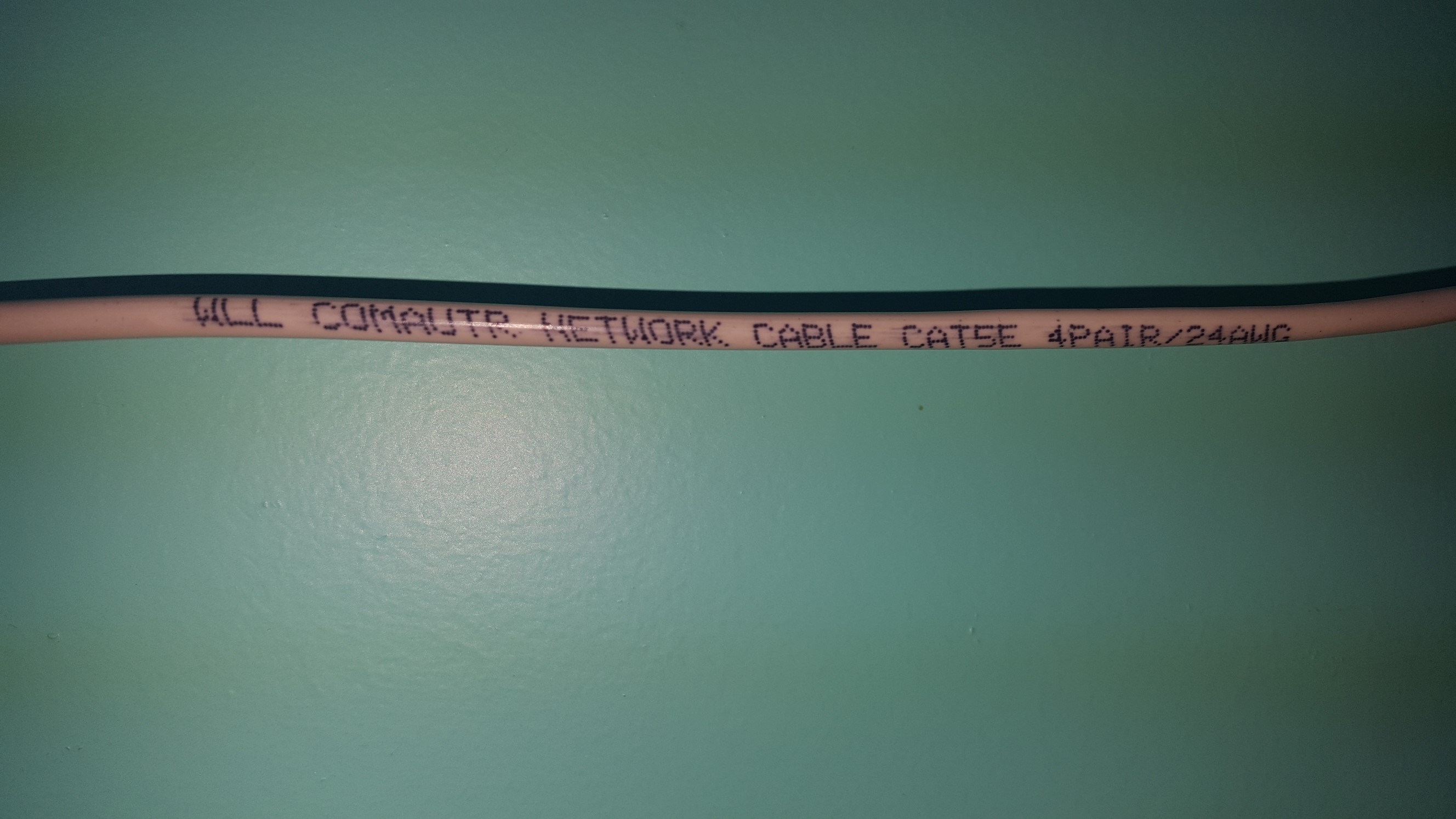
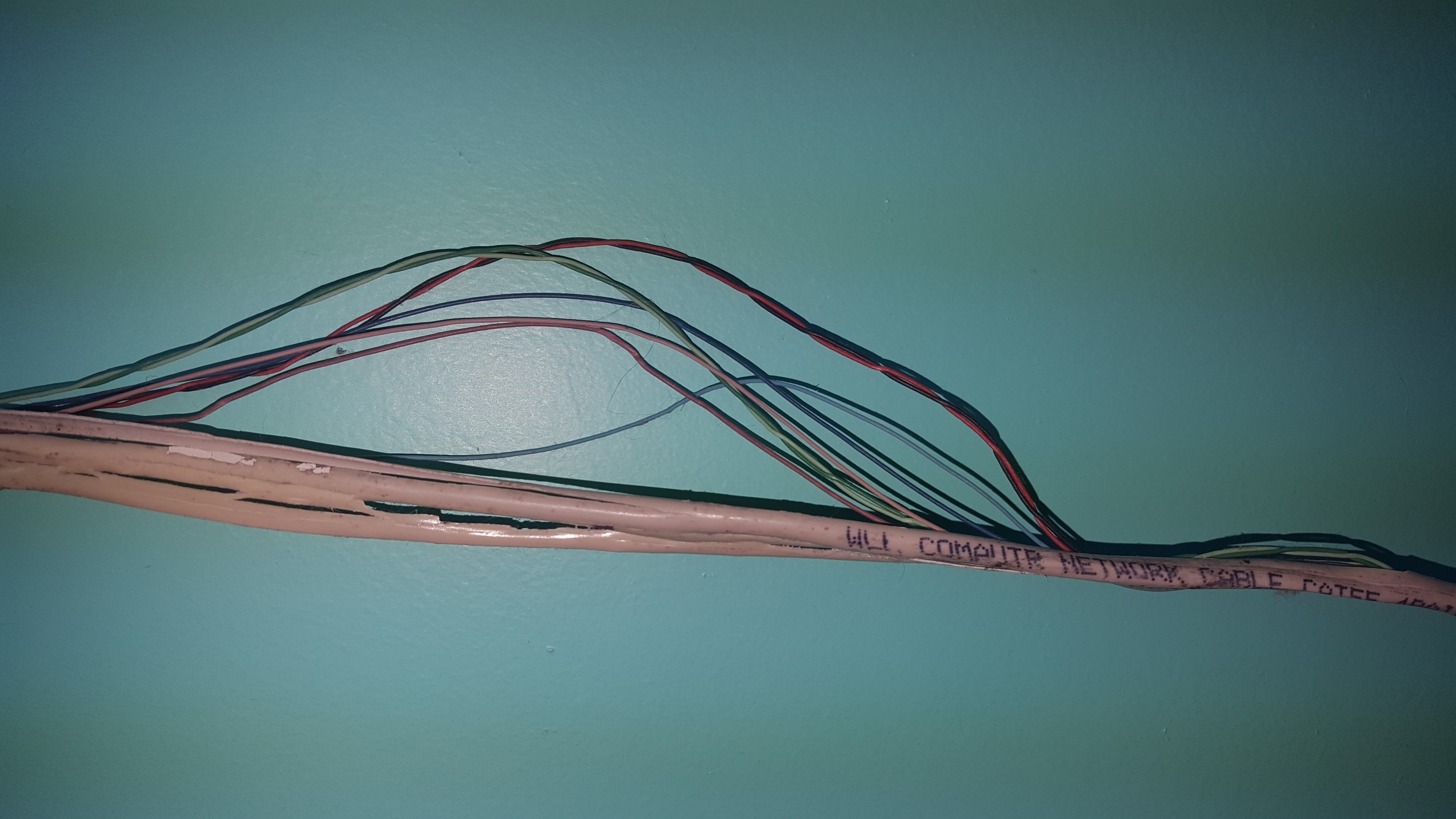
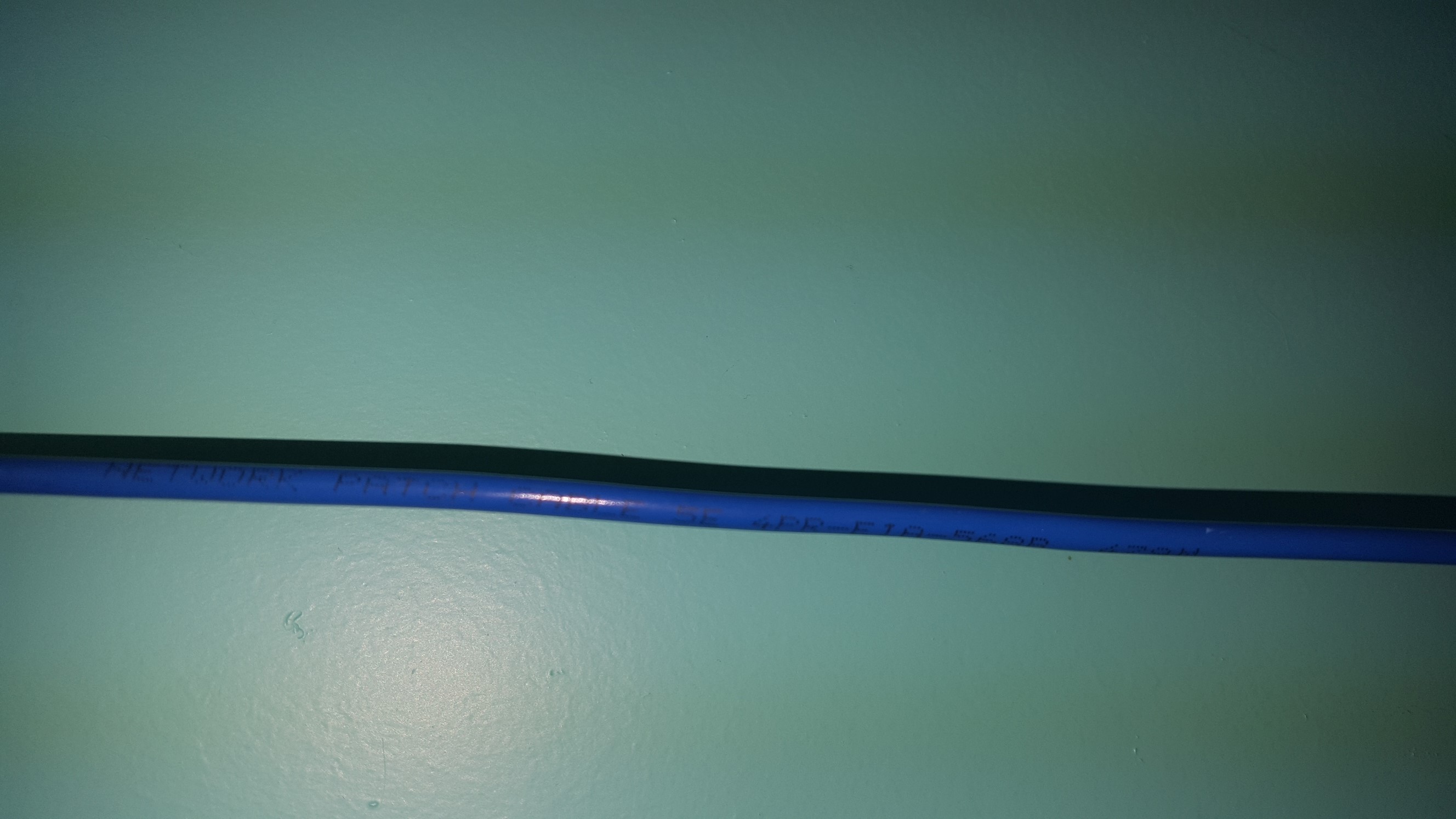
This thread is as good an excuse as any to post a couple of pics from my "Network Installation Vault Of Fail" collection. :D


|
|
|