Geekzone: technology news, blogs, forums
Guest
Welcome Guest.
You haven't logged in yet. If you don't have an account you can register now.


danepak

1124 posts

Uber Geek
+1 received by user: 85


#323574 17-Dec-2025 09:00
Send private message

Got myself an HP laptop (HP 15 FC1025AU).This laptop has two USB A ports and one USB C port.


Ideally I would like to use the two USB A ports for other things and then use the USB C port for a USB flash drive.


I therefore got myself a Lexar Dual Drive D400 (32GB) which has both USB A and USB C. The USB A works with no issues, but when I plug the USB C into the USB C port on my laptop, nothing happens. I would have assumed that it would have loaded up the drive in Windows like it does when I use the USB A end.
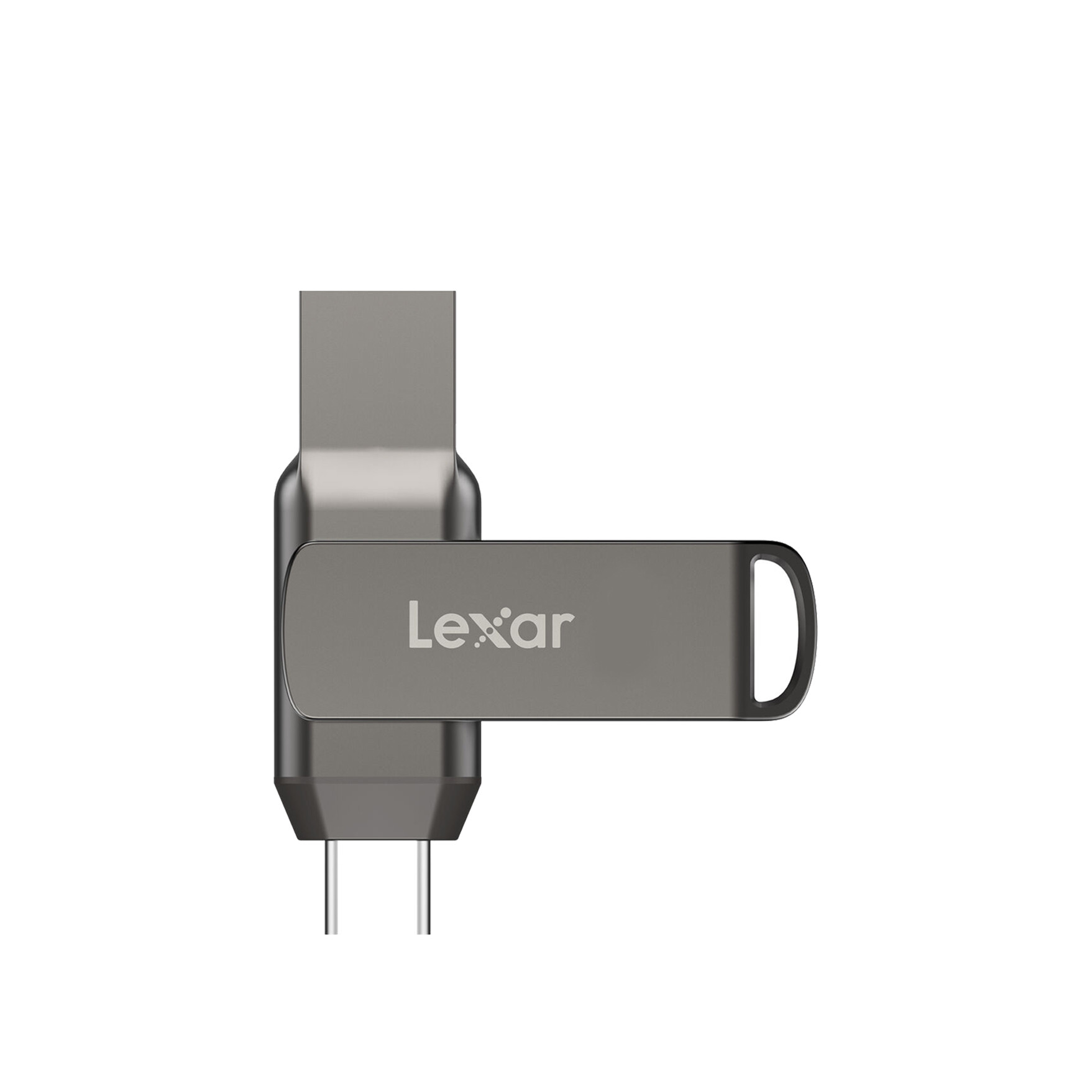


Lexar® JumpDrive® 32GB /64GB / 128GB Dual Drive D400 USB 3.1 Type-C ...


View this topic in a long page with up to 500 replies per page Create new topic

This is a filtered page: currently showing replies marked as answers. Click here to see full discussion.

jamesrt
1663 posts

Uber Geek
+1 received by user: 941

ID Verified
Trusted
Lifetime subscriber

  #3445512 19-Dec-2025 09:31
Send private message

Might be worth trying a "hard reset":


  • Shut down your laptop and unplug all connected devices and the power adapter.
  • Press and hold the power button for at least 30 seconds.
  • Reconnect the power adapter and turn on the laptop normally. 


danepak

1124 posts

Uber Geek
+1 received by user: 85


  #3445571 19-Dec-2025 11:01
Send private message

jamesrt:


Might be worth trying a "hard reset":


  • Shut down your laptop and unplug all connected devices and the power adapter.
  • Press and hold the power button for at least 30 seconds.
  • Reconnect the power adapter and turn on the laptop normally. 


YES!!!!!! That worked!


Fanbloodytastic! Much appreciated.


View this topic in a long page with up to 500 replies per page Create new topic


Geekzone Live »

Try automatic live updates from Geekzone directly in your browser, without refreshing the page, with Geekzone Live now.


Are you subscribed to our RSS feed? You can download the latest headlines and summaries from our stories directly to your computer or smartphone by using a feed reader.
