|
|
|
Photo of the ONT and MODEM please, with LEDs visible... Also I think the 659 allows you to see the WAN and LAN port statuses in the GUIs. You should check those.
Cheers - N
Please note all comments are from my own brain and don't necessarily represent the position or opinions of my employer, previous employers, colleagues, friends or pets.
Hi iDruid, did find your connection with the details you gave me (you learn a new thing every day).
I can confirm the connection between the 659 and ONT is operating at 1Gbps, and you are on the right profile set at the Spark end.
Yes it could be the connection between your PC and the 659. Is there a switch or any other device inbetween? Or is your PC connected straight to the 659?
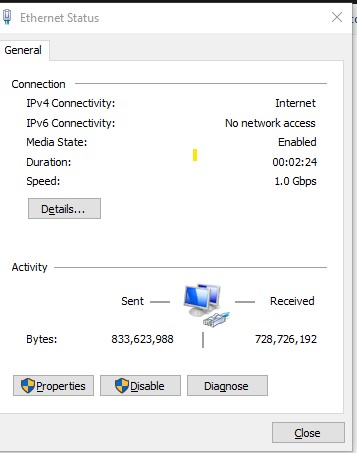
Can you please also go into Network and Internet settings / Change Adapter Options, and then right click on your LAN connection and select Properties (assuming you're using Windows). Can you advise what the 'Speed' is on that screen?
My views are my own, and may not necessarily represent those of my employer.
So just to be 100% clear, the connection goes from your PC with ethernet, direct to the 659 which is plugged directly into the ONT right?
Nothing else inbetween? No powerline networking, no switches, hubs etc?
Although I can potentially see a complicating factor in the Chorus network, your speeds at 94/94 are too conveniently at the exact numbers for a 100Mbps LAN link in the chain somewhere. Want to get that eliminated before I'd advise looking into the Chorus network further.
My views are my own, and may not necessarily represent those of my employer.
Do you have another machine you can plug directly into one of the LAN ports on the 659b? I know Dave will have correctly confirmed everything is ok on our end, but the 94/94 to a speedtest server and never getting above 100Mbps is extraordinarily consistent with a 100mbps link somewhere... Can you try a few other domestic speedtest servers? Do they all give 94/94(ish) or below 100mbps?
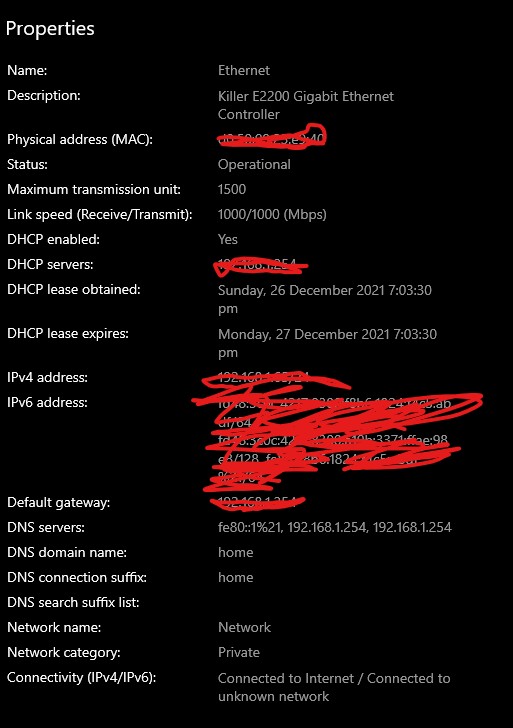
I also note you have a gaming NIC which has a pretty high number of performance complaints - I don't suppose your machine also has an onboard gig ethernet port?
Cheers - N
Please note all comments are from my own brain and don't necessarily represent the position or opinions of my employer, previous employers, colleagues, friends or pets.
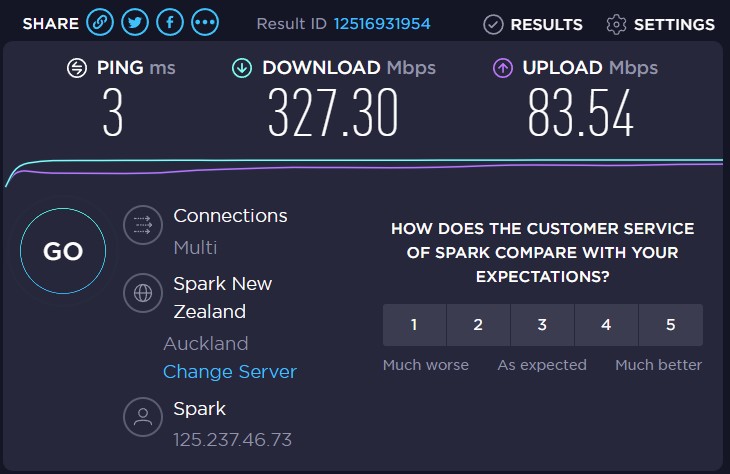
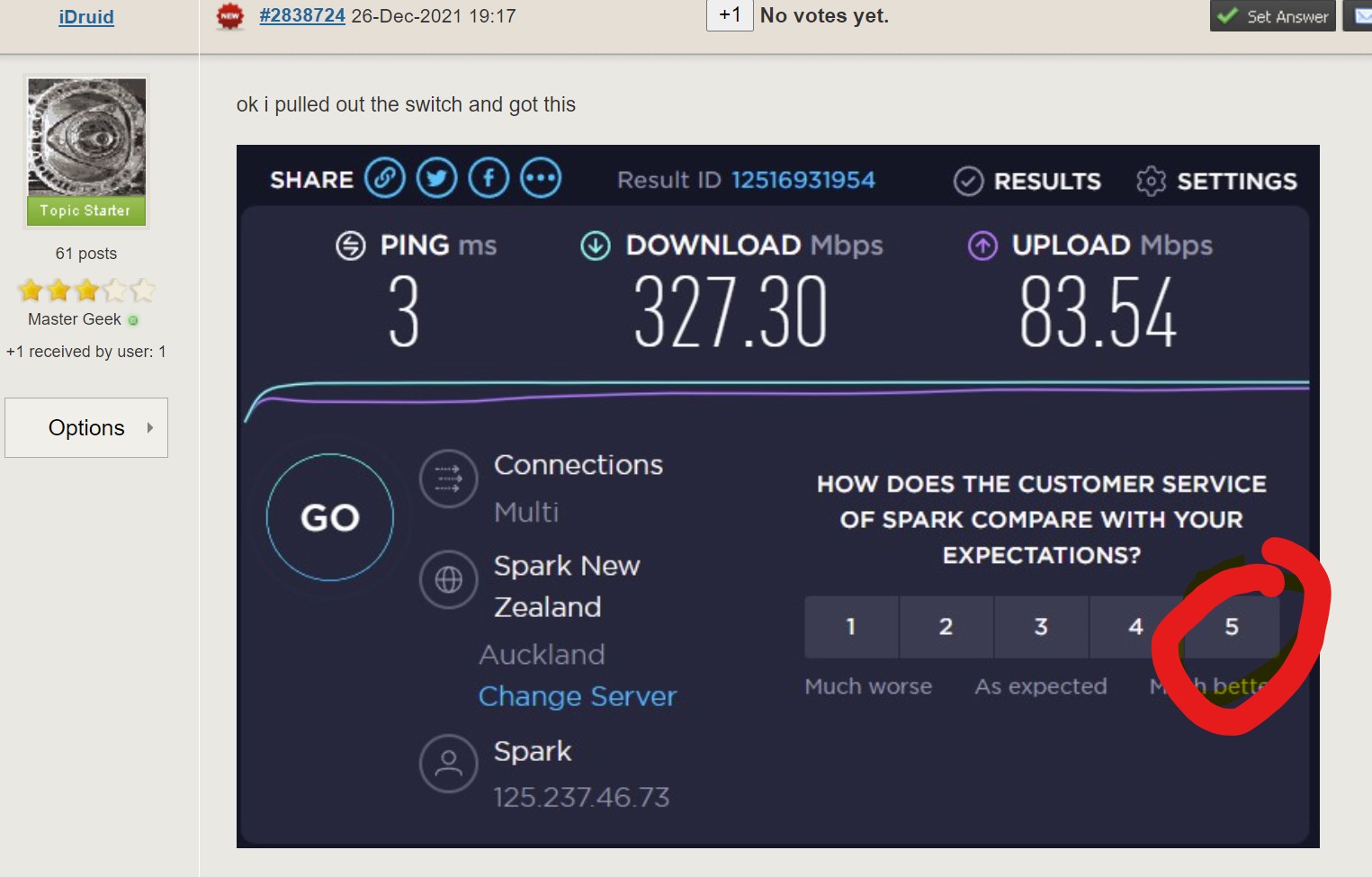
ok i pulled out the switch and got this

im sure i tried that befoe, however in my haste i may have fks up somewhere
seems this switch is naffed, anyone wanna sell a switch lol
List it on Trademe as an unwanted gift? Everyone's doing it!
Just sayin' :-)

Cheers - N
Please note all comments are from my own brain and don't necessarily represent the position or opinions of my employer, previous employers, colleagues, friends or pets.
thanks again, blonde moment
Still works at 10/100 :-)
Ooooh and it looks like you might want to make sure any future switches and ethernet cables are IPv6 capable ;-)
Hi Yitz,
Timely you should mention had a cable issue this morning, the house is wired with cat5e and when I connect
the same from the RJ45 wall jack to the PC speeds go back to previous post, when i put in a cat6 it works just
fine, is there a reason using the same cat5e from wall outlet to PC jusy does not work? does the NIC or PC have
to see a cat6 cable?
Most likely that patch cable is busted so all four pairs don't work. This will cause a connection at 100Mb/s. This is more likely your issue than the switch being faulty - just that you used this cable when connecting the switch.
|
|
|