


 ID Verified
I've had this issue for a bit and never got around to looking into it much until this week. I am on 2degrees using an old sff computer running opnsense within proxmox. If I run a speedtest on my desktop, even on a single thread, I get full speed in the browser. https://www.speedtest.net/result/16364013279
However on my speedtest tracker, as well as on my samknows device, I can't get over 500mb/s.
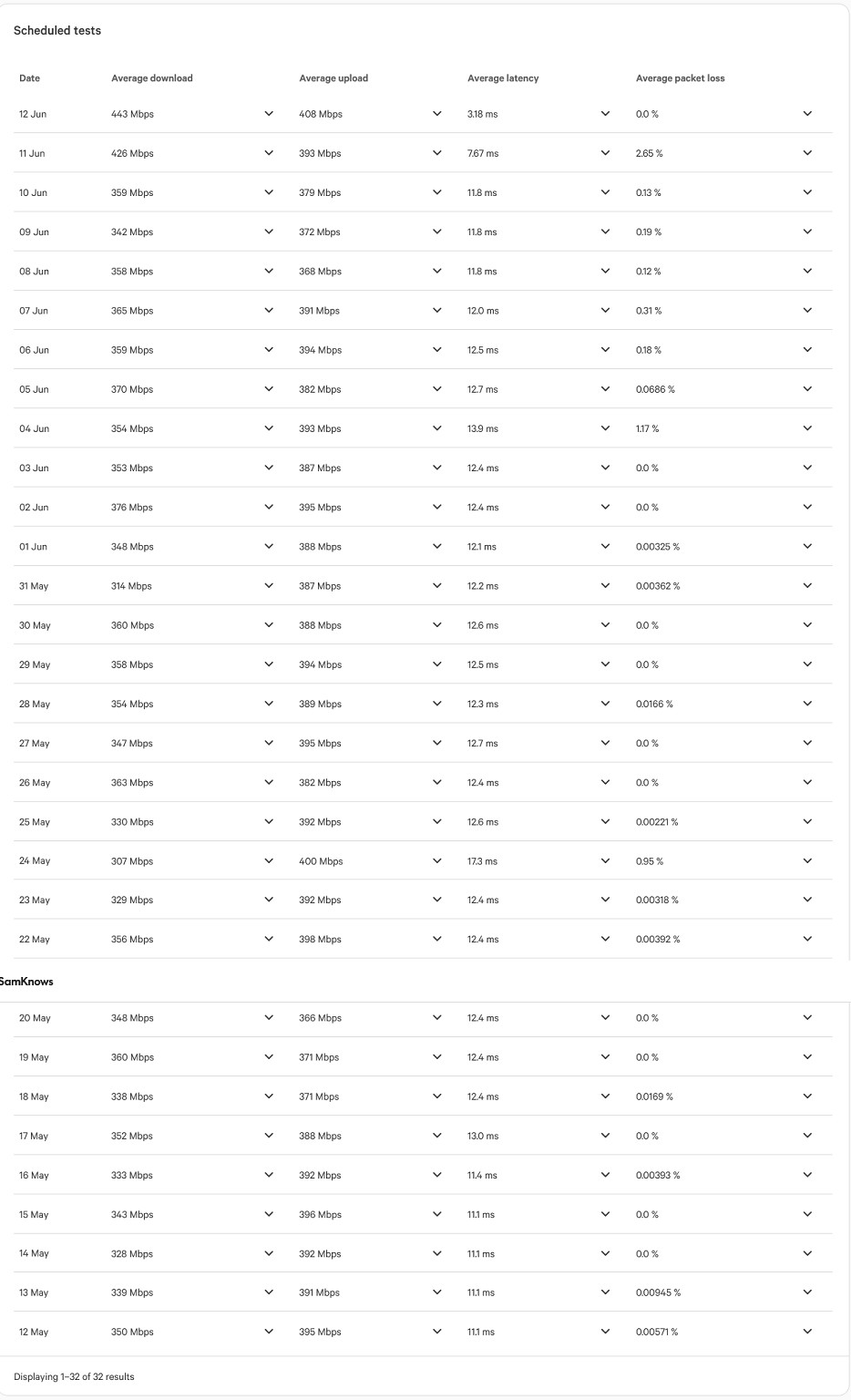

This is the same if I ssh into my opnsense box and run a speedtest directly on it.
https://www.speedtest.net/result/c/612fce33-0821-4b16-a2b0-87f260dca84b
I've rebooted everything including the ONT, and while 500mb/s is fine, it's not quite that nice gigabit that we've been paying for. The sff running opnsense is an i5-4570 (older I know but I believe it ran gigabit fine previously) with a quad intel gigabit nic, with 16gigs of ram dedicated to opnsense. The only other thing running on the same proxmox machine is technitium. It never appears to be taxed, even while running speedtests.
It just seems odd to me that it will push a gigabit no problem, except when it comes to my linux devices. It's now bothering me enough to actually look into it. Any suggestions?



