Geekzone: technology news, blogs, forums
Guest
Welcome Guest.
You haven't logged in yet. If you don't have an account you can register now.


Castlvaniafan

97 posts

Master Geek
+1 received by user: 15


#311054 10-Dec-2023 18:45
Send private message

I picked up a Synology WRX560 today since my router 2Degrees provides doesn't have enough parentel control and security options. I'm having trouble even just setting it up. 2Degrees provides some very basic information when bringing your own device (BYOD). Below is what they provide me:


WAN Connection Type: DHCP (Automatic IP/Dynamic IP/IP over Ethernet) **


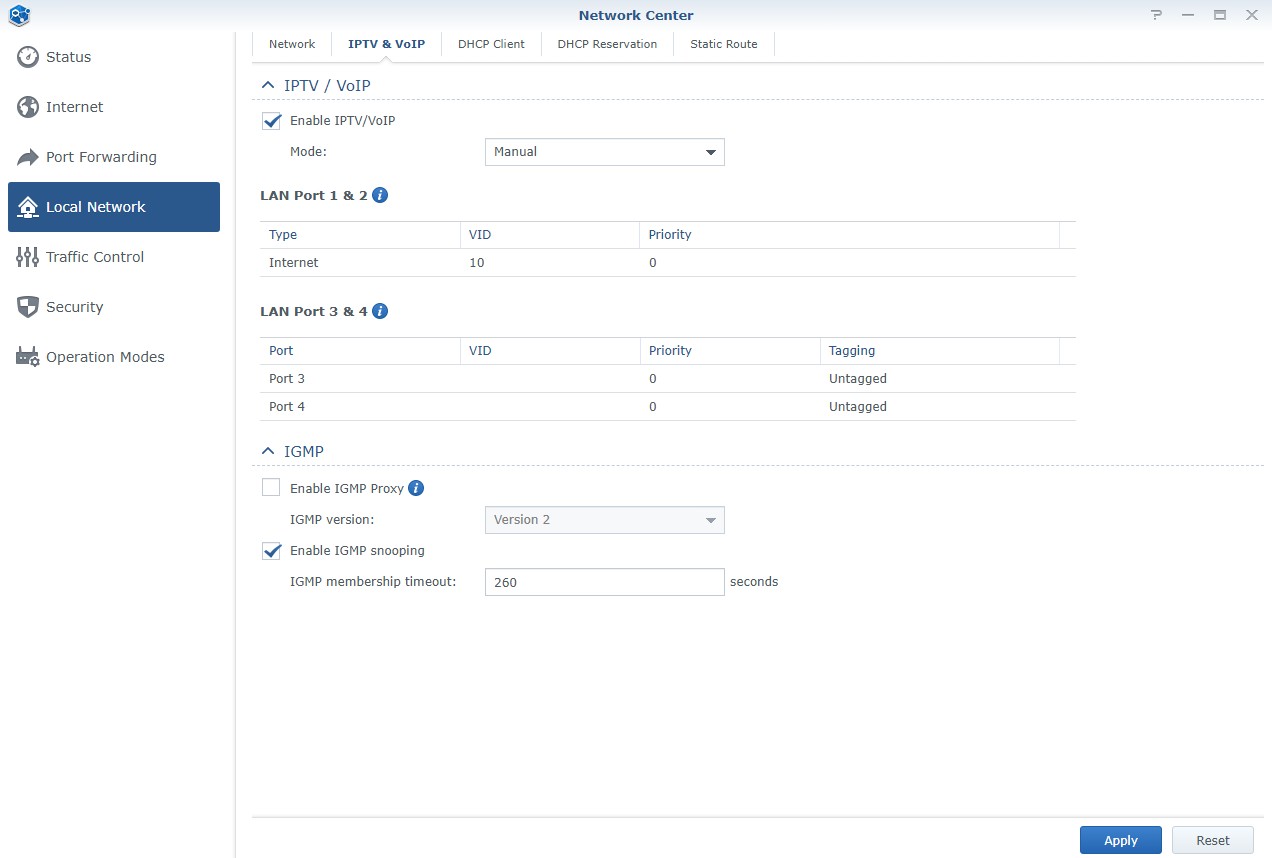
802.1Q: Enabled


VLAN ID (802.1Q): 10


802.1P (Priority): 0


IP Version: IPv4 or IPv6


MTU Size: 1492 or 1500


NAT: Enabled

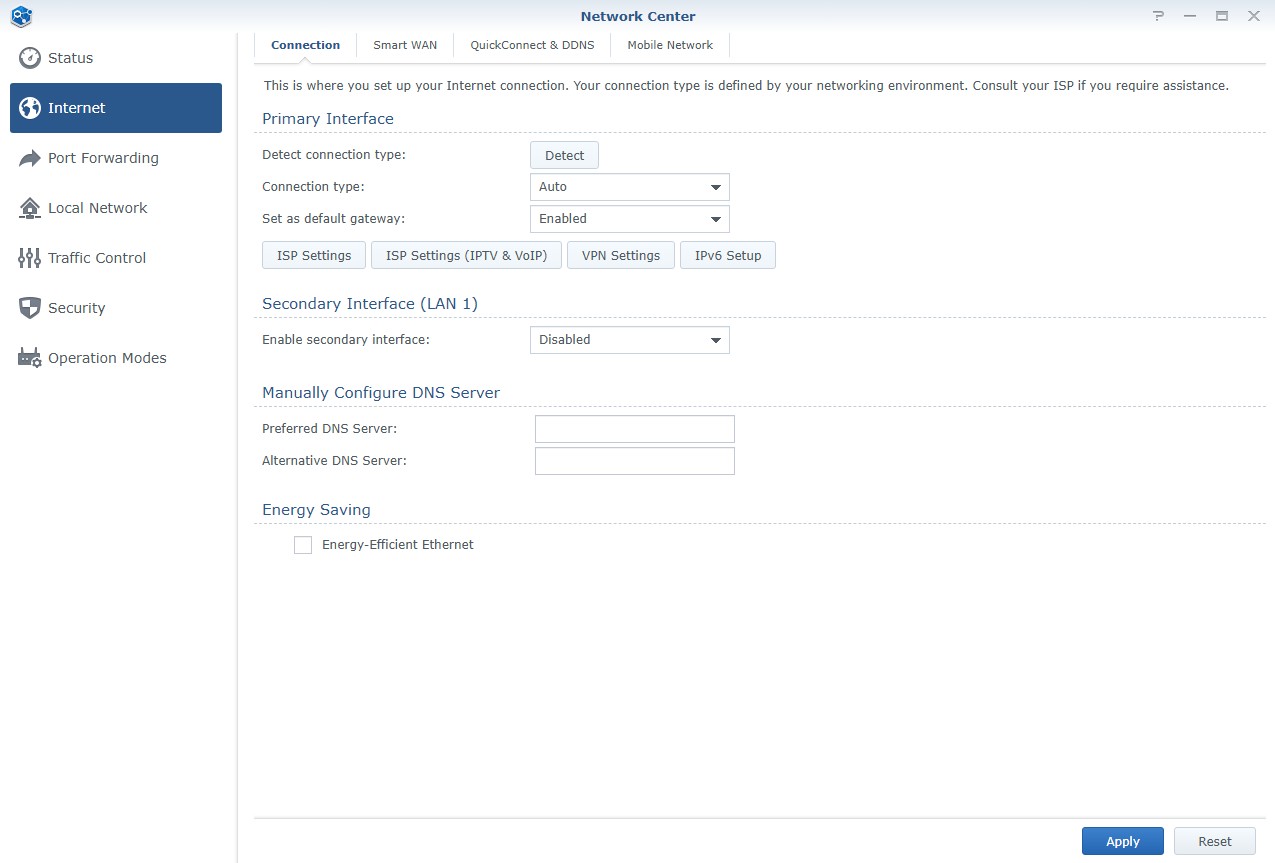
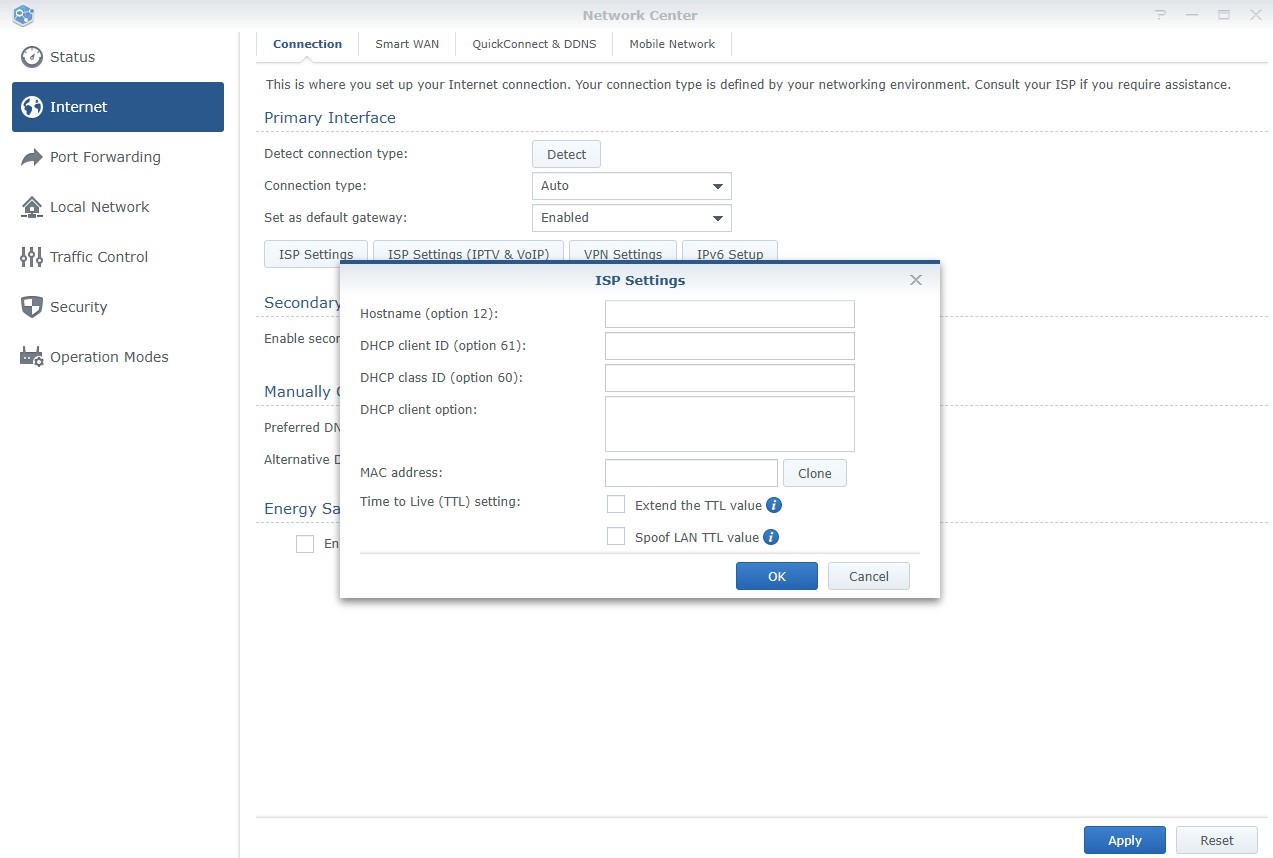
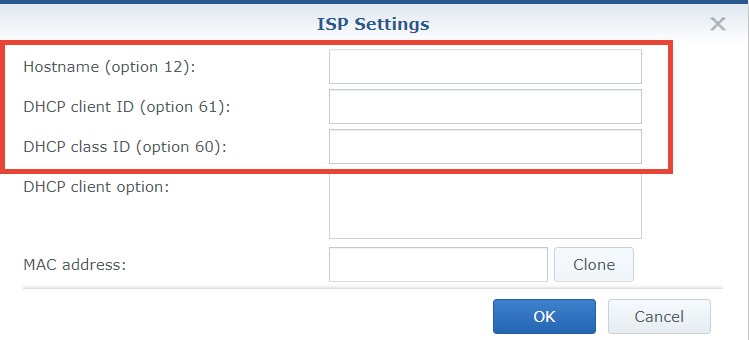
In Synology settings to setup DHCP, I need full information like their Hostname etc. See below. Bit confused at what to do here and was wondering if anyone else might have done this yet.


Synology settings:


View this topic in a long page with up to 500 replies per page Create new topic

This is a filtered page: currently showing replies marked as answers. Click here to see full discussion.

SomeoneSomewhere
1882 posts

Uber Geek
+1 received by user: 1086

Lifetime subscriber

  #3170399 10-Dec-2023 19:06
Send private message

You should be able to leave all that stuff blank I believe. 


As long as you set VLAN 10 and DHCP, it should get everything else from 2D - that's the point of DHCP.


freitasm
BDFL - Memuneh
80654 posts

Uber Geek
+1 received by user: 41045

Administrator
ID Verified
Trusted
Geekzone
Lifetime subscriber

  #3170450 10-Dec-2023 22:38
Send private message


Referral links: Quic Broadband (free setup code: R587125ERQ6VE) | Samsung | AliExpress | Wise | Sharesies 


Support Geekzone by subscribing (browse ads-free), or making a one-off or recurring donation through PressPatron.


View this topic in a long page with up to 500 replies per page Create new topic


Geekzone Live »

Try automatic live updates from Geekzone directly in your browser, without refreshing the page, with Geekzone Live now.


Are you subscribed to our RSS feed? You can download the latest headlines and summaries from our stories directly to your computer or smartphone by using a feed reader.