


Thought it was worth starting a new post as it's now a different topic. I'm normally good with tech, but routers are something I just don't know about, I just want to be able to plug and play. I only use/want to use wifi, no wired connection as not enough room for me next to the router.
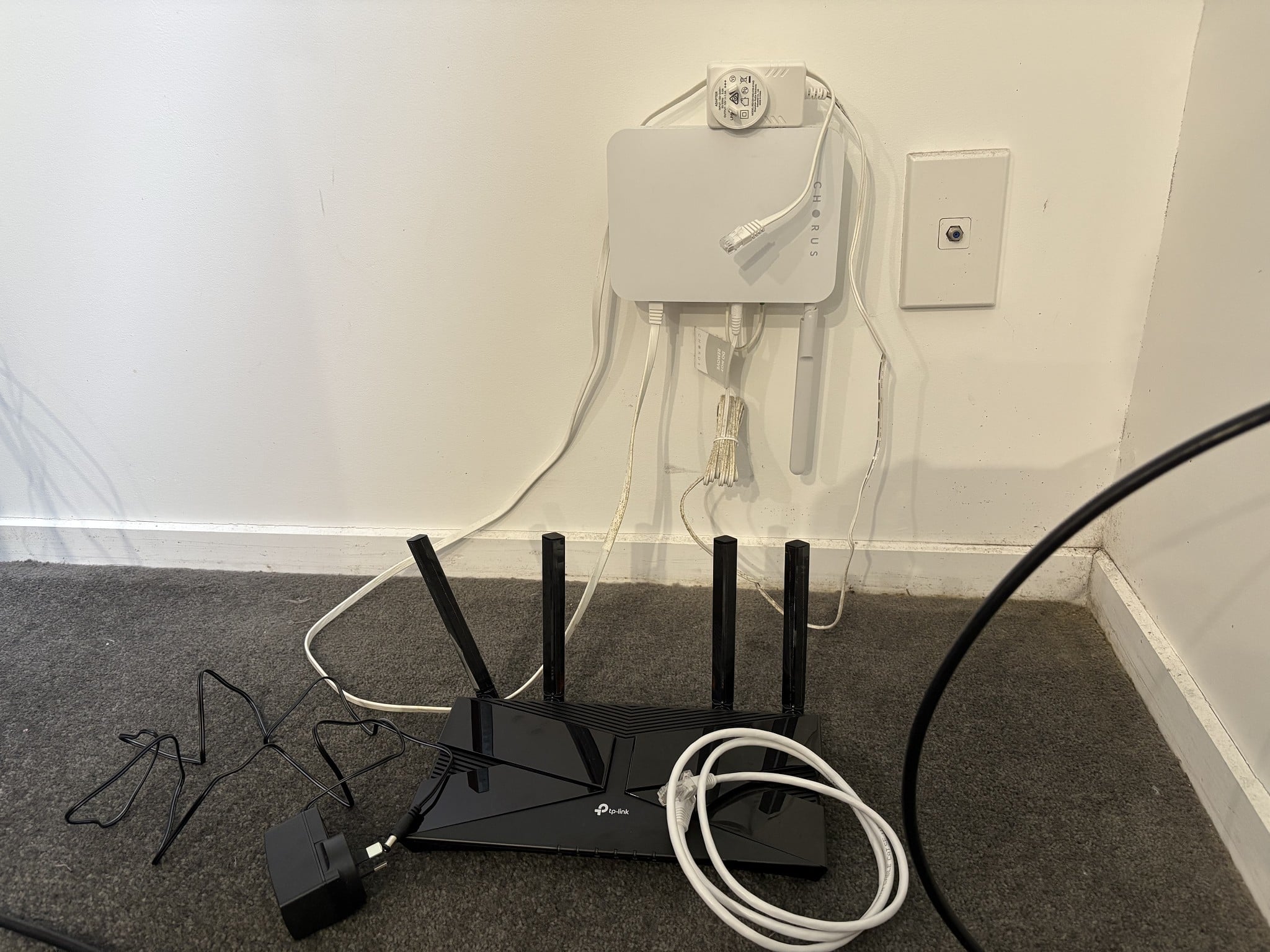
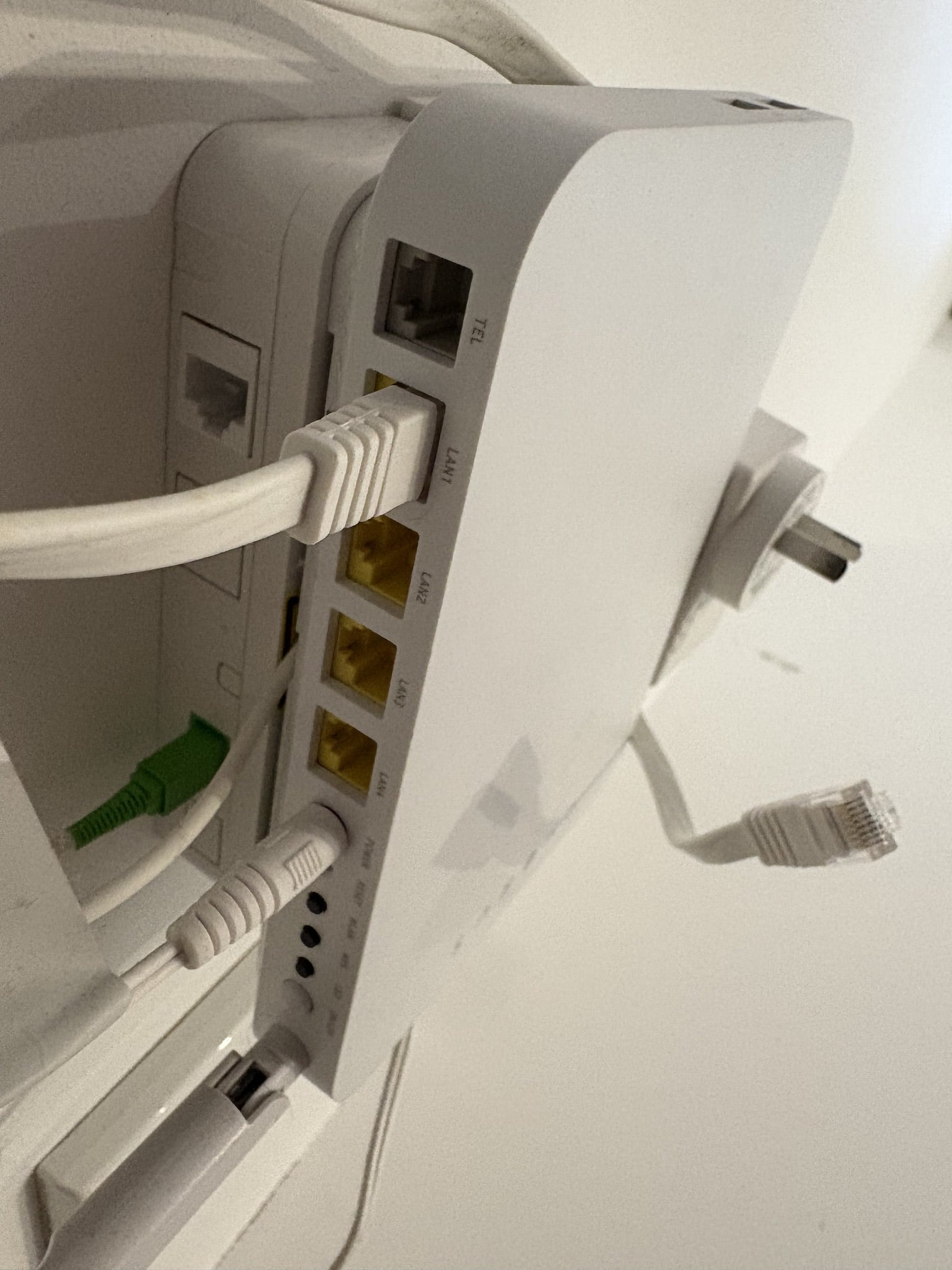
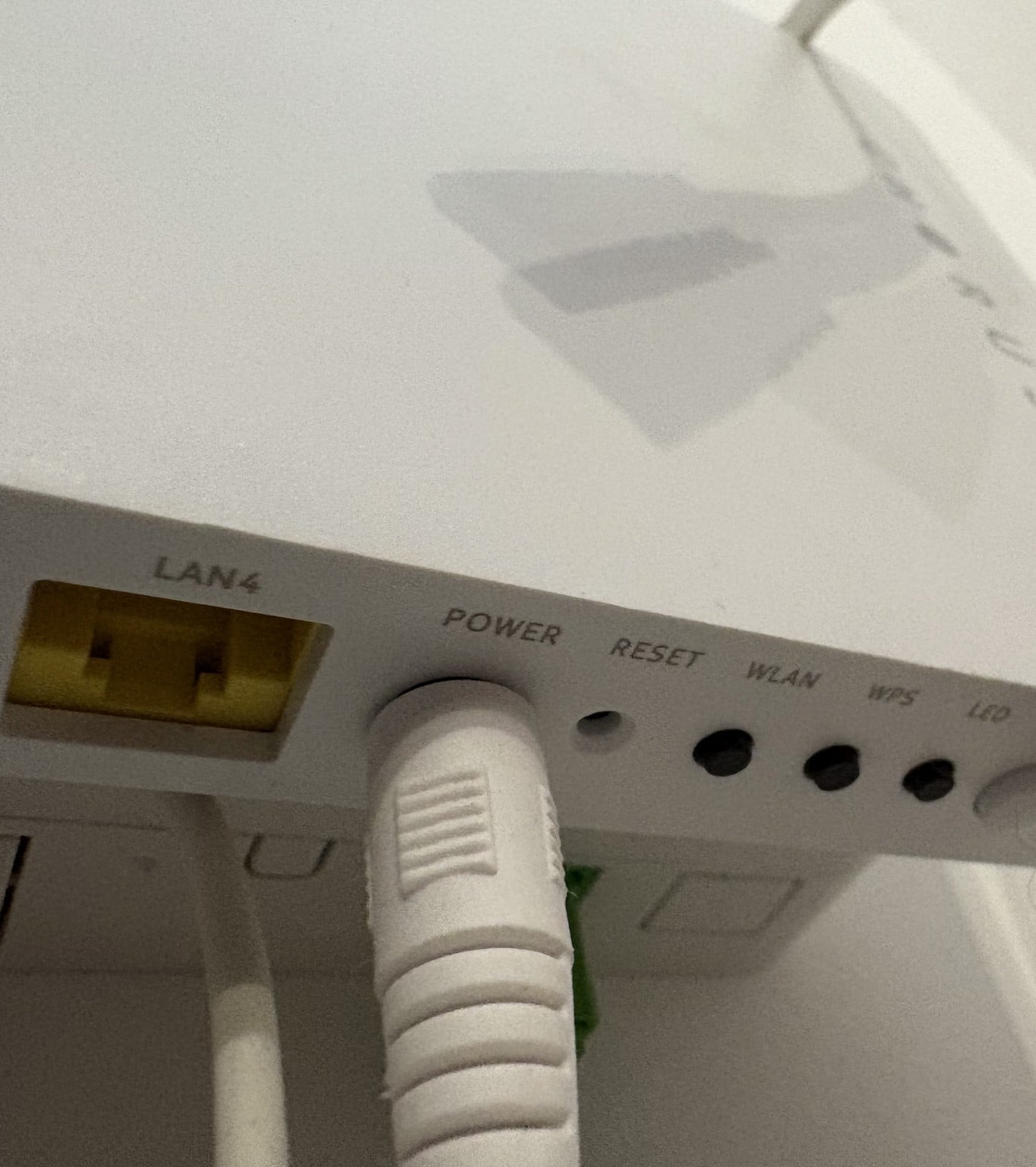
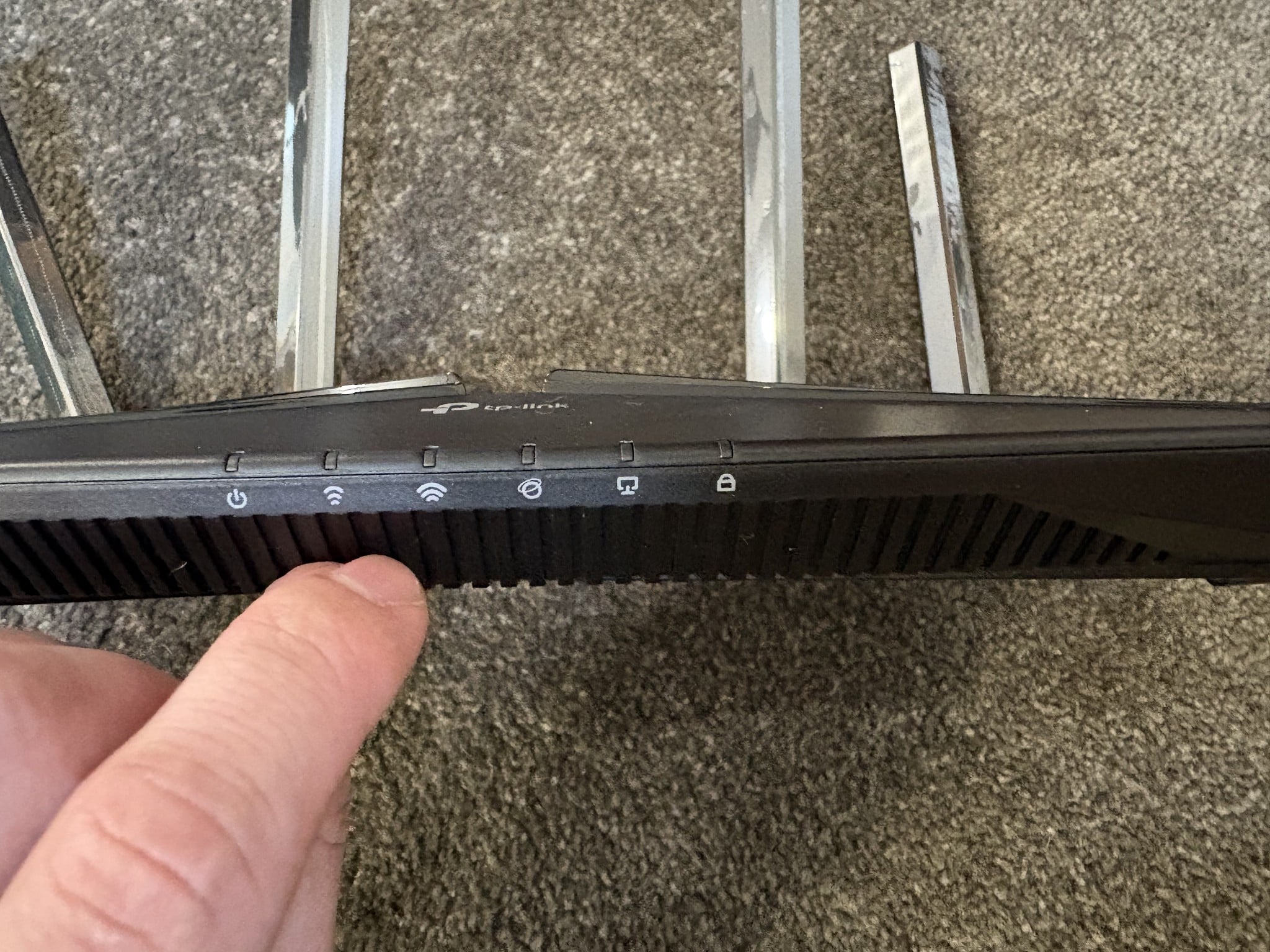
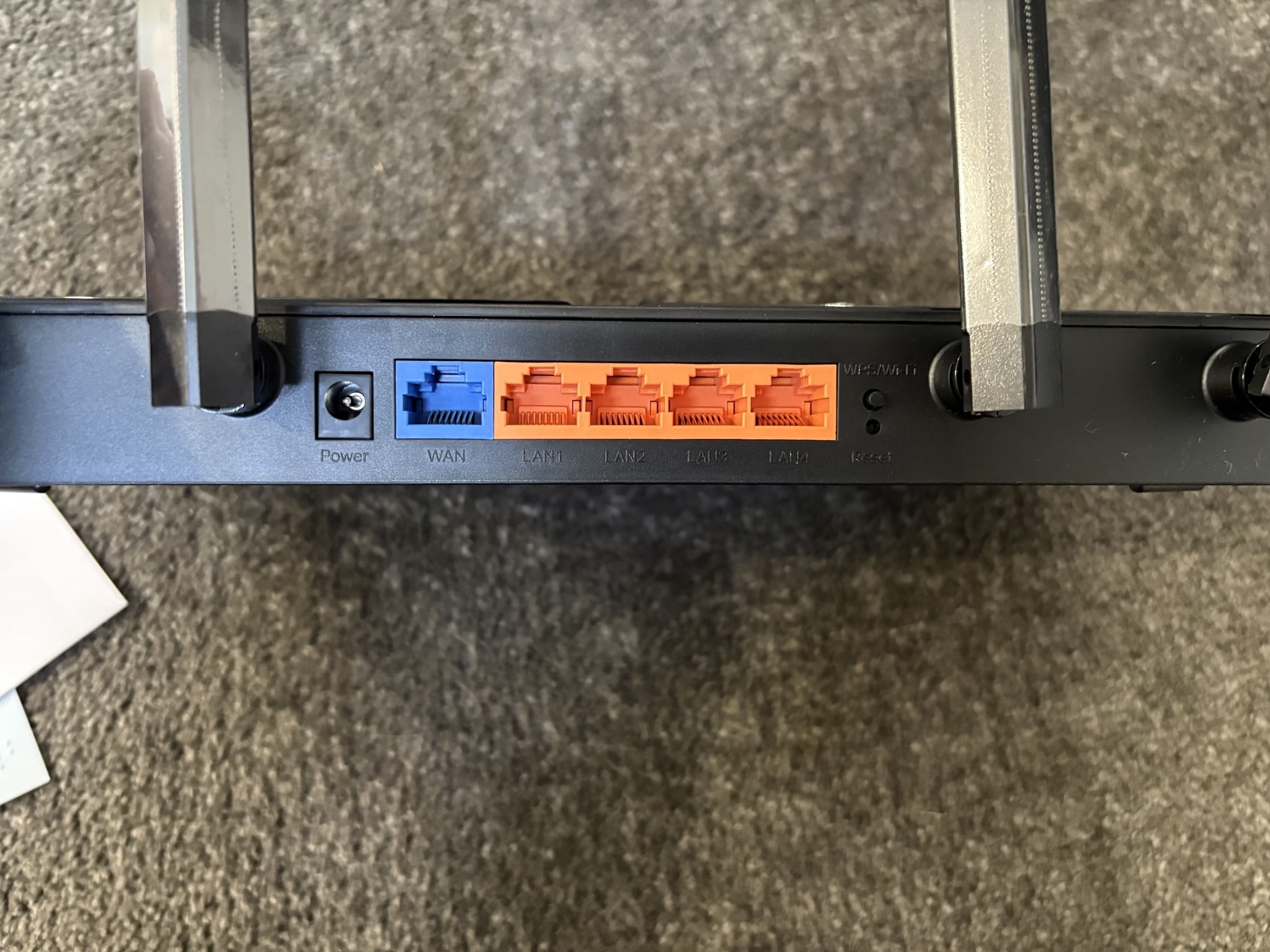
So I bought a new router earlier today, TP-Link ax1500 and I was previously using a FritzBox 7560. I have a white Chorus modem/router/box (Not sure the correct term here, what is it please?) attached to the wall. There is an ethernet cable (I'm 99.% sure it's ethernet) from that into my Fritzbox (Via the Wlan Port) and everything was fine. However, I can't seem to get it to work now with the TP Link. I've been through the setup process two times, watched a couple setup videos, and both times it says there's no internet connection for me. It's showing the symbol on the TP-Link router that the internet is "on", as referenced by an orange light, but its just not working for me. I'm sure this is a simple fix, its likely just something in the wrong spot, but feels like I've moved things around and it just wont work no matter what. I haven't used the ethernet cable that came with it, because well where does it go? Especially as there's already a cable coming from the white Chorus box attached to the wall. I have noticed (As pictured) the cable coming out of the Chorus box is in the "LAN1" slot, however the other end is going into the WAN slot on the TP-Link router, is that okay? I've plugged it into LAN1 on the TP-Link router and no internet icon shows.
Have pictured everything I have.
Current status is I have everything unplugged, forgotten the network on both my laptop & phone and have reset the TP-Link router.
Please help, many thanks


 Trusted
