Geekzone: technology news, blogs, forums
Guest
Welcome Guest.
You haven't logged in yet. If you don't have an account you can register now.


sJBs

69 posts

Master Geek
+1 received by user: 12

ID Verified

#273167 8-Aug-2020 17:37
Send private message

Every now and again I recap on the changes that occurred in the security landscape to see what has changed and what can be improved. 


Having a number of teenage boys in the house, it force you to stay up to date with the latest and greatest measures and countermeasures...Innovation never stop


I have been using Norton's Connect Safe years ago, and when they eventually stopped, I tried some other providers, but eventually reverted to the default protection of the Asus Router (I think  it was Trend Micro).


Last year when we moved to Hawke's Bay, I started to dabble with others, like 


CloudFlaire's:  1.1.1.3, 1.0.0.3


OpenDNS: 208.67.222.222, 208.67.220.220


Switch to Safety:  23.216.52.39, 23.216.53.39


SafeSurfer:  104.197.28.121


but basically resolved to using CloudFlaire as it just seemed to work and did what it was supposed to do. 


The DNS filtering was forming part of my arsenal for internet protection.  Which when combined with a number of Firewall Rules on the Mikrotik, should provide some level of protection to those who inadvertently end up where they shouldn't.


But, reading in this forum about the benefits of customisation of OpenDNS, I set out this morning to set it up and configure it to see if it is all it is promising to be.


The website seems very "clunky" most likely due to the Cisco buy-out.  A bit disorganised, but I eventually sign up and follow the prompts to configure my network using my public IP and then proceed to configure the filters, complete with custom warnings!  This looks great.


For some reason, I did not see the IP addresses to be used for the DNS setting, but assumed that it can't work without this specific DNS setting (no magic pixi dust here)


After some searching, I found this the step by step for the DNS configuration:


https://support.opendns.com/hc/en-us/articles/228006047-Generalized-Router-Configuration-Instructions


And after restarting everything (PC/Routers), I though voila! 


All sorted (or so I thought), in particular when the test case included proved that everything was working.


Testing OpenDns


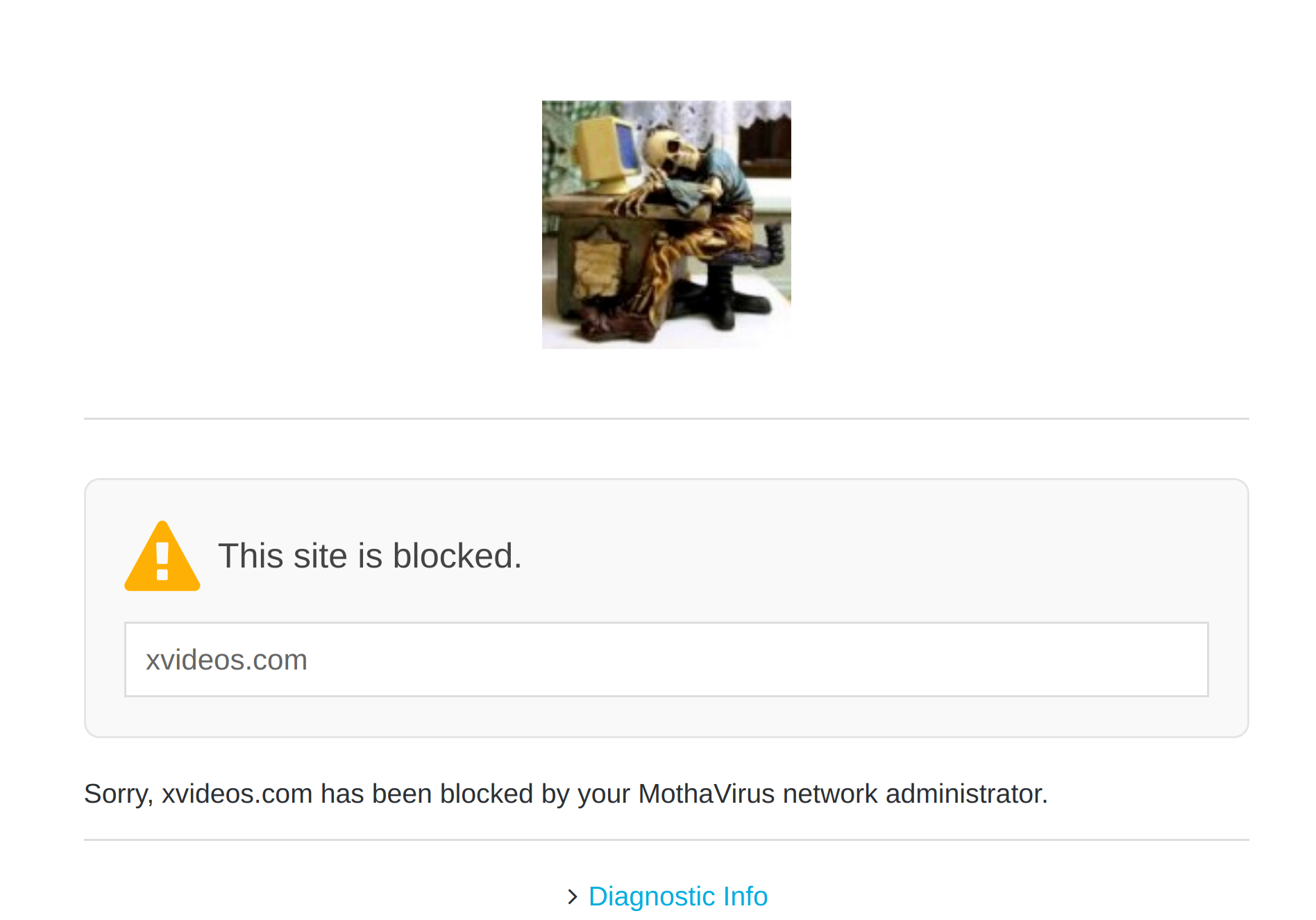
In reality, the test case did not portray the custom results as expected (my own custom picture and wording to ensure that it was actually running my config), but still "proved" it was working.


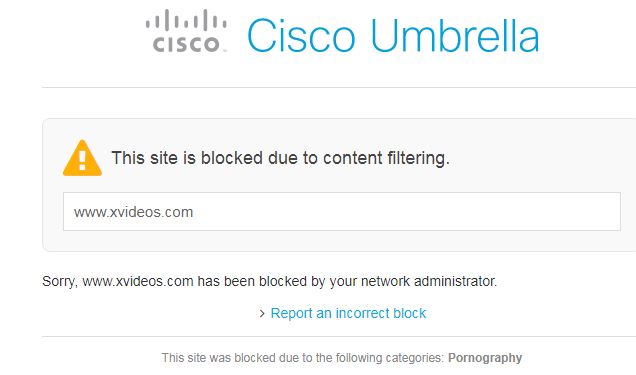
Then, I tried another test case.  Pointing a web browser to xvideos (which it should not be able to open), and true's bob:  It opened!  I'm shocked!


Thus all my tinkering was for nothing.


Using the website check, it said that xvideos was indeed blocked,  


Using the config tool, I also added the xvideos to my own blacklist.  But that didn't change anything.


Thus, for now I'm reverting by to CloudFlaire's 1.1.1.3


Can some other OpenDNS users on the Forum please confirm that it is still actually working by trying to open xvideos?


If anyone has some thoughts, feel free to chip in.



Linux Mint 19.3 (Yes upgrade is overdue)  with ZFS and multiple replicating XigmaNas servers (BSD with ZFS) for storage, all connected via Mikrotik Routerboard (firewall) to a Huawei 618 for Spark Wireless Broadband... 


Create new topic
decibel
335 posts

Ultimate Geek
+1 received by user: 224


  #2536785 8-Aug-2020 18:54
Send private message

Works OK here - have you got the customisations set correctly?


freitasm
BDFL - Memuneh
80652 posts

Uber Geek
+1 received by user: 41042

Administrator
ID Verified
Trusted
Geekzone
Lifetime subscriber

  #2536789 8-Aug-2020 19:10
Send private message

What ISP?

Do you have IPv6?

Do you have a static IP?


Referral links: Quic Broadband (free setup code: R587125ERQ6VE) | Samsung | AliExpress | Wise | Sharesies 


Support Geekzone by subscribing (browse ads-free), or making a one-off or recurring donation through PressPatron.


sJBs

69 posts

Master Geek
+1 received by user: 12

ID Verified

  #2536794 8-Aug-2020 19:52
Send private message

freitasm: What ISP?

Do you have IPv6?

Do you have a static IP?


Dynamic IP configured in their website.

Not using any ip6
Spark Wireless Broadband


Linux Mint 19.3 (Yes upgrade is overdue)  with ZFS and multiple replicating XigmaNas servers (BSD with ZFS) for storage, all connected via Mikrotik Routerboard (firewall) to a Huawei 618 for Spark Wireless Broadband... 


sJBs

69 posts

Master Geek
+1 received by user: 12

ID Verified

  #2536795 8-Aug-2020 20:00
Send private message

decibel:

Works OK here - have you got the customisations set correctly?


Glad to see it is working for the rest of the forum.

I'll redo the config again tomorrow.


Linux Mint 19.3 (Yes upgrade is overdue)  with ZFS and multiple replicating XigmaNas servers (BSD with ZFS) for storage, all connected via Mikrotik Routerboard (firewall) to a Huawei 618 for Spark Wireless Broadband... 


Andib
1396 posts

Uber Geek
+1 received by user: 974

ID Verified
Trusted

  #2536805 8-Aug-2020 20:42
Send private message

Do you have a public ip? IIRC Sparks wireless broadband is CGNAT unless you have a static ip. This is probably the cause of your issues, not having a public IP is probably prevent opendns from applying your specific config.


<# 
       .DISCLAIMER
       Anything I post is my own and not the views of my past/present/future employer.
#>


sJBs

69 posts

Master Geek
+1 received by user: 12

ID Verified

  #2536807 8-Aug-2020 20:52
Send private message

Andib: Do you have a public ip? IIRC Sparks wireless broadband is CGNAT unless you have a static ip. This is probably the cause of your issues, not having a public IP is probably prevent opendns from applying your specific config.


I used the ip that opendns recommended and also on the dash as it conformed to the wan ip on the router.

I also checked it later, and it was still the same one both the router and as shown on the dashboard.

I'll provide a script later to update the settings automatically, but must get it to work first.


Linux Mint 19.3 (Yes upgrade is overdue)  with ZFS and multiple replicating XigmaNas servers (BSD with ZFS) for storage, all connected via Mikrotik Routerboard (firewall) to a Huawei 618 for Spark Wireless Broadband... 


Support Geekzone with one-off or recurring donations Donate via PressPatron.
freitasm
BDFL - Memuneh
80652 posts

Uber Geek
+1 received by user: 41042

Administrator
ID Verified
Trusted
Geekzone
Lifetime subscriber

  #2536865 9-Aug-2020 00:57
Send private message

You must use a static IP address or the system won't recognise your network.


Referral links: Quic Broadband (free setup code: R587125ERQ6VE) | Samsung | AliExpress | Wise | Sharesies 


Support Geekzone by subscribing (browse ads-free), or making a one-off or recurring donation through PressPatron.


robjg63
4161 posts

Uber Geek
+1 received by user: 1427

Subscriber

  #2537034 9-Aug-2020 12:18
Send private message

sJBs:
Andib: Do you have a public ip? IIRC Sparks wireless broadband is CGNAT unless you have a static ip. This is probably the cause of your issues, not having a public IP is probably prevent opendns from applying your specific config.


I used the ip that opendns recommended and also on the dash as it conformed to the wan ip on the router.

I also checked it later, and it was still the same one both the router and as shown on the dashboard.

I'll provide a script later to update the settings automatically, but must get it to work first.


Sorry - Don't know what you know - so not trying to patronise.


Assuming Spark are using CGNAT on your connection I would think setting up a filter would be difficult or might not work at all.


CGNAT means effectively that there would be many spark connections using the same IP address as yours - I think from memory your IP address may change quite often as well.


Are you familiar with CGNAT?


Nothing is impossible for the man who doesn't have to do it himself - A. H. Weiler


sJBs

69 posts

Master Geek
+1 received by user: 12

ID Verified

  #2537092 9-Aug-2020 14:00
Send private message

robjg63:


Sorry - Don't know what you know - so not trying to patronise.


No Problem.  I don't know much, but every day I know a little more.


robjg63:


Assuming Spark are using CGNAT on your connection I would think setting up a filter would be difficult or might not work at all.


CGNAT means effectively that there would be many spark connections using the same IP address as yours - I think from memory your IP address may change quite often as well.


Are you familiar with CGNAT?


Don't know CGNAT at all.  I just read that OpenDNS works with a dynamic DNS, you must just use one of the numerous tools to keep it updated.  The intention was to run a script on the Mikrotik as provided here:


https://support.opendns.com/hc/en-us/articles/227987847-Mikrotik-WinBox-Dynamic-Update-Script


Linux Mint 19.3 (Yes upgrade is overdue)  with ZFS and multiple replicating XigmaNas servers (BSD with ZFS) for storage, all connected via Mikrotik Routerboard (firewall) to a Huawei 618 for Spark Wireless Broadband... 


sJBs

69 posts

Master Geek
+1 received by user: 12

ID Verified

  #2537098 9-Aug-2020 14:14
Send private message

Just an update regarding OpenDNS this morning.


Seems like OpenDNS is working today as my rejection pages are coming through correctly!  That is without reinstalling/changing anything.


The Web Content Filtering is Set to High (Protects against all adult-related sites, illegal activity, social networking sites, video sharing sites, and general time-wasters.)


So it appears as if there is a significant delay between changing a setting, and then seeing the effects.  The 3 minutes on the OpenDNS website is optimistic, rather quite a number of hours will be required. 


The next step would be to get the dynamic DNS sorted and kept up to date with the Mikrotik script...


https://support.opendns.com/hc/en-us/articles/227987847-Mikrotik-WinBox-Dynamic-Update-Script


If I succeed, I let you guys know.


Linux Mint 19.3 (Yes upgrade is overdue)  with ZFS and multiple replicating XigmaNas servers (BSD with ZFS) for storage, all connected via Mikrotik Routerboard (firewall) to a Huawei 618 for Spark Wireless Broadband... 


sJBs

69 posts

Master Geek
+1 received by user: 12

ID Verified

  #2537103 9-Aug-2020 14:30
Send private message

Just made another change to activate Youtube and Gmail, with the changes coming through after around 15 minutes.


Glad to see it working though.


Linux Mint 19.3 (Yes upgrade is overdue)  with ZFS and multiple replicating XigmaNas servers (BSD with ZFS) for storage, all connected via Mikrotik Routerboard (firewall) to a Huawei 618 for Spark Wireless Broadband... 


Create new topic


Geekzone Live »

Try automatic live updates from Geekzone directly in your browser, without refreshing the page, with Geekzone Live now.


Are you subscribed to our RSS feed? You can download the latest headlines and summaries from our stories directly to your computer or smartphone by using a feed reader.