Geekzone: technology news, blogs, forums
Guest
Welcome Guest.
You haven't logged in yet. If you don't have an account you can register now.


Lunacy

7 posts

Wannabe Geek
+1 received by user: 7


#323798 16-Jan-2026 14:06
Send private message quote this post

Afternoon all.


Please bare with me as I'm new to alot of this stuff, and am learning as I go.


So when we built our house in 2014, we had them install Ethernet ports in all the rooms, figuring kids would want PCs as they got older.


Now we are there, can't get any Internet to these ports.


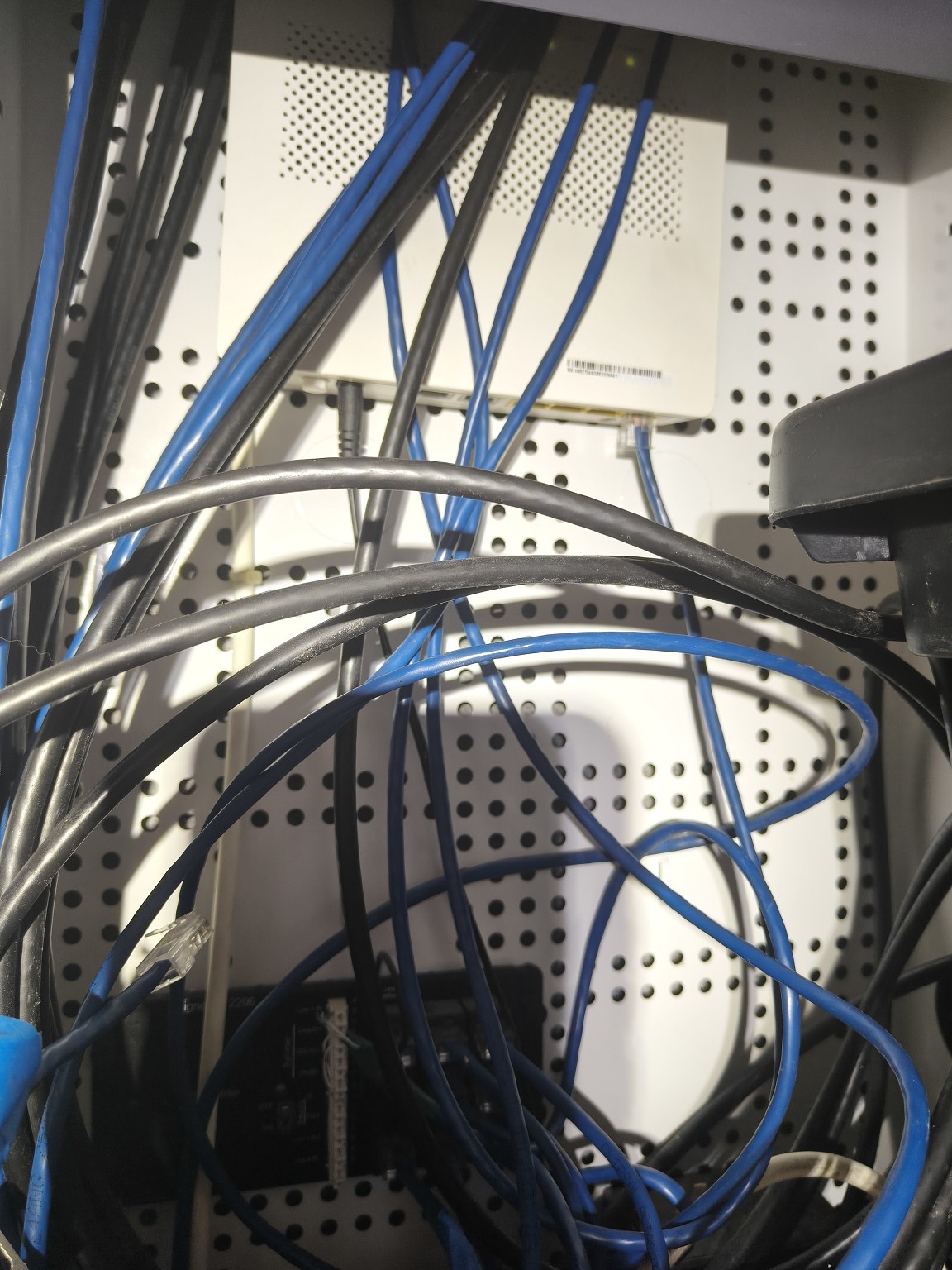
We're on fibre now, fed through ONT in garage into router in lounge.


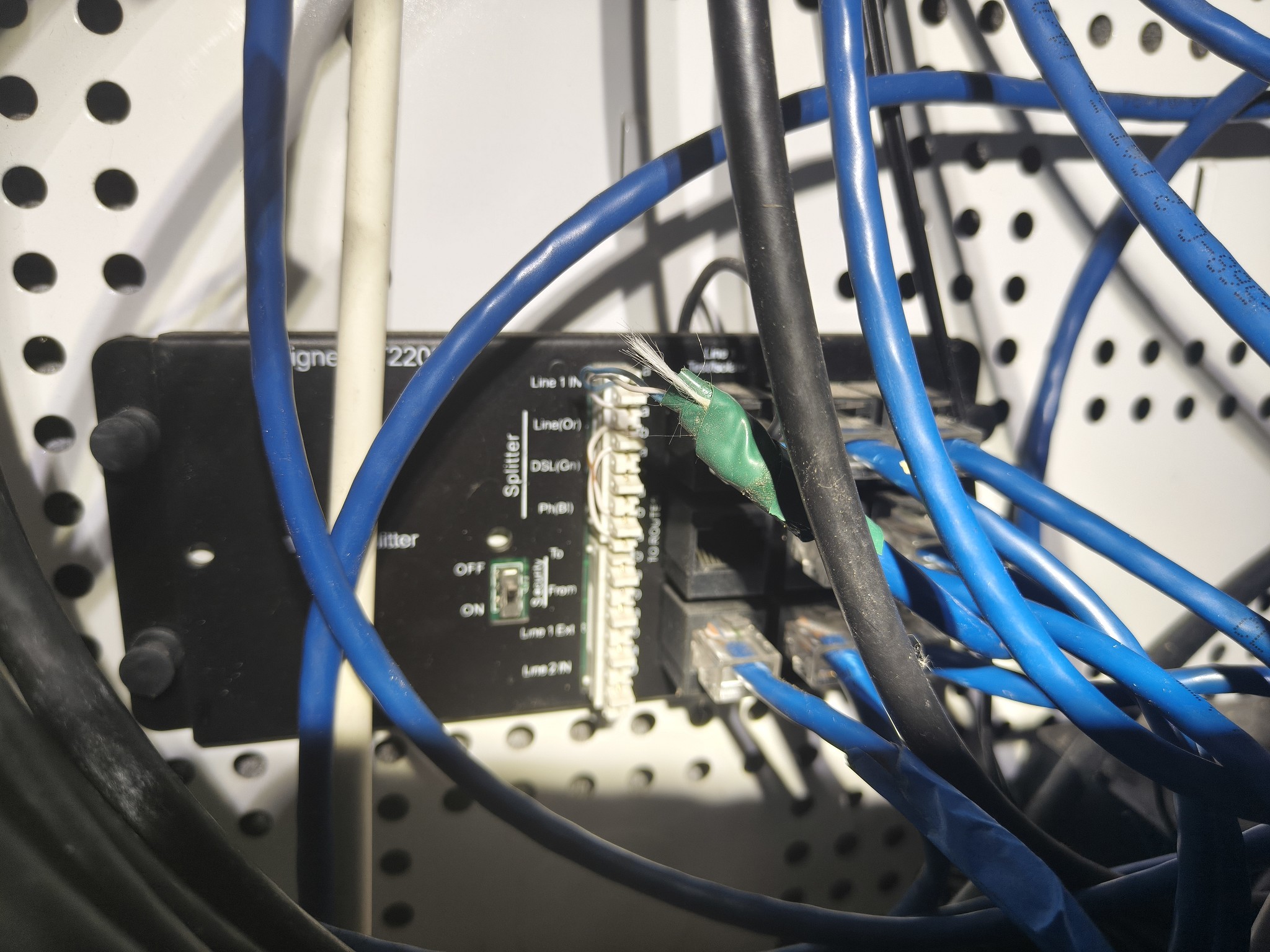
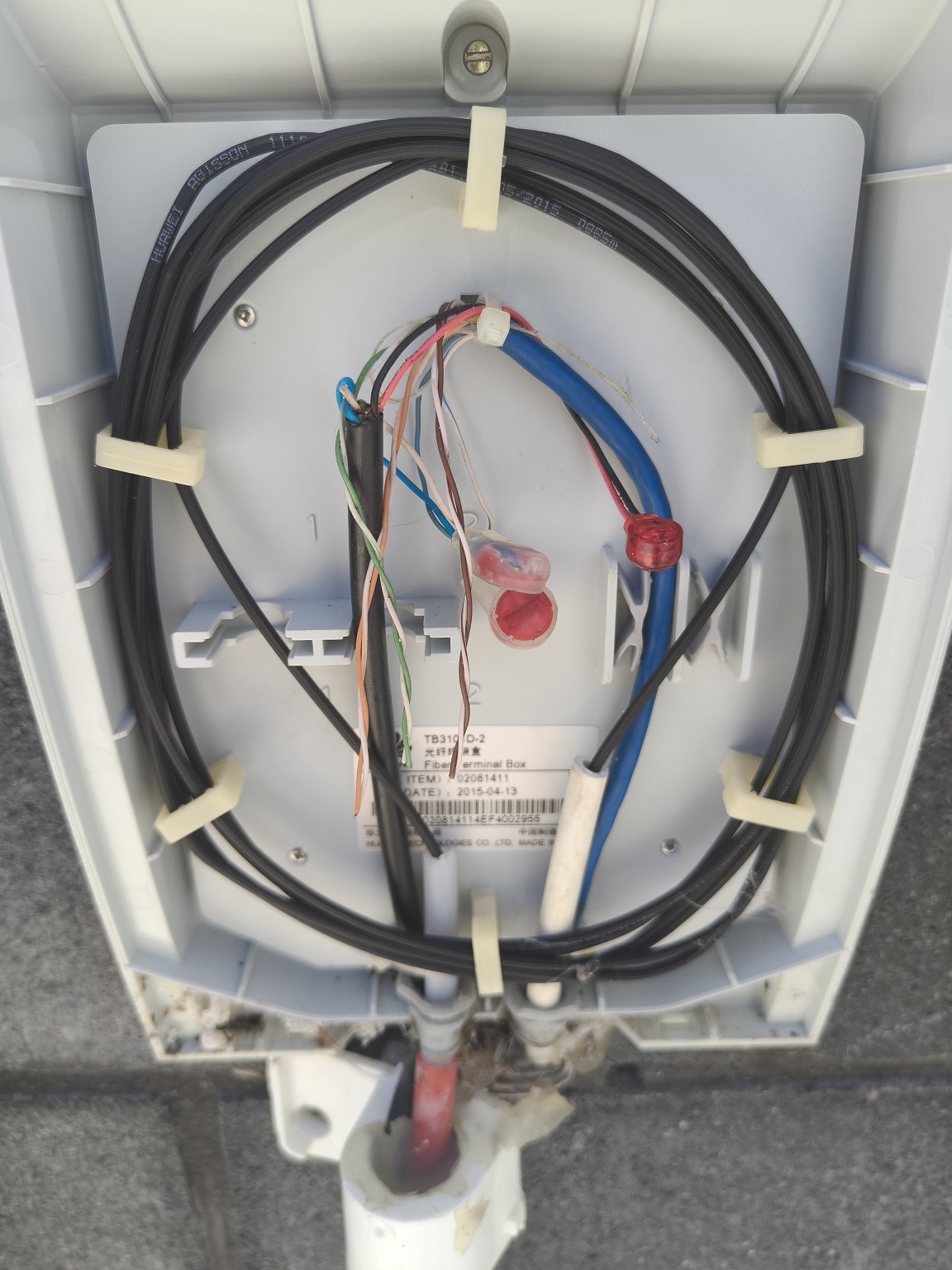
The Ethernet cables to all rooms feed into a splitter next to the ONT, but this splitter is fed from a separate cable from the outside fibre box. Assuming this is a vdsl feed, as that's what we had prior to fiber.


I'm guessing that the feed into the splitter now needs to be from one of the LAN plugs on the router, rather than this external cable? 


Thought I'd ask here first though before modifying anything.


Create new topic
Dynamic
4015 posts

Uber Geek
+1 received by user: 1849

ID Verified
Trusted
Lifetime subscriber

  #3453618 16-Jan-2026 14:19
Send private message quote this post

First of all, good call re ethernet to the rooms.


The order of the connections needs to be:


  • Fibre from the road, into the ONT
  • with an ethernet cable from (usually Port 1) of the ONT to the router's WAN port
  • and the ethernet connections at the bedrooms need to be connected to the LAN ports on the router.  (These LAN ports on the router can be extended to other locations using network switches and ethernet cables.)

You may need to move the router from the lounge to box where the bedroom ethernet cables run into, so the bedrooms that need ethernet can plug into the router's LAN ports.


You'll potentially also want to put a Wireless Access Point into the lounge or another similar location if moving the router into the cabling box means you no longer have Wi-Fi in the areas of the house that you need it.  Alternatively, a few cables or meshed wireless access points dotted around the house.


“Don't believe anything you read on the net. Except this. Well, including this, I suppose.” Douglas Adams


evnafets
567 posts

Ultimate Geek
+1 received by user: 269

Trusted
Lifetime subscriber

  #3453621 16-Jan-2026 14:30
Send private message quote this post

Confirming the text on that black device all the cables are going into: 

Signet ST2206
VDSL Splitter


https://www.trical.co.nz/en/catalog/products/signet-6-way-vdsl-splitter-st2206


Will probably not be useful at all to you for data.  


Questions that might help with getting you a solution: 


How does the ONT connect to the router in the lounge?  - Through that VDSL Splitter, or does the cable go direct? 
How many ethernet plugs/points are there in your lounge by the Router? 

There are a few similar posts on here.  This one had a similar situation: https://www.geekzone.co.nz/forums.asp?forumid=66&topicid=323398&page_no=1#3438190


The general 'order' of things is  Fibre --> ONT --> Router --> rest of network.


Lunacy

7 posts

Wannabe Geek
+1 received by user: 7


  #3453625 16-Jan-2026 14:47
Send private message quote this post

Dynamic:


First of all, good call re ethernet to the rooms.


The order of the connections needs to be:


  • Fibre from the road, into the ONT
  • with an ethernet cable from (usually Port 1) of the ONT to the router's WAN port
  • and the ethernet connections at the bedrooms need to be connected to the LAN ports on the router.  (These LAN ports on the router can be extended to other locations using network switches and ethernet cables.)

You may need to move the router from the lounge to box where the bedroom ethernet cables run into, so the bedrooms that need ethernet can plug into the router's LAN ports.


You'll potentially also want to put a Wireless Access Point into the lounge or another similar location if moving the router into the cabling box means you no longer have Wi-Fi in the areas of the house that you need it.  Alternatively, a few cables or meshed wireless access points dotted around the house.


Thanks for the quick reply.


So in theory if I ran a gigabit network switch from the router LAN, to the bedroom Ethernet ports, that would work fine?


As would save having to move router to garage and putting in a WAP. 


CYaBro
4708 posts

Uber Geek
+1 received by user: 1182

ID Verified
Trusted

  #3453627 16-Jan-2026 14:48
Send private message quote this post

If you're no longer using DSL and old school phone line on the copper I would disconnect all the ethernet cables from that splitter in your 2nd photo and remove it, it's no longer needed.
You could also disconnect the blue cable in the 1st photo from the old copper line but not necessary.


If there is another network connection available where the router is situated in the lounge then the easiest thing would be to get a small gigabit network switch and install that in the cabinet in the garage.
Connect one of the LAN ports on the router to that 2nd network connection and the other end into the new network switch in the garage and plug all the other room network connections into that switch as well.
Internet should then be available in all of those rooms.


Opinions are my own and not the views of my employer.


trig42
5889 posts

Uber Geek
+1 received by user: 2094

ID Verified

  #3453641 16-Jan-2026 15:39
Send private message quote this post

Yep, what everyone else has said.


Pretty sure that black box in your cabinet is just to provide an old POTS phone service to the bedrooms. No longer needed (unless you still have a phone?)


You need to go:


FIBRE IN -> ONT -> ROUTER -> 5/8 Port Ethernet SWITCH (Gigabit preferably) -> BEDROOMS


To get from ROUTER to SWITCH, you need an ethernet connection from where the ROUTER is and where the SWITCH is.


If you only have one Ethernet cable run between the box in the garage and the lounge, you won't be able to get Ethernet back from the ROUTER to the SWITCH (as the cable is being used to get ethernet from the ONT to the ROUTER).


Hence, the suggestion to move the ROUTER to the cabinet in the garage where the ONT is. Then you run ethernet straight out of the LAN ports on the ROUTER to the bedrooms through those cables in the cabinet. If you only need to run 4 (or less) to the Bedrooms and the Lounge, you don't need a SWITCH. You would then acquire a wired ACCESS POINT and set it up in the lounge to provide WIFI to the house (if the WIFI on the ROUTER doesn't have the range once it's put away in that cabinet in the garage). You'd turn off the WIFI on the ROUTER once that is done too.


Lunacy

7 posts

Wannabe Geek
+1 received by user: 7


  #3454011 18-Jan-2026 20:40
Send private message quote this post

Thanks for all the help on this. Got a 8 port gigabit network switch and put that into garage cabinet, and now have Ethernet to all the rooms in the house.


Learnt a bit doing this so thanks again


Create new topic


Geekzone Live »

Try automatic live updates from Geekzone directly in your browser, without refreshing the page, with Geekzone Live now.


Are you subscribed to our RSS feed? You can download the latest headlines and summaries from our stories directly to your computer or smartphone by using a feed reader.