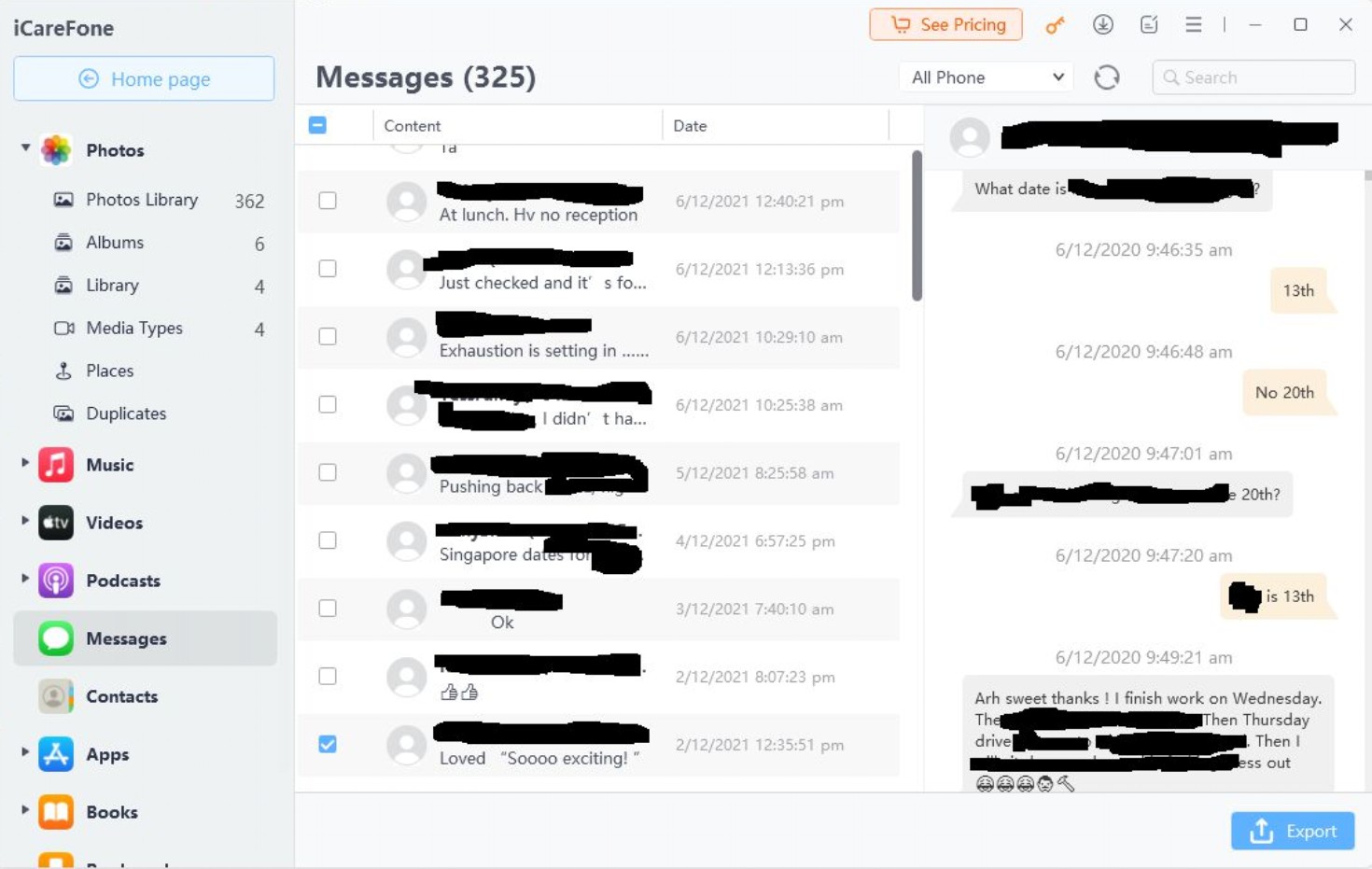
I've been tasked with recovering SMS/txt messages from a retired iPhone. Well almost destroyed is more like it. It felt face down onto a metal driveway and was subsequently driven over.
First step was to try do a phone-to-phone clone, but they may have failed due to insufficient battery. However I was able to back it up to iTunes and then restore it to a similar spare device. We can now read all the content.
My quandary now is exporting all the SMS communications between the user and one their clients into a format more easily perused. Weirdly there's only about 12 months worth of messages on the recovered profile, but there over 3000 messages between the two alone.
In the Android world it's easy. I use SMSBackup+ and all messages (timestamps and content) and calls are recorded in a Gmail account. But I can't find anything remotely similar for IOS. Of all the apps I have found, they all require a collections of screenshots to be stitched to create PDFs. And then many I've looked at require payment up front before they let you down with this lark.
The only workaround I've found so far, is selecting small tranches of messages and then forwarding them to my Android number via MMS. I'm then able to open them and 'share' them to email and send them to myself. I've got 200 of these emails thus far, and I've only got through the first month. It's taken me almost 5 hours so far.
There must be a simpler way.