Geekzone: technology news, blogs, forums
Guest
Welcome Guest.
You haven't logged in yet. If you don't have an account you can register now.


martinv

21 posts

Geek
+1 received by user: 14


#324626 5-May-2026 18:31
Send private message quote this post

Hi Everyone,


My current cable provider is ending their cable service so I decided to look around for a fibre provider to replace it.  I eventually decided upon Quic.  I signed up (even using a Geekzone reference) and the welcome, order confirmation, customer invoice, static IP address ready (I purchased one-off), and credit card payment confirmation all came through very quickly on 27th April.  According to their setup page https://www.quic.nz/setup/ there are numerous references to a "go-live email" which I have not yet received.  This makes me think I should just be patient and keep waiting.  But it's now just over a week later and still nothing.


In any case I thought I'd set up some gear so that I could test the new link when it comes live.  I'm hoping to have both cable and fibre running at the same time to ease the migration stress.  Anyway I used a Mikrotik RB450G and a laptop and set something up (VLAN 10 and DHCP client).  Hopefully I configured it correctly - My Mikrotik foo is long gone, so there was a little too much help from Chat GPT.  Anyway, DHCP requests are going out but nothing is coming back in.


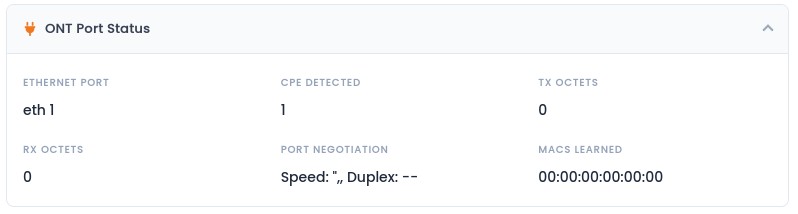
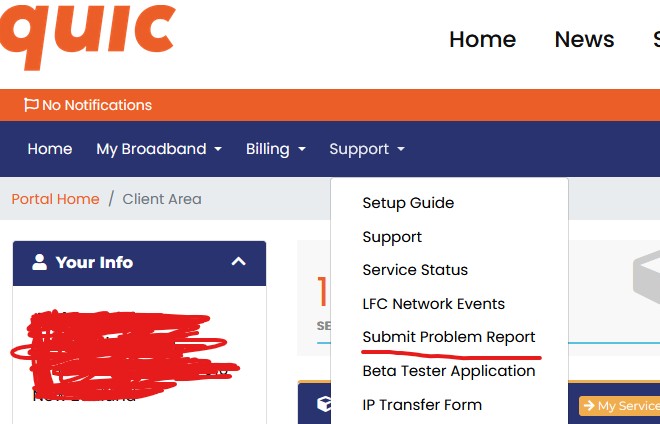
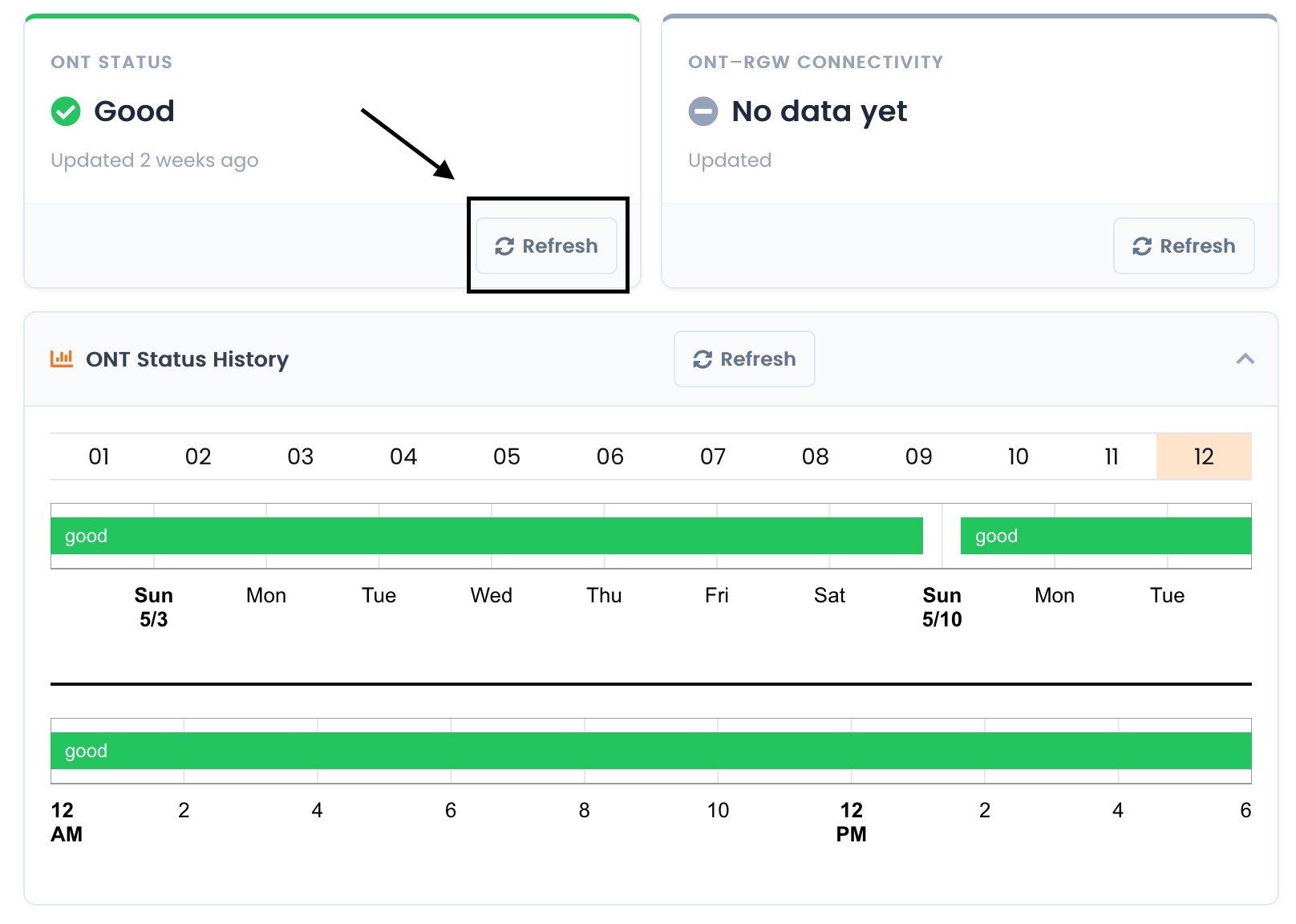
I decided to look at the Portal Home / Client Area on Quic, which I must say looks really useful, and under diagnostics there is an Enable ID and status says: No pending changes.  This makes me think they have completed the setup and I'm doing something stupid/wrong at my end.  Under data configuration the GE port says eth1, and that's where I have the Mikrotik plugged in.  Under ONT status there is an exclamation mark with "switched_off" "updated 6 days ago" (Another thing making me think the problem is at my end, yet the ONT is definitely on).  But then under ONT Port Status the CPE detected is 1 (so they can see it???).  Then ONT Test Results says Network Provisioning is "No", CPE connected is "Yes" and ONT online is "switched_off".  I'm not finding this very clear to understand.


I've got PWR, PON and LAN1 lit on the ONT.  Seems reasonable.


For someone who has been through the setup with Quick before, am I just being hasty and things aren't ready yet, or is it all on me?


Note: the Mikrotik is just temporary; I'm trying to track down a mini-PC with multiple ports to use as a router, but alas Ali Express seems to be completely out of the model I want.


Any thoughts, ideas appreciated.


Create new topic
RunningMan
9271 posts

Uber Geek
+1 received by user: 4903


  #3487839 5-May-2026 18:36
Send private message quote this post

Normally no VLAN. Move the DHCP client from the VLAN to the ethernet interface. Make sure your firewall and masquerade are pointing to the right place after the move.


martinv

21 posts

Geek
+1 received by user: 14


  #3487848 5-May-2026 18:47
Send private message quote this post

Thanks for the quick reply.  I forgot to mention that I requested VLAN 10 when ordering, and the order confirmation does say "ONT Tagging: VLAN 10", though I do not see this mentioned in the user area on the Quic website.


RunningMan
9271 posts

Uber Geek
+1 received by user: 4903


  #3487855 5-May-2026 19:09
Send private message quote this post

OK, disregard then. 


xpd

xpd
Geek of Coastguard
14141 posts

Uber Geek
+1 received by user: 4597

Retired Mod
ID Verified
Trusted
Lifetime subscriber

  #3487859 5-May-2026 19:16
Send private message quote this post

Tried plugging into LAN2 on the ONT ? Its what I had to do.


XPD / Gavin


LinkTree


michaelmurfy
meow
13604 posts

Uber Geek
+1 received by user: 10961

Moderator
ID Verified
Trusted
Lifetime subscriber

  #3487897 5-May-2026 21:24
Send private message quote this post

Where in the country are you?


If you've got a Chorus ONT then this is provisioned automatically. Your go-live email would have come around the same time as your IP address etc. Having the LAN 1 light on means there is a service enabled there.


If you're Christchurch then this requires manual provisioning and an email would have come during a business day.


Michael Murphy | https://murfy.nz
Referral Links: Quic Broadband (use R122101E7CV7Q for free setup)

Are you happy with what you get from Geekzone? Please consider supporting us by subscribing.
Opinions are my own and not the views of my employer.


Create new topic


Geekzone Live »

Try automatic live updates from Geekzone directly in your browser, without refreshing the page, with Geekzone Live now.


Are you subscribed to our RSS feed? You can download the latest headlines and summaries from our stories directly to your computer or smartphone by using a feed reader.