


 #
#
Hi fellow geeks,
I recently subscribed to @Quic, the connection went live today, and I configured my TP-Link Deco M5 router.
Things went smoothly for IPv4, but I struggled a bit more with IPv6. I finally managed to get it to work, so I thought I'd share my config here, in case other people ever struggle as well. Also, if any expert out there can confirm that this is the correct config, that would be much appreciated.
Configuring TP-Link Deco for Quic
- Launch the Deco app
- Click 🀜 More (lower right), then 🌐 Internet Connection

- In the IPv4 tab, optionally enable Ignore Ping from WAN then click IPv4 Connection

- Enter the following parameters (I cannot screenshot that page due to the app's security policy):
- Internet Connection Type: PPPoE
- Username: quic @ quic.nz (without the spaces)
- Password: quic
- DNS Address: Auto
- Do not change the Advanced settings
- Click Save
- After a few seconds, your IPv4 connection should be up and running.
- In the IPv6 tab, enable IPv6, then click on IPv6 Connection
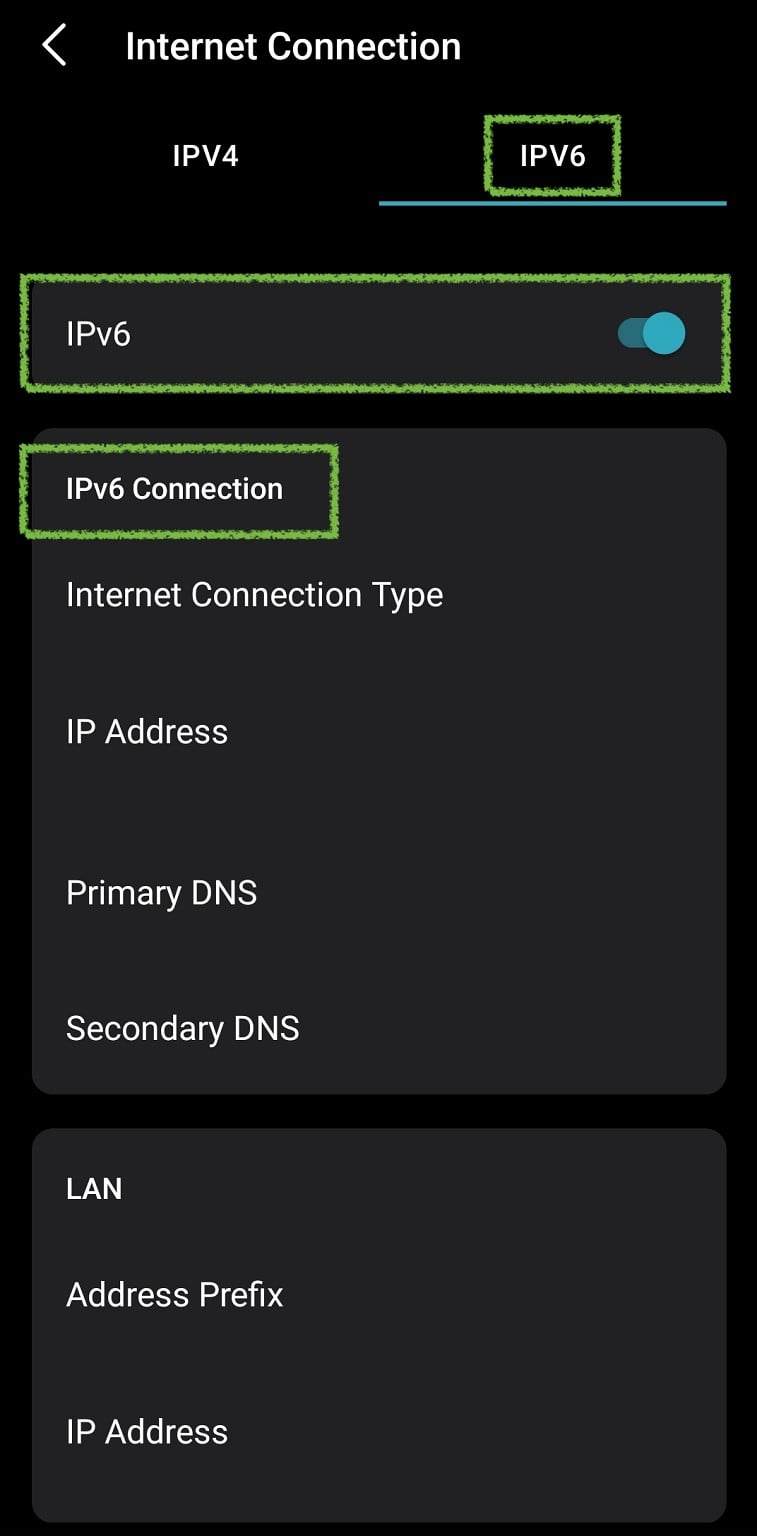
- Enter the following parameters (again, I cannot screenshot that page):
- Internet Connection Type: PPPoE
- Sync IPv4 Account: enabled
- Get IPv6 Address: Stateful
- Prefix Delegation: enabled
- DNS Address: Auto
- Assigned Type: DHCPv6
- Click Save
- After a few seconds, your IPv6 connection should be up and running.
You can test your IPv6 connection using https://test-ipv6.com/.
Hope this helps!




 Trusted

 ID Verified


