|
|
|
Shagy: I'm sure it's a firmware issue
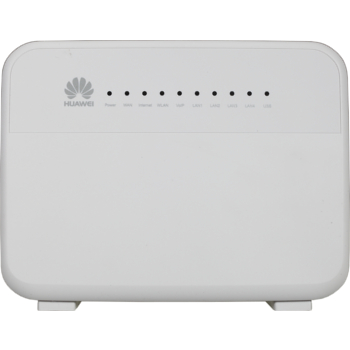
Vf have recently released firmware update for the hg659 which fixes no VoIP over VDSL
jgibbs:Shagy: I'm sure it's a firmware issue
Vf have recently released firmware update for the hg659 which fixes no VoIP over VDSL
Does someone have a link to this f/w? Trying to get Spark to acknowledge the issue but they are claiming that as long as they provide TCP:80 traffic then their job is done. Don't want to pay for a new router when this is a simple case of not crippling UDP:5060.
jgibbs:Shagy: I'm sure it's a firmware issue
Vf have recently released firmware update for the hg659 which fixes no VoIP over VDSL
Does someone have a link to this f/w? Trying to get Spark to acknowledge the issue but they are claiming that as long as they provide TCP:80 traffic then their job is done. Don't want to pay for a new router when this is a simple case of not crippling UDP:5060.
Resurrecting my old thread as I now have fibre available in my street. I have a pretty straightforward question I am hoping someone can answer:
Can anyone confirm (first hand) that the following combination works as of right now?
- Spark UFB
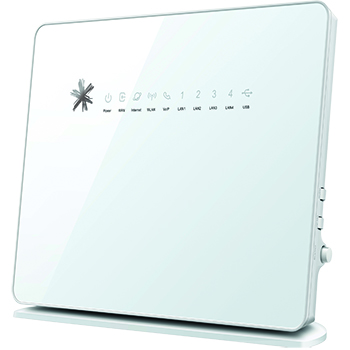
- Spark HG659b gateway
- 2talk VOIP account
- 'Standard' telephone connected via the RJ12 jack on the back of the gateway
I'm hoping someone with this combination can confirm it works before I go ahead and place an order with Spark.
Thanks in advance
ashtonaut: Can anyone confirm (first hand) that the following combination works as of right now?
I can't confirm if that specific configuration works sorry, but I can offer this tip in the hope it helps you:
Most NAT router's interference with SIP can be bypassed by connecting to the external SIP provider on a different port to the default port 5060 (if the service provider supports listening on that port). I frequently use this trick to bypass all sorts of routers and firewalls (and provider blocks for that matter). As long as the router doesn't do DPI (deep packet inspection) it is likely to work. Generally only very expensive enterprise grade security routers do DPI to that level.
Thankfully 2talk have their PBXs set to listen on port 50600 as well as 5060, so getting it to work is often as easy as adding an extra zero on the end of the port number (ie change it from 5060 to 50600).
I used it to get 4 VoIP phones working over a Skinny 4G connection just yesterday (despite Skinny saying VoIP won't work over their network, and despite their specific blocking of port 5060).
Hope this helps :)
I can confirm that it works.
Thanks - that's all I needed to hear!
Just ensure that the VOICE option is ticked under Internet / Internet settings / UFB Access Type Ethernet / Edit / Basic Information Service Type
(I had changed the actual label for the UFB option to my ISP but should look something like INTERNET_TR069_UFB_VID_10)
There is also options under Telephony for setting the Levels. This may be required if you have echo on the line
Telephony / Advanced / Additional Settings
I have mine set to Transmission Gain = 0, Reception Gain = 6 for this very reason.
Also under Telephony / Dial Plan / Digit Map there will be a default Digit Map.
This may not provide all you require for dialing different numbers, local as well as overseas
2 Talk have a default Digit Map but may only be suitable if you have an 028 number rather than a local number, or is it vice versa
I have seen all sorts of other Dial Plans / Digit Maps but have yet to find one I am comfortable with
I had set up a test VOIP number with 2talk last year just to try before I switch my local number to it when my current contract with my ISP is finished in October
|
|
|