Geekzone: technology news, blogs, forums
Guest
Welcome Guest.
You haven't logged in yet. If you don't have an account you can register now.


DwoodNZ

6 posts

Wannabe Geek
+1 received by user: 1


#301900 13-Oct-2022 19:02
Send private message

I know I had this working last year, but it no longer works.


I am trying to select Sky TV as my Provider in order to stream sports from espn.com.au (Watch ESPN: Online Live Sports, Replays, Highlights). I click on 'ESPN Play Provider', a popup appears, and the only TV Provider is Sky TV. I select that and it attempts to open this URL - https://www.skytv.co.nz/skyid/signin.html?skin=isky&redirect=http://www.skytv.co.nz/espn/redirect but that fails.
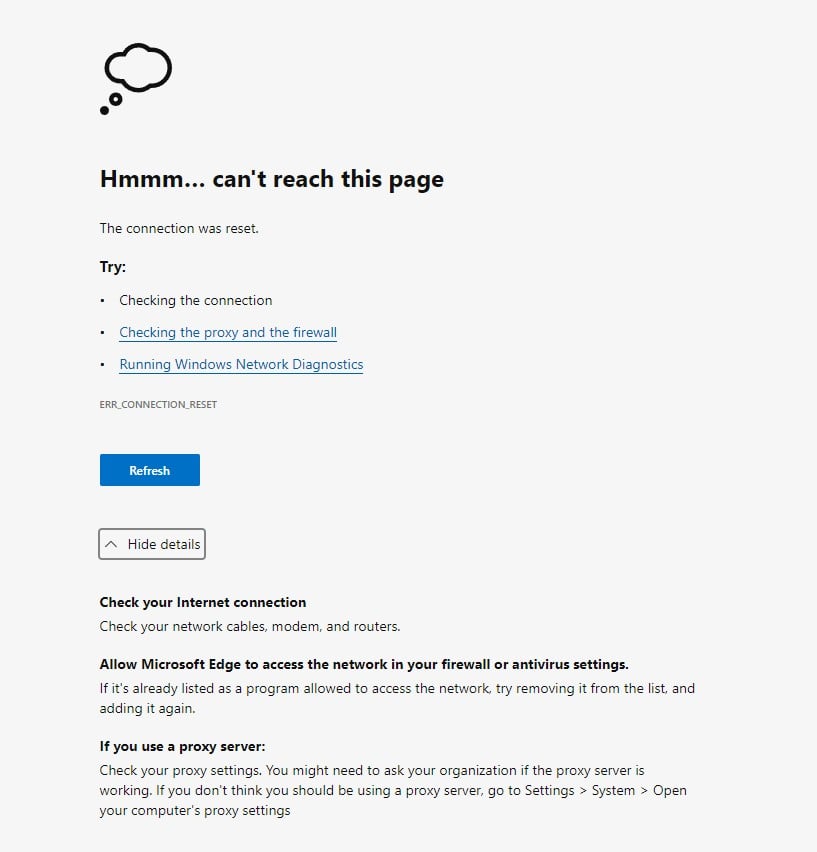


I have tried this on multiple browsers on the same PC and on multiple PCs. None of them work. I have cleared the cache multiple times. No luck so far. Sky was of little help. They suggested that I go to ESPN. ESPN said to go to Sky.  I can successfully login directly to Sky on any PC and I have Sky Sports on my account.


Any ideas?


I can get this to work on my android mobile though.


Create new topic
vexxxboy
4336 posts

Uber Geek
+1 received by user: 2072


  #2982433 13-Oct-2022 19:26
Send private message

im not sure why it is not working for you but when i do it it goes to the sign in page and my account comes up, auto filled and i click to log on. so there is something your end that is stopping it.


Common sense is not as common as you think.


DwoodNZ

6 posts

Wannabe Geek
+1 received by user: 1


  #2982436 13-Oct-2022 19:34
Send private message

Ok, I think I fixed it!


I opened ESPN on a browser on my mobile and clicked on 'ESPN TV Provider' and the usual screen appeared, I selected Sky TV, and it redirected me to 'https://espn-auth.sky.co.nz' So, I tried that URL on my Windows PC and bingo! It logged me in, and I can now watch sports from ESPN.com.au!


pdkm
43 posts

Geek
+1 received by user: 2


  #2982570 14-Oct-2022 12:00
Send private message

I never knew that you were able to do this! Thanks! :D 


Create new topic


Geekzone Live »

Try automatic live updates from Geekzone directly in your browser, without refreshing the page, with Geekzone Live now.


Are you subscribed to our RSS feed? You can download the latest headlines and summaries from our stories directly to your computer or smartphone by using a feed reader.