Geekzone: technology news, blogs, forums
Guest
Welcome Guest.
You haven't logged in yet. If you don't have an account you can register now.


Jnhassall

3 posts

Wannabe Geek


#311074 12-Dec-2023 06:16
Send private message

Hello all,


I’m using the most current software on the new-ish white Sky NZ box. 


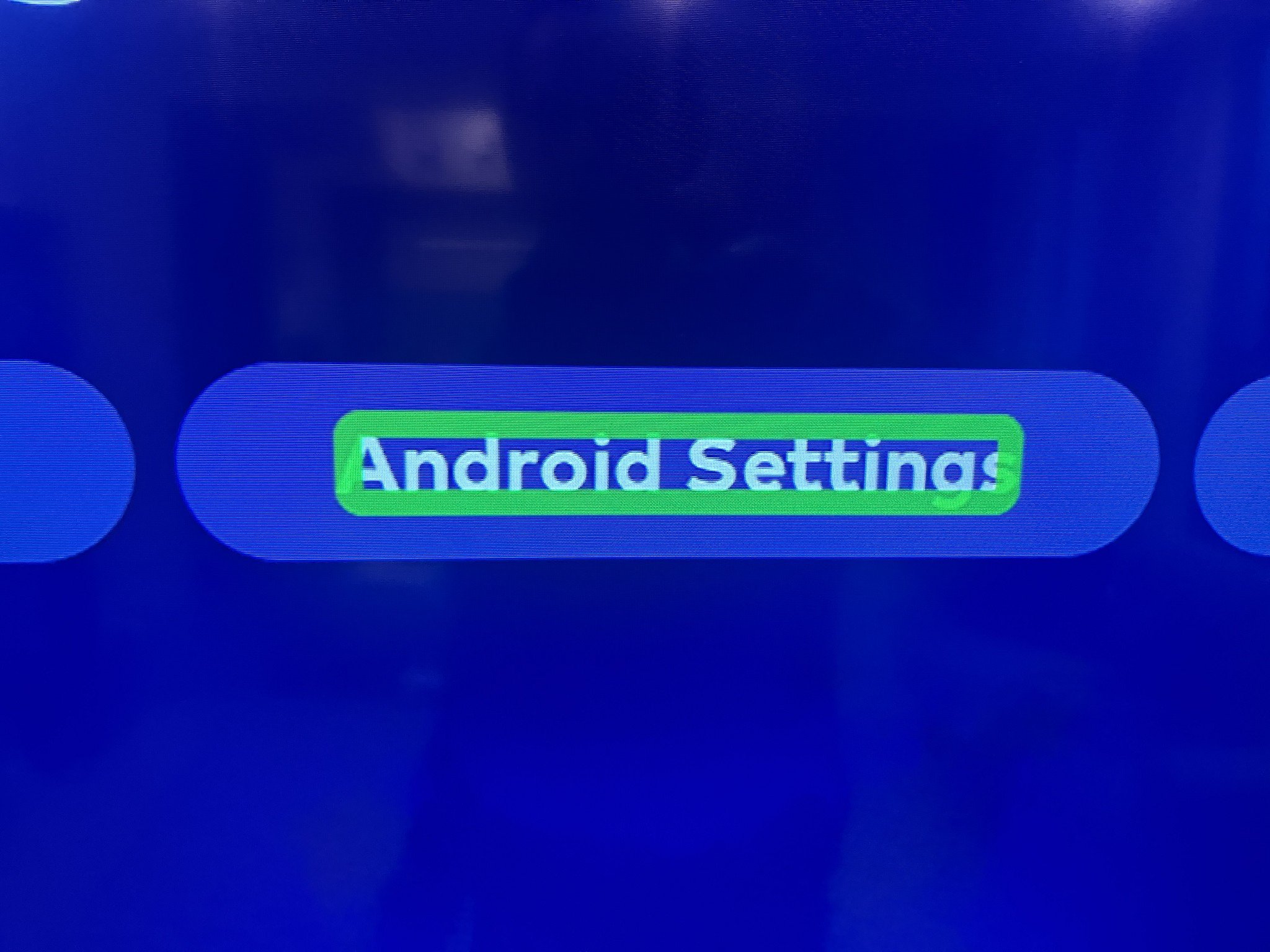
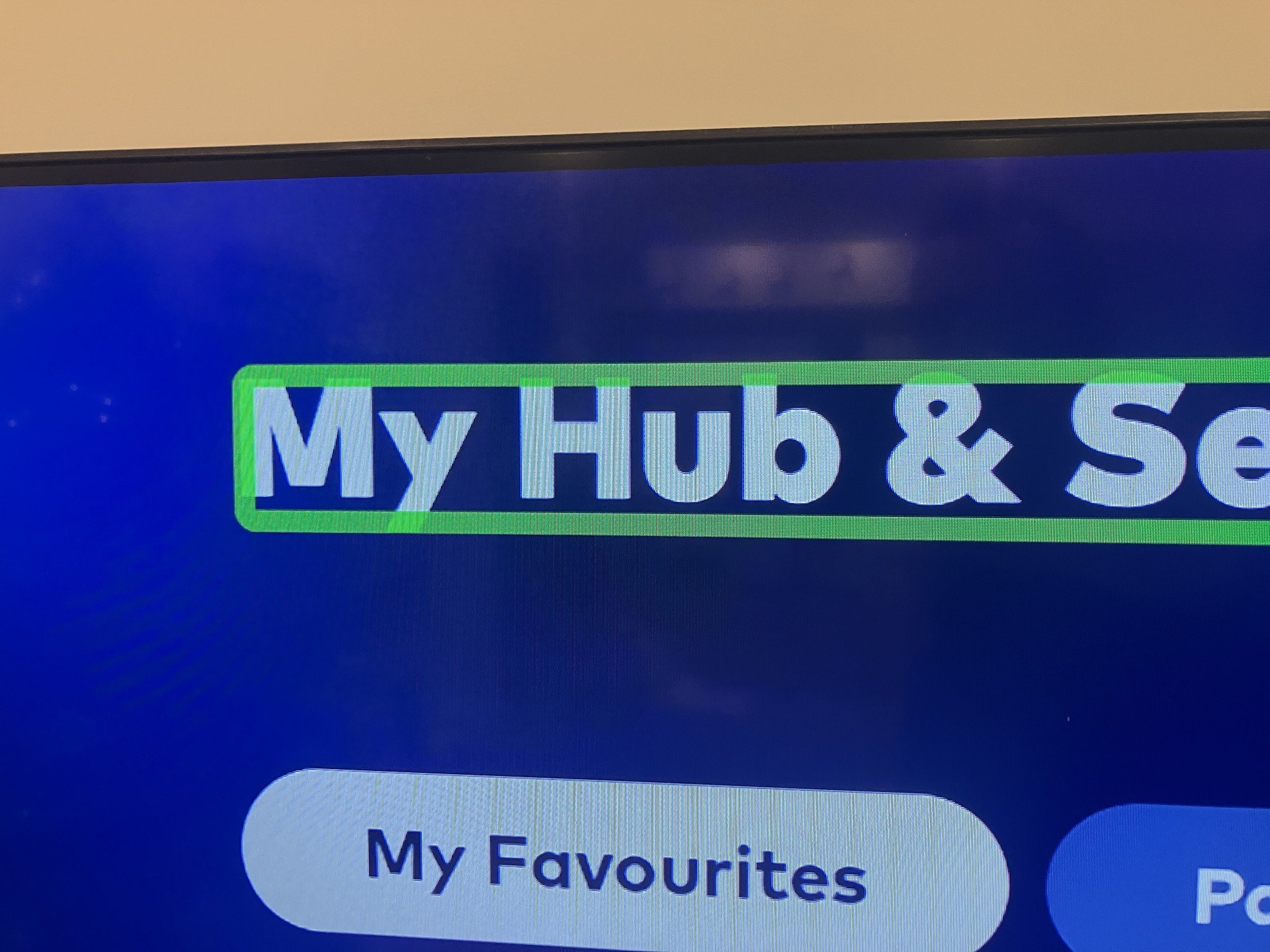
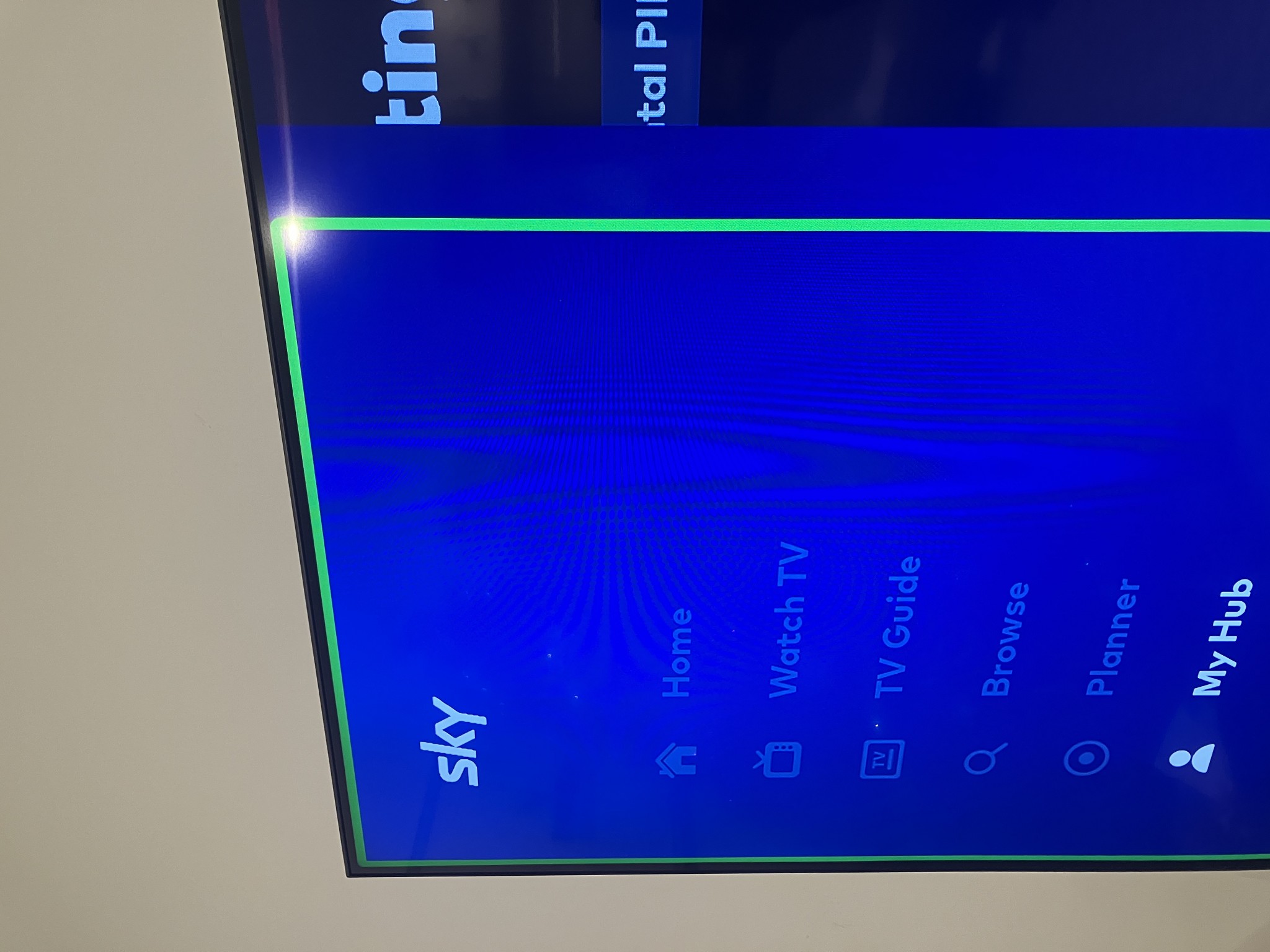
The box (and not the TV) seem to be in a very detailed Audio Description mode, the remote is limited on it’s actions and green boxes are separating sections of the UX.


After 2 attempts at a soft reset, I’m completely lost and reaching out for help and advice!


The Audio Description is crazy.. literally reading out signing into each app, or stating a TV show is on channel 3, lasts 39 more minutes etc,etc 


Crucially..whilst I can hover over the MyHub button or use the MyHub button on the remote, I cannot use the standard select key and open Android settings.


Any advice on


  1. How to run a hard reset on the new box without a remote 
  2. Any combinations of remote keys pressed down to remove AD mode
  3. Any other ideas?  


Thanks.


Filter this topic showing only the reply marked as answer Create new topic
Jnhassall

3 posts

Wannabe Geek


  #3170902 12-Dec-2023 06:51
Send private message

A little more on the Audio Description 


Sky Box


  • ”signing into TVNZ+ using email address xxx.com

Netflix


  • Reads out every name of the shows displaying on your home screen
  • ”Fast forward 3XS”
  • ”at the beginning of the show”
  • ”Volume 16”


zxboy
28 posts

Geek
+1 received by user: 14

ID Verified

  #3170909 12-Dec-2023 07:52
Send private message

Looks like an accessibility option is on.


If you go to My Hub > Android Settings > Device Preferences > Accessibility (towards the end of the menu) you can see what's been enabled. There is also a shortcut (back and down held for three seconds) which can enable / disable some settings - that may be it.


Jnhassall

3 posts

Wannabe Geek


  #3170913 12-Dec-2023 07:58
Send private message

Thank you XZBoy - that remote short cut worked perfectly.


Merry Christmas.


(will delete the post shortly, hopefully you’ll see this)


xpd

xpd
Geek of Coastguard
14116 posts

Uber Geek
+1 received by user: 4579

Retired Mod
ID Verified
Trusted
Lifetime subscriber

  #3170915 12-Dec-2023 08:00
Send private message

Jnhassall:


(will delete the post shortly, hopefully you’ll see this)


Why ?


XPD / Gavin


LinkTree


Handsomedan
7770 posts

Uber Geek
+1 received by user: 7405

ID Verified
Trusted
Subscriber

  #3170929 12-Dec-2023 08:59
Send private message

xpd:


Jnhassall:


(will delete the post shortly, hopefully you’ll see this)


Why ?


Agree - would leave this up in case anyone else needs this kind of help. It's a bugbear of many New Sky Box users that they don't get good help from Sky, so this is good stuff. 


Handsome Dan Has Spoken.
Handsome Dan needs to stop adding three dots to every sentence...


Handsome Dan does not currently have a side hustle as the mascot for Yale 


*Gladly accepting donations...


evnafets
567 posts

Ultimate Geek
+1 received by user: 269

Trusted
Lifetime subscriber

  #3171004 12-Dec-2023 10:51
Send private message

And it would also be useful to bring this to the attention of @SkyNZ


The fact the standard select key allegedly stops working in this mode sounds like an issue they might want to look at


Shop now for Dyson appliances (affiliate link).
zxboy
28 posts

Geek
+1 received by user: 14

ID Verified

  #3171032 12-Dec-2023 11:44
Send private message

What's the bet Sky's helpdesk gets a few calls about this feature?


Filter this topic showing only the reply marked as answer Create new topic


Geekzone Live »

Try automatic live updates from Geekzone directly in your browser, without refreshing the page, with Geekzone Live now.


Are you subscribed to our RSS feed? You can download the latest headlines and summaries from our stories directly to your computer or smartphone by using a feed reader.