Geekzone: technology news, blogs, forums
Guest
Welcome Guest.
You haven't logged in yet. If you don't have an account you can register now.


LittleAl

3 posts

Wannabe Geek


#272958 27-Jul-2020 15:47
Send private message

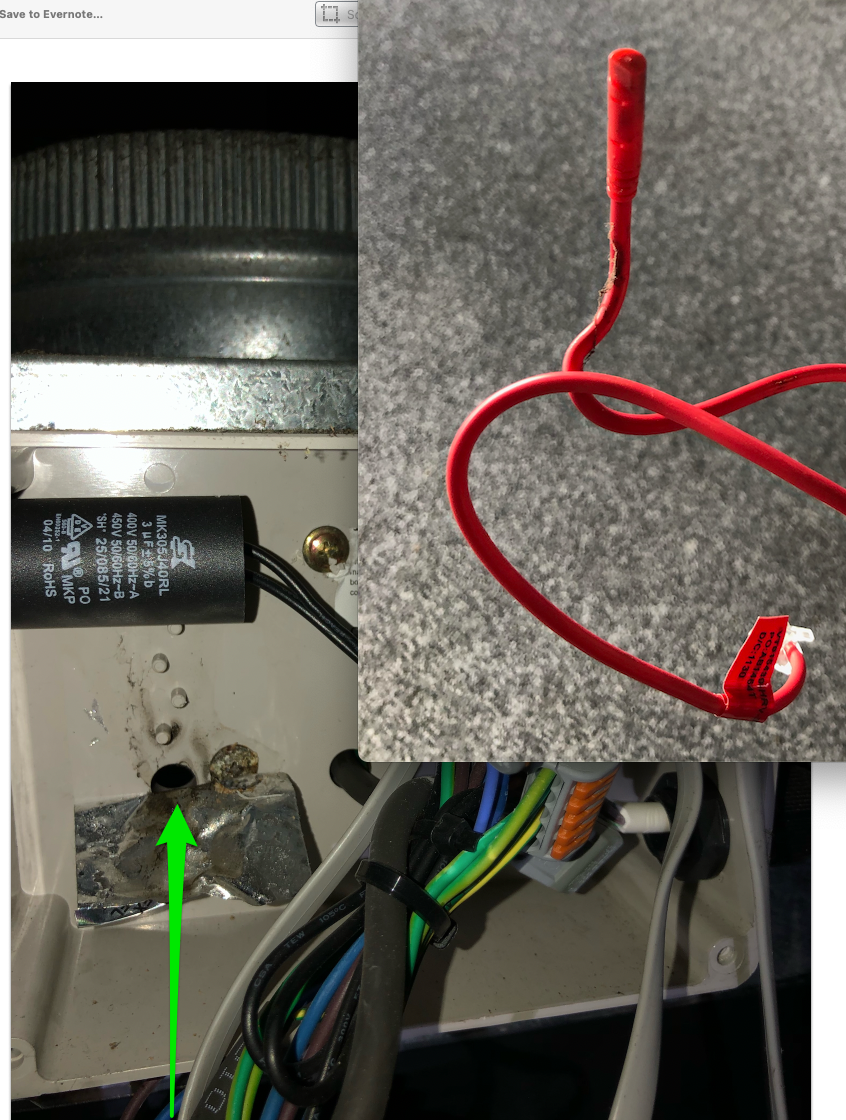
Hi, new to this forum.  Generation 1 HRV system has error code ER01.  HRV say it is a temperature probe and they can replace it for just over $100.  I want to find the probe and see if it just needs a clean.  Any suggestions on what it will look like, where it is likely to be in the system, or any other pointers.  Thanks.


Create new topic
sheldonlendrum
Sheldon
120 posts

Master Geek
+1 received by user: 28

Lifetime subscriber

  #2529710 27-Jul-2020 16:57
Send private message

Yes,


I've recently replaced ours. I paid HRV $75 for the part alone.. so $100 fitted is not tooo bad, our local quoted $300.


Get in the roof, and find your fan unit (if more than one, it's the one with the control box onthe side). 


Open it up (take a Phillips screwdriver) and you'll see a data cable with a RJ11 plug, that is fed into the fan unit itself.


You should be able to gently pull it out of the fan unit, but I'm guessing it's not a clean thing, but a dead thing.. 


Sheldon Lendrum
@SheldonLendrum
http://www.inboxdesign.co.nz/

UFF Speedtest


LittleAl

3 posts

Wannabe Geek


  #2529718 27-Jul-2020 17:08
Send private message

Thanks for that.  Does the system still work with the error? 


sheldonlendrum
Sheldon
120 posts

Master Geek
+1 received by user: 28

Lifetime subscriber

  #2529727 27-Jul-2020 17:19
Send private message

No


Sheldon Lendrum
@SheldonLendrum
http://www.inboxdesign.co.nz/

UFF Speedtest


LittleAl

3 posts

Wannabe Geek


  #2529733 27-Jul-2020 17:36
Send private message

Thanks for your help.


cappuccino1
1 post

Wannabe Geek
+1 received by user: 1


  #2532568 1-Aug-2020 09:49
Send private message

Thanks to Sheldon for the note. 


I figured out the temperature probe is actually DS18b20, you can find one from trademe for less than $5. Fit it on a RJ11 or connect to the old one. Then you are good to go. 


I tested on mine, and it is working now.


Candonz
5 posts

Wannabe Geek


  #2752430 30-Jul-2021 13:56
Send private message

Thanks heaps for this post.


I found by stripping back the plastic insulation around the sensor that there was a white residue that was shorting out the pins.


After cleaning the residue off with some isopropyl alcohol and reinserting it that the unit has been back to normal.


I believe the white residue may have been from dried condensation.


Also you can buy the part from jaycar, the part no is xc 3700 but you will need to de-solder it off the board supplied and re-solder it on the cable.


🙂


Create new topic


Geekzone Live »

Try automatic live updates from Geekzone directly in your browser, without refreshing the page, with Geekzone Live now.


Are you subscribed to our RSS feed? You can download the latest headlines and summaries from our stories directly to your computer or smartphone by using a feed reader.